Write messages
WARNING: For important information about avoiding distractions that could lead to
dangerous situations, see .
Create a new message from the Home screen. On iPhone 6s and iPhone 6s Plus, press
Mail, then choose the New Message quick action. See .
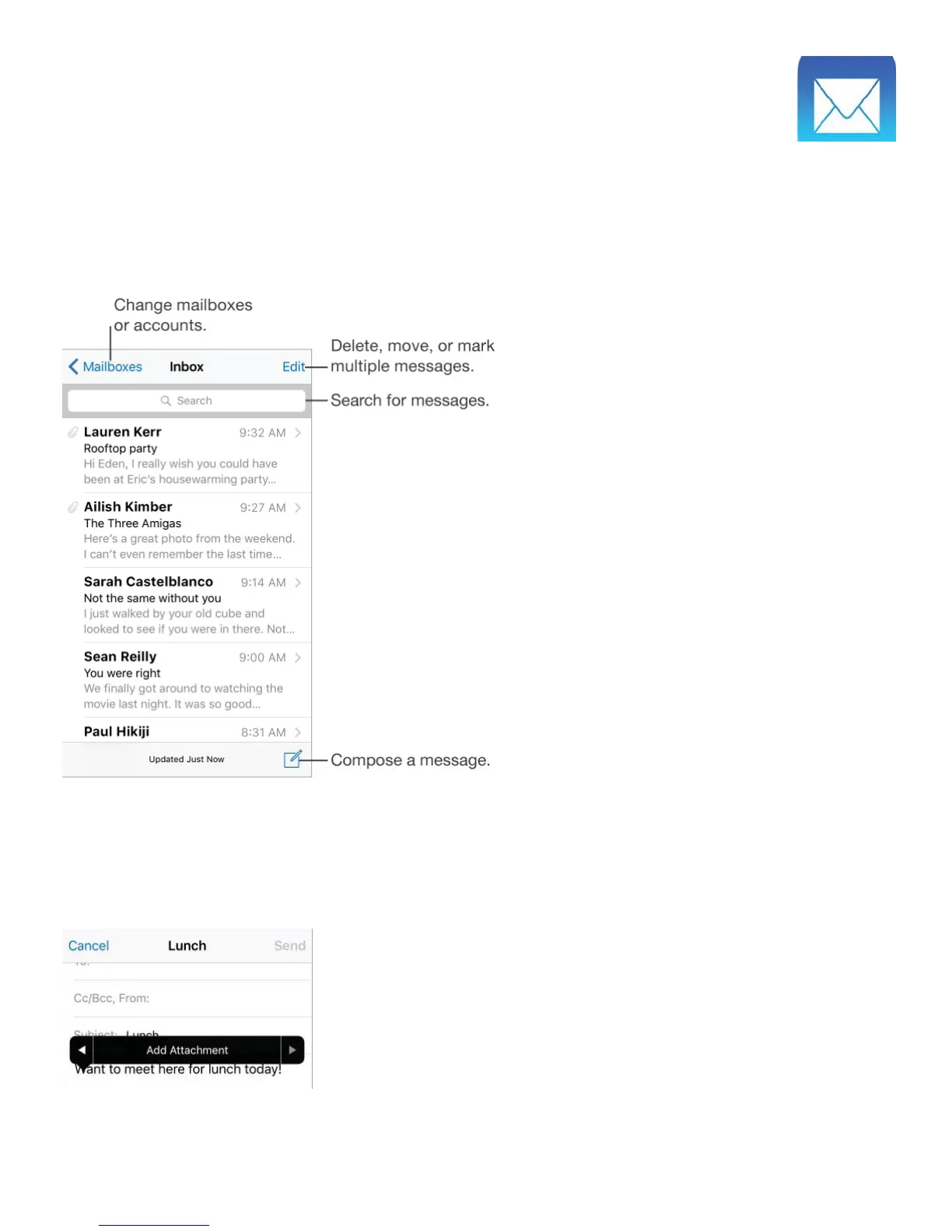
Add attachments. Double-tap, tap Add Attachment, then select files from iCloud Drive.
Insert a photo or video. Double-tap, then tap Insert Photo or Video. Also see .



 To Next Page