Quote some text when you reply. Tap the insertion point, then select the text you want to
include. Tap , then tap Reply. You can turn off the indentation of the quoted text in
Settings > Mail, Contacts, Calendars > Increase Quote Level.
Send a message from a different account. Tap the From field to choose an account.
Change a recipient from Cc to Bcc. After you enter recipients, you can drag them from
one field to another or change their order.
Mark addresses outside certain domains. When you’re addressing a message to a
recipient that’s not in your organization’s domain, Mail can color the recipient’s name red to
alert you. Go to Settings > Mail, Contacts, Calendars > Mark Addresses, then define the
domains that you don’t want marked. You can enter multiple domains separated by
commas, such as “apple.com, example.org.”
Ask Siri. Say something like:
“New email to Jonah Schmidt”
“Email Simon and say I got the forms, thanks”
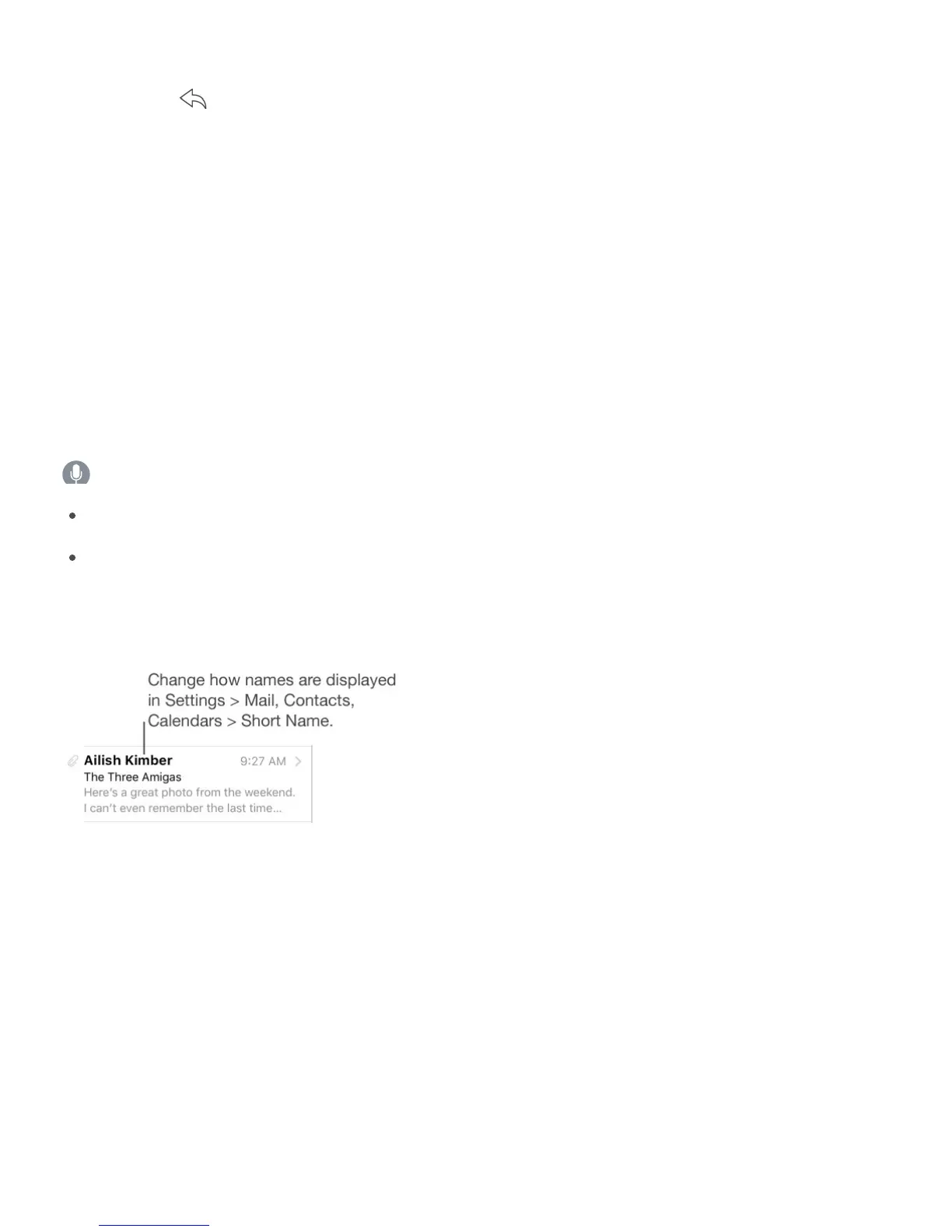
Preview your messages
See a longer preview. Go to Settings > Mail, Contacts, Calendars > Preview. You can
show up to five lines.
Quickly preview a message. On iPhone 6s and iPhone 6s Plus, press a message to peek
at it, then swipe up, left, or right to use quick actions. Press a little deeper to pop the
message open. See .
Is this message for me? Go to Settings > Mail, Contacts, Calendars, then turn on Show
To/Cc Label. If the label says Cc instead of To, you were just copied. You can also use the
To/Cc mailbox, which gathers all mail addressed to you. To show or hide it, swipe to the
right (or tap Mailboxes), then tap Edit.



 To Next Page