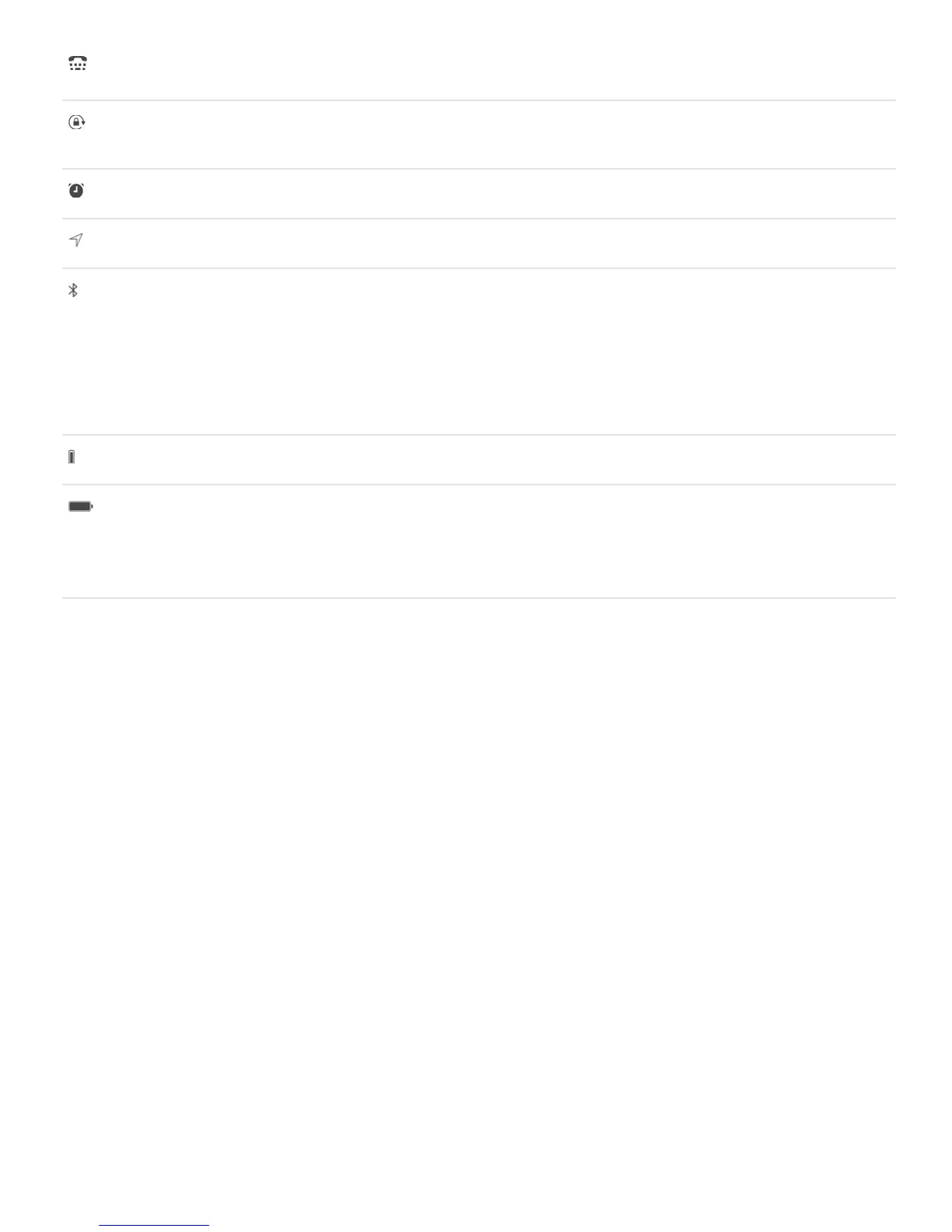
TTY iPhone is set to work with a TTY machine. See
.
Portrait orientation lock
The iPhone screen is locked in portrait orientation. See
.
Alarm
An alarm is set. See .
Location Services
An item is using Location Services. See .
Bluetooth®
Blue or white icon: Bluetooth is on and paired with a
device.
Gray icon: Bluetooth is on. If iPhone is paired with a
device, the device may be out of range or turned off.
No icon: Bluetooth is turned off.
See .
Bluetooth battery
Shows the battery level of a paired Bluetooth device.
Battery
Gray icon: Shows the iPhone battery level or charging
status. See .
Yellow icon: Low Power Mode is on. See
.
TTY
support



 To Next Page