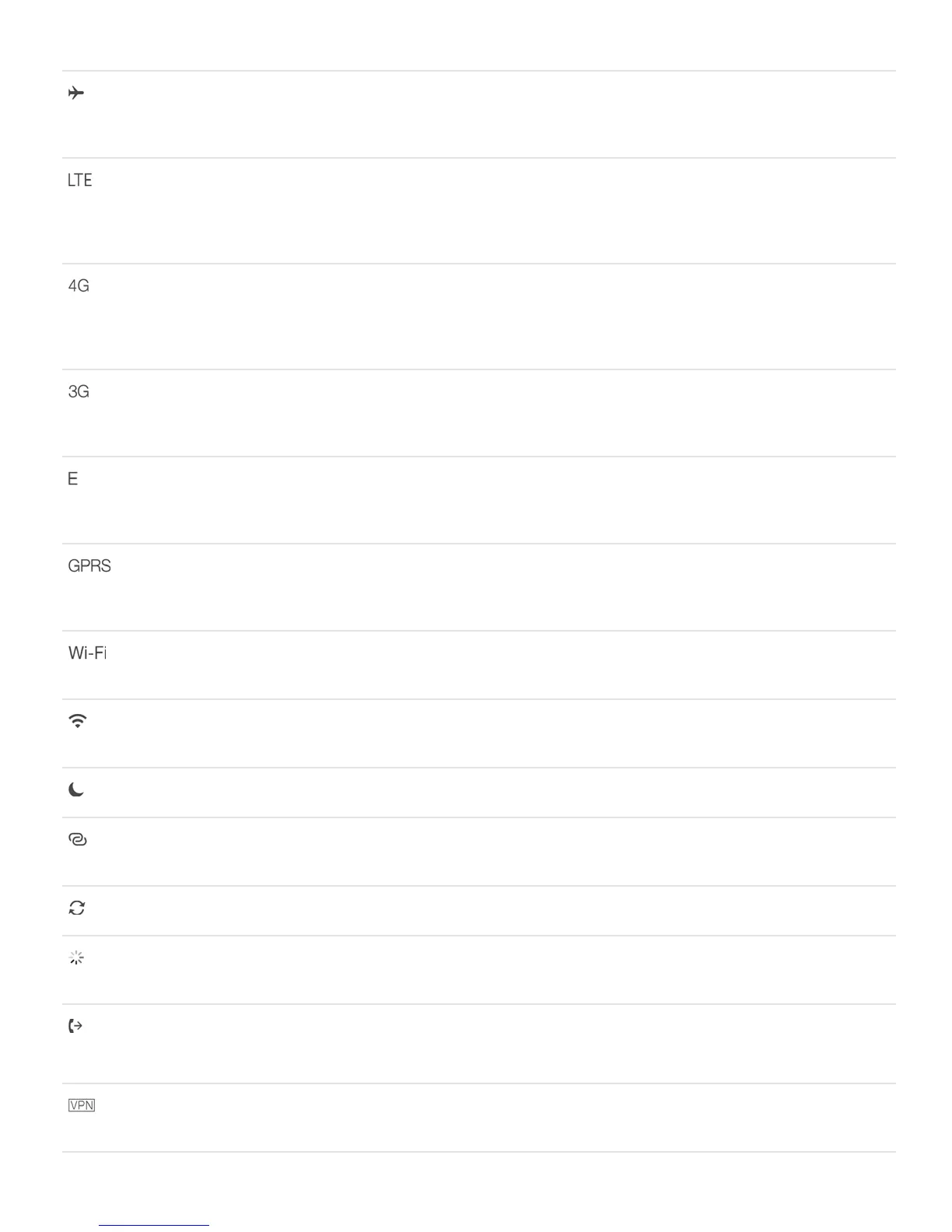
Airplane mode
Airplane mode is on—you can’t make phone calls, and
other wireless functions may be disabled. See
.
LTE
Your carrier’s LTE network is available, and iPhone can
connect to the Internet over that network. (iPhone 5
and later. Not available in all areas.) See
.
UMTS
Your carrier’s 4G UMTS (GSM) or LTE network
(depending on carrier) is available, and iPhone can
connect to the Internet over that network. (Not available
in all areas.) See .
UMTS/EV-DO
Your carrier’s 3G UMTS (GSM) or EV-DO (CDMA)
network is available, and iPhone can connect to the
Internet over that network. See .
EDGE
Your carrier’s EDGE (GSM) network is available, and
iPhone can connect to the Internet over that network.
See .
GPRS/1xRTT
Your carrier’s GPRS (GSM) or 1xRTT (CDMA) network is
available, and iPhone can connect to the Internet over
that network. See .
Wi-Fi call
iPhone is set up for Wi-Fi calling. iPhone also displays a
carrier name next to the icon. See .
Wi-Fi
iPhone is connected to the Internet over a Wi-Fi
network. See .
Do Not Disturb
“Do Not Disturb” is turned on. See .
Personal Hotspot
iPhone is providing a Personal Hotspot for another
device. See .
Syncing
iPhone is syncing with iTunes. See .
Network activity
Shows that there’s network activity. Some third-party
apps may also use it to show an active process.
Call Forwarding
Call Forwarding is set up. See
.
VPN
You’re connected to a network using VPN. See
.



 To Next Page