2
15
2 Lesson 2:
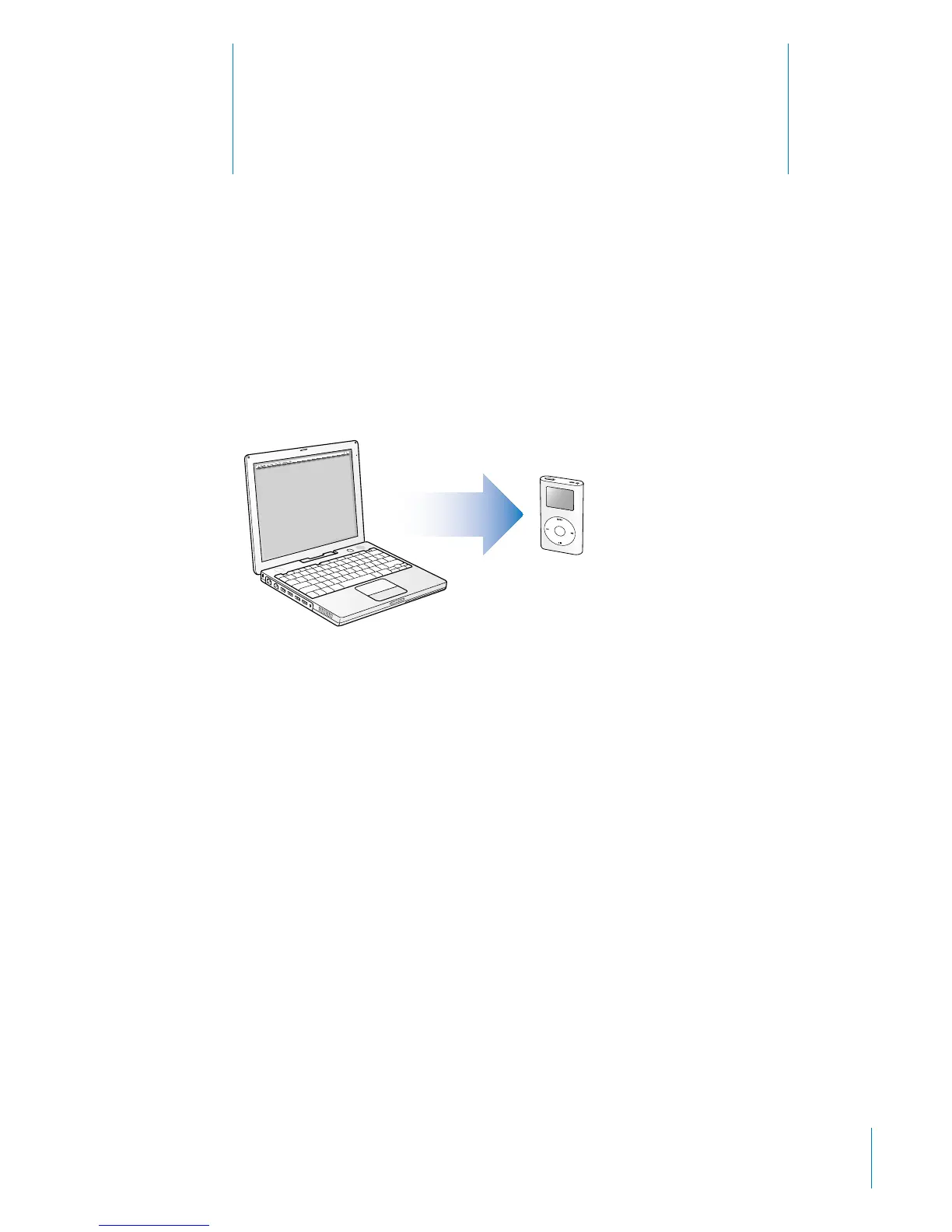
Transferring Music to iPod mini
This lesson tells you how to charge the iPod mini battery,
connect iPod mini to your computer, and transfer music
from your computer to iPod mini.
Before You Begin
Before you start, make sure you have each of the following items on hand:
• Your iPod mini and your computer
• The iPod Power Adapter that came with your iPod mini
• The iPod Dock Connector to FireWire Cable that came with your iPod mini
• The iPod Dock Connector to USB 2.0 Cable that came with your iPod mini (needed
only if you’re connecting iPod mini to a USB 2.0 port on your computer—see below)
Charging the iPod mini Battery
iPod mini has an internal, nonremovable battery. For best results, charge your iPod mini
for at least two hours before you continue this lesson.
To charge the iPod mini battery:
1 Connect the iPod Dock Connector to FireWire Cable to the iPod Power Adapter, and
plug the other end of the cable in to iPod mini.



 To Next Page