Quick Start 9
Step 3: Connect iPod mini to Charge the Battery and Transfer Music
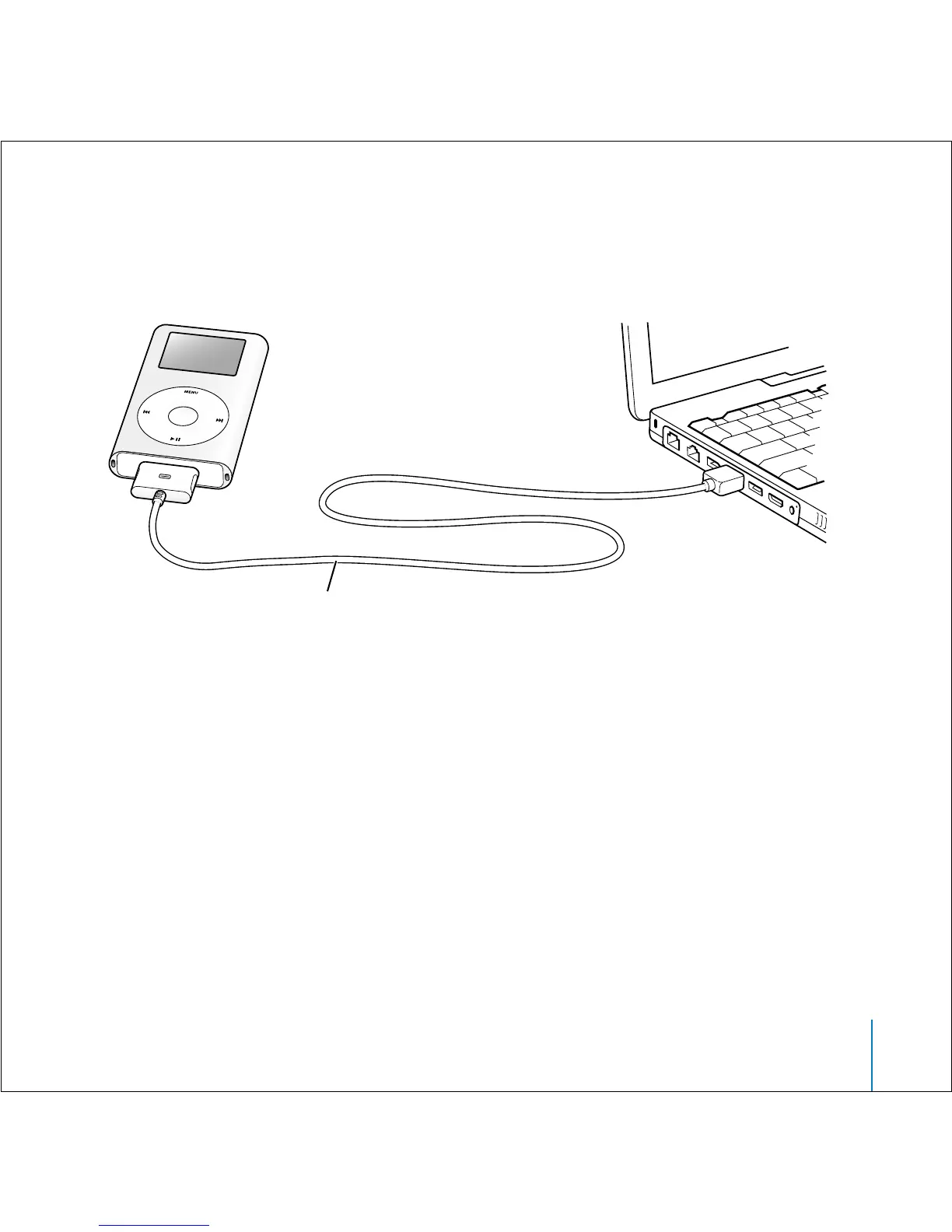
Connect iPod mini to a high-power USB 2.0 port on your computer using the included
iPod Dock Connector to USB 2.0 Cable.
When you connect iPod mini to your computer, iTunes opens. Follow the simple
onscreen instructions to transfer songs and playlists to iPod mini.
To charge the battery:
When iPod mini is connected to your computer, the battery charges. Before
disconnecting iPod mini the first time, let the battery charge for at least an hour.
If you are connecting to a high-power USB 2.0 port,
use the iPod Dock Connector to USB 2.0 Cable. If you
are connecting to a FireWire 400 port, use an iPod Dock
Connector to FireWire Cable (available separately).



 To Next Page