Quick Start 11
Step 4: Play Music
When the song transfer is complete and you’re ready to disconnect iPod mini, squeeze
both sides of the Dock connector to disconnect the cable from iPod mini.
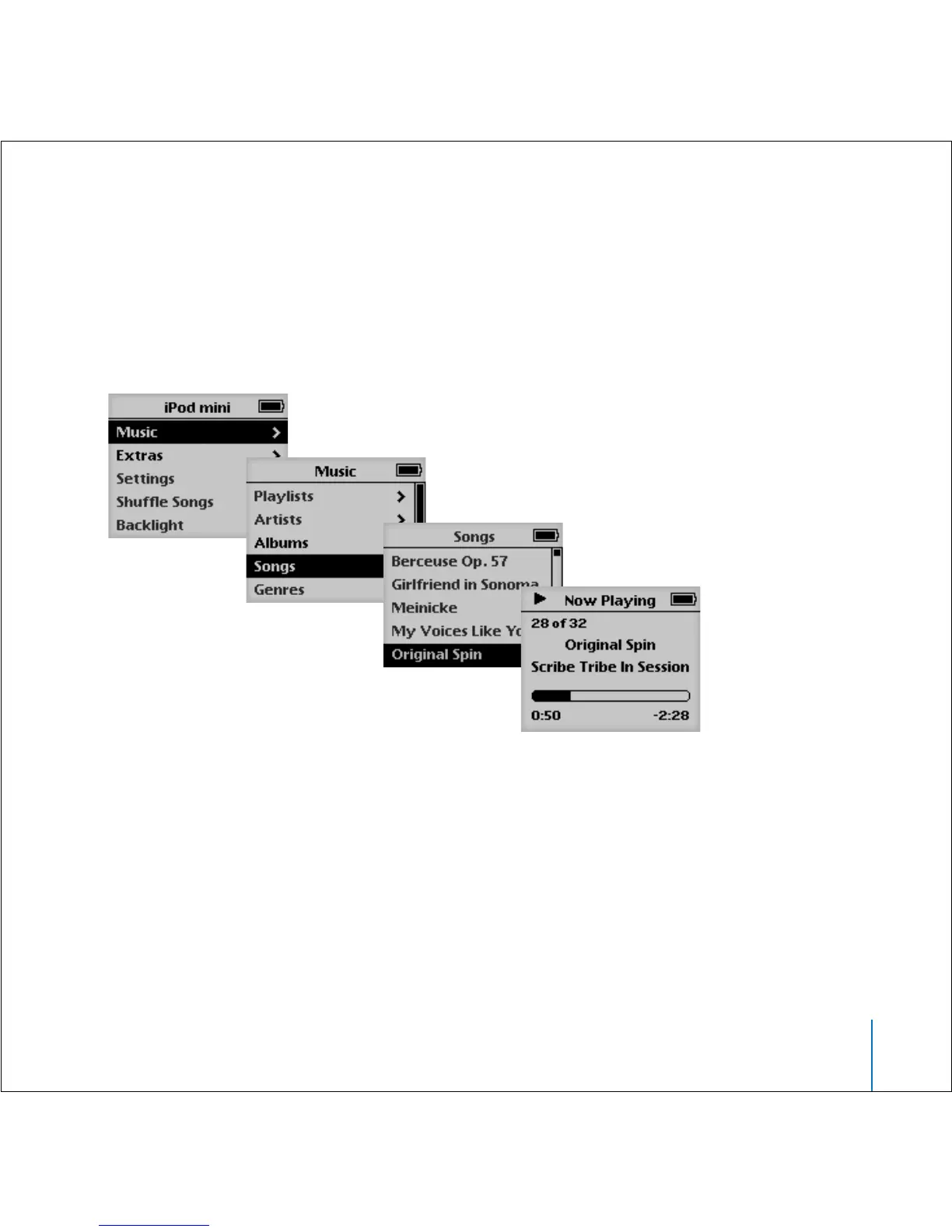
Then use the Click Wheel and Select button (in the center of iPod mini) to browse for a
song. Press the Play or Select button and enjoy!
To Learn More
Read the next chapter to learn more about using the Click Wheel and the other
iPod mini controls, transferring music to and managing music on iPod mini, using other
features of iPod mini, charging the battery, and using iPod mini accessories.



 To Next Page