20 Using iPod mini
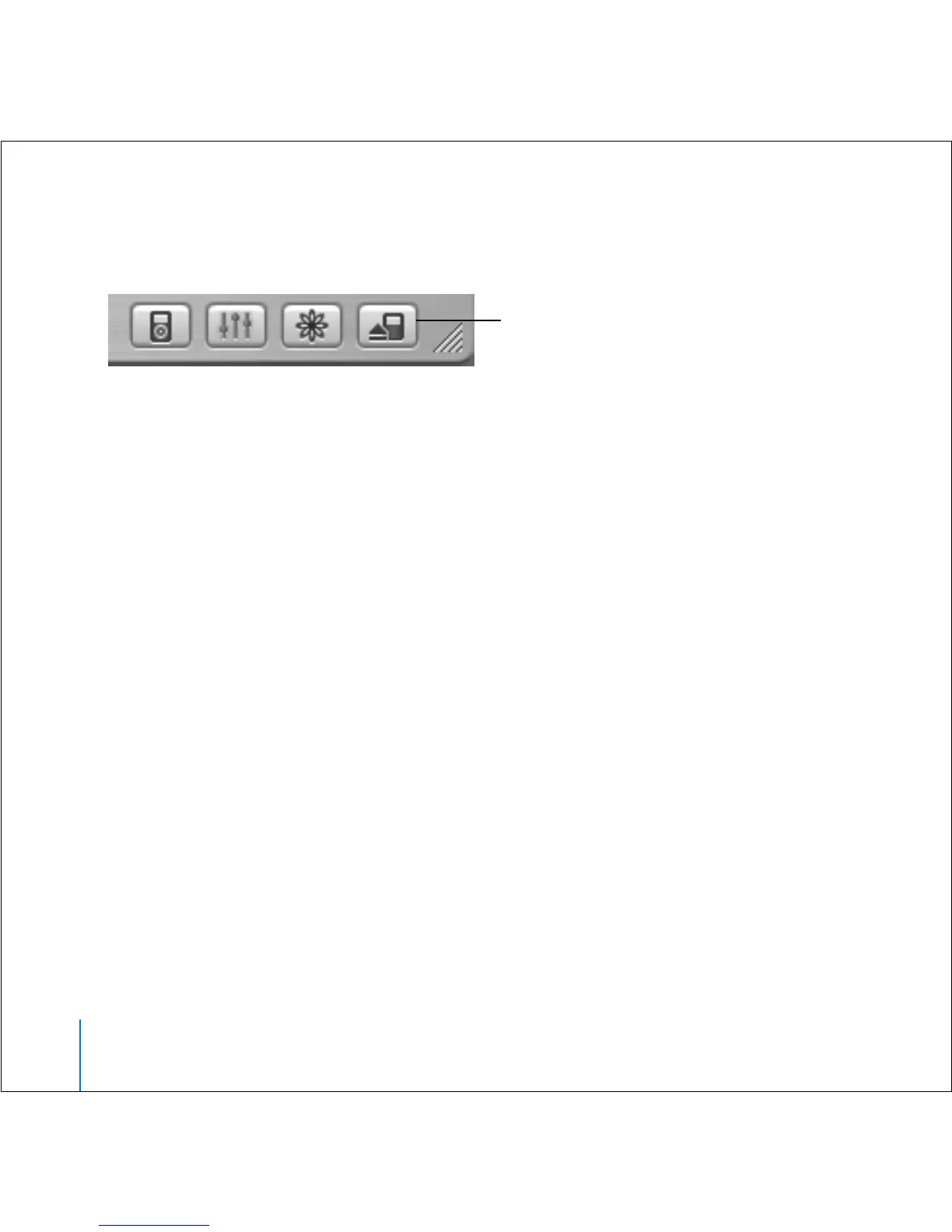
To eject iPod mini:
n
Select iPod mini in the iTunes Source list and click the Eject button.
If you’re using a Mac, you can also eject iPod mini by dragging the iPod mini icon on the
desktop to the Trash.
If you’re using a Windows PC, you can eject iPod mini by clicking the Safely Remove
Hardware icon in the Windows system tray and selecting your iPod mini.
To disconnect iPod mini:
• If iPod mini is connected to an iPod cable, squeeze both sides of the Dock connector to
disconnect the cable from iPod mini.
• If iPod mini is in the Dock, simply remove it.
Important: Don’t disconnect iPod mini if you see the “Do not disconnect” message. You
could damage files on iPod mini. If you see this message, you must eject iPod mini
before disconnecting it.
Eject button



 To Next Page