Using iPod mini 21
Connecting iPod mini Using the iPod mini Dock
(Available Separately)
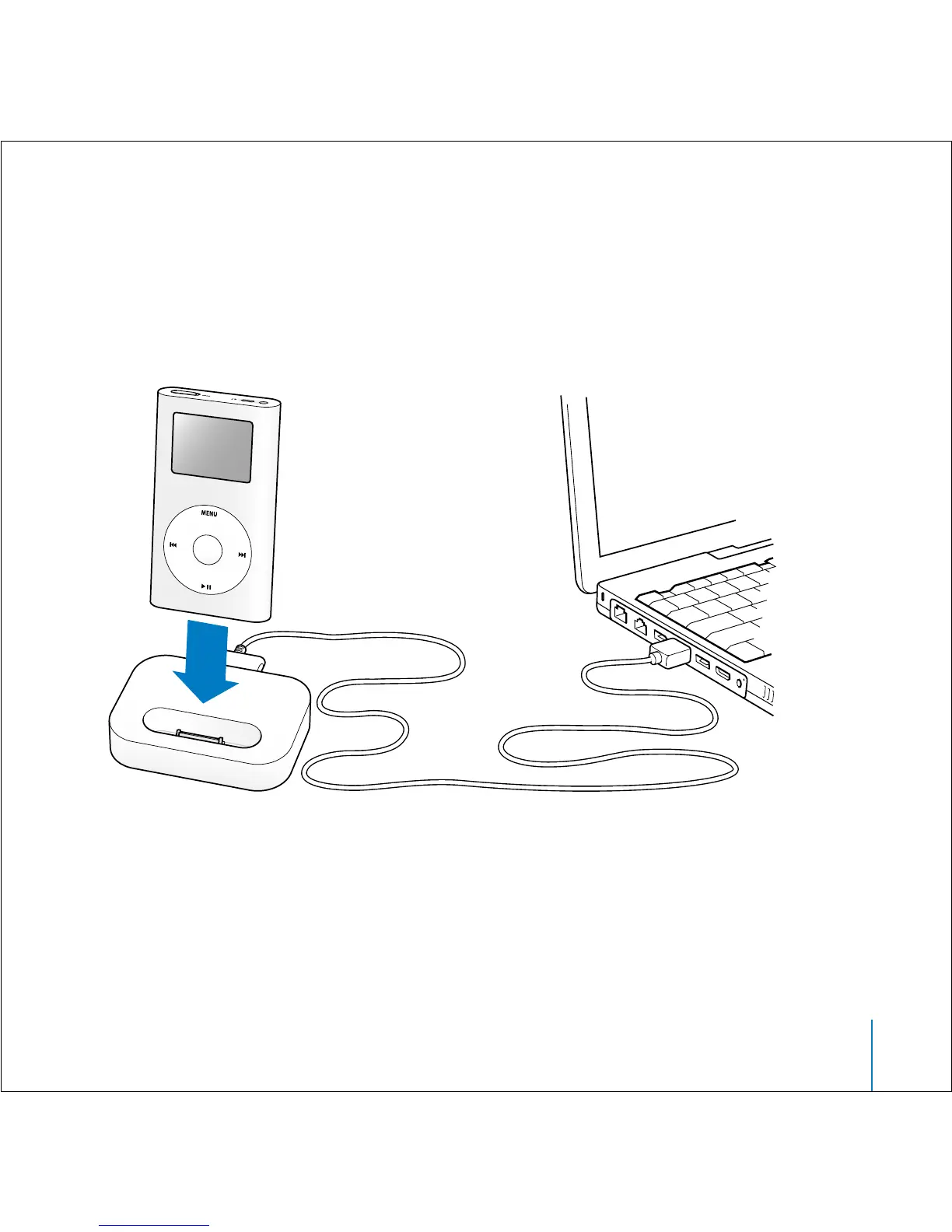
The iPod mini Dock holds iPod mini upright as it charges or transfers music. Connect
the Dock to your computer using the iPod Dock Connector to USB 2.0 Cable, then put
iPod mini in the Dock.
Using the iPod mini Dock, you can play music from iPod mini over external powered
speakers or a home stereo. You need an audio cable with a standard 3.5 millimeter
stereo miniplug (many external speakers have this type of cable attached).
To play music from iPod mini using the Dock:
1 Place iPod mini in the Dock.



 To Next Page