22 Using iPod mini
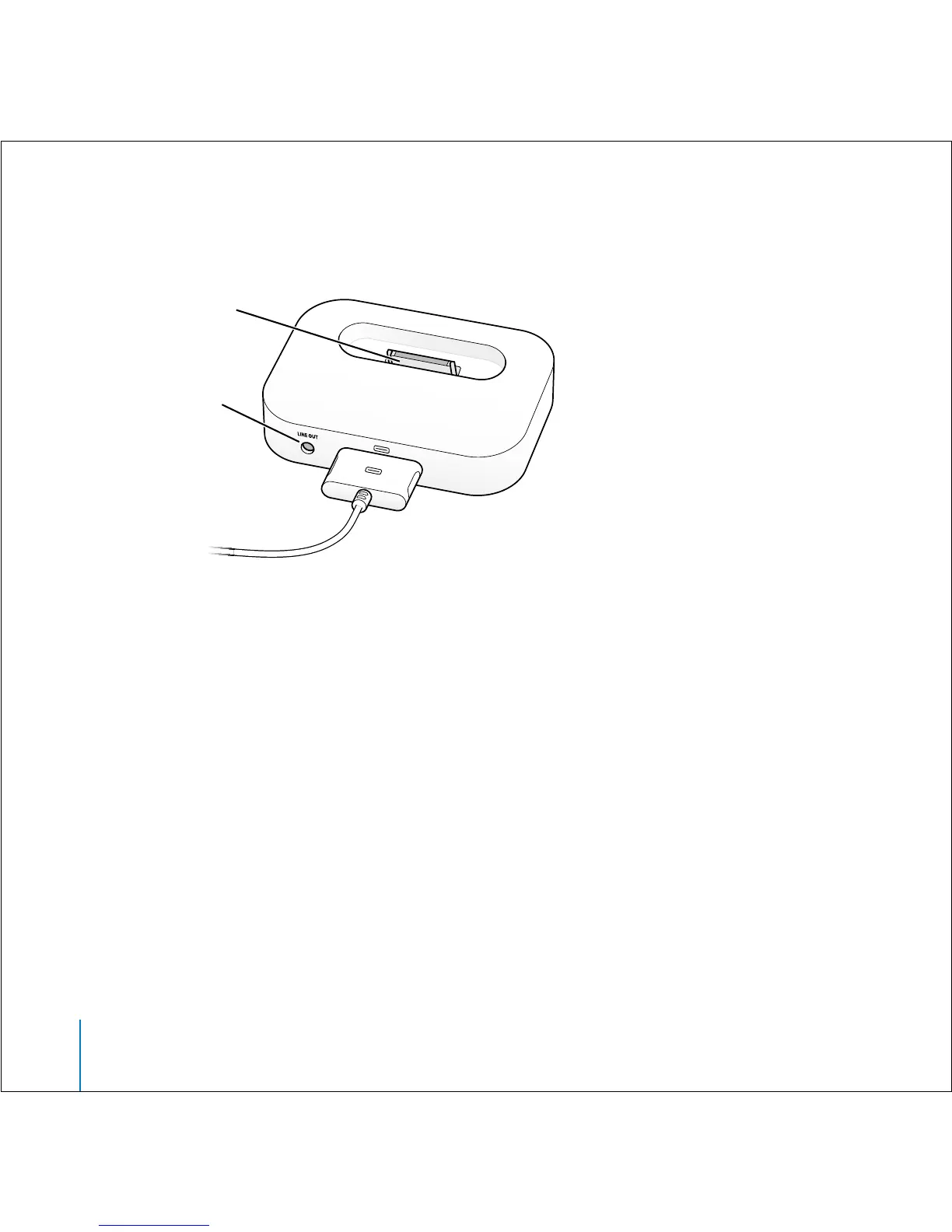
2 Connect the speakers or stereo to the Dock Line Out port using an audio cable with a
3.5 millimeter stereo miniplug.
3 Use the iPod mini controls to play a song.
When the Dock is connected to an external audio source, use the volume controls on
the external source to change the volume.
Organizing and Transferring Your Music
For instructions for getting started playing music on iPod mini, see “Four Steps to
Playing Music on iPod mini” on page 8. Read on for more information about organizing
and transferring your music.
About iTunes
iTunes is the software application you use to manage the music on your computer and
transfer music to iPod mini. When you connect iPod mini to your computer, iTunes
opens automatically.
Line Out port
iPod connector



 To Next Page