26 Using iPod mini
Transferring Songs and Playlists to iPod mini Automatically
By default, iPod mini updates automatically when you connect it to your computer.
iTunes updates the iPod mini music library to match the songs and playlists in your
computer’s music library, transferring new songs to iPod mini and deleting songs from
iPod mini that aren’t in your music library.
You can set iPod mini to transfer only certain songs in your iTunes music library. This is
useful if you have more music on your computer than will fit on your iPod mini.
To update iPod mini with only certain songs:
1 In iTunes, check the boxes next to songs you want to transfer (by default, all songs are
checked).
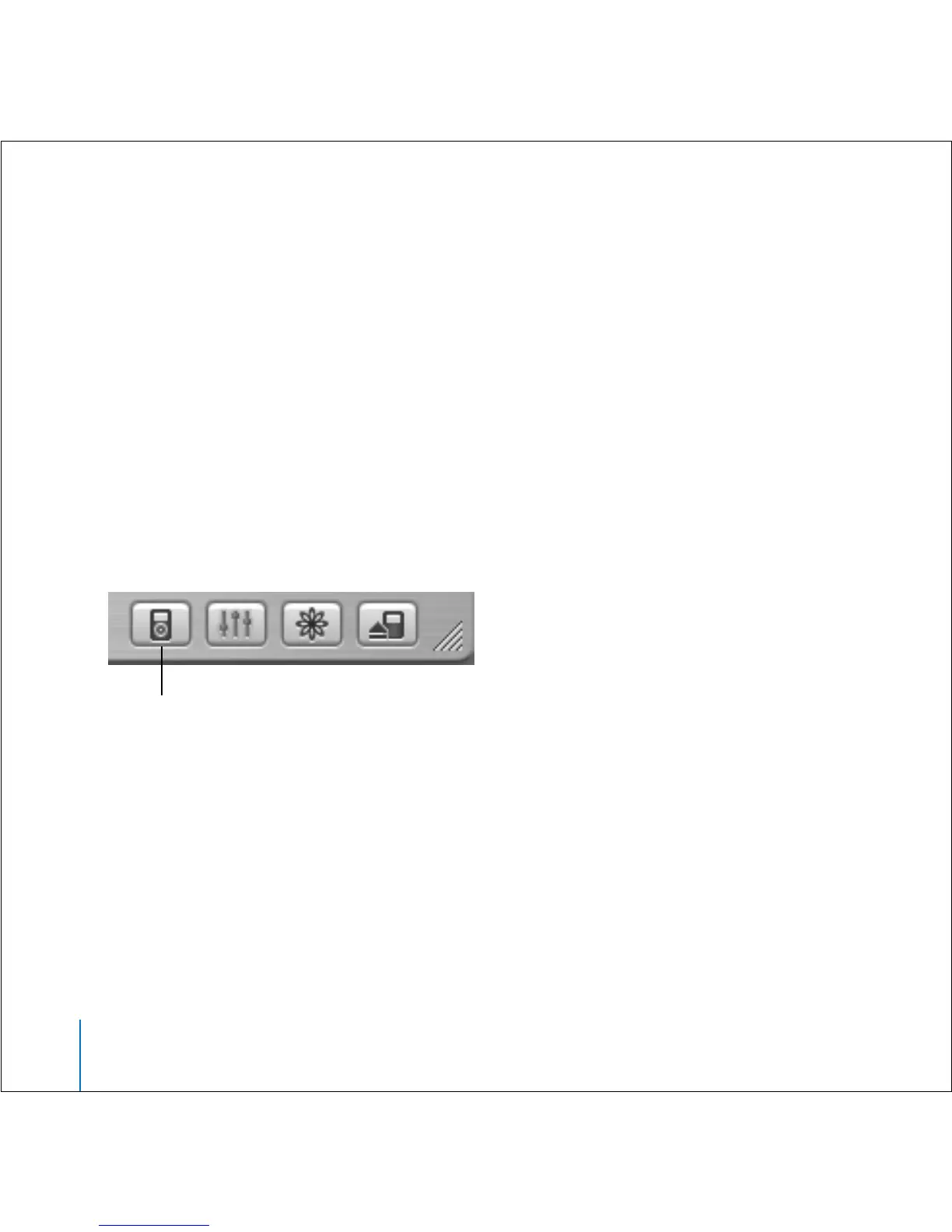
2 Select iPod mini in the iTunes Source list and click the Options button.
3 Select “Only update checked songs.”
To set iPod mini to update only selected playlists:
1 In iTunes, select iPod mini in the Source list and click the Options button.
2 Select “Automatically update selected playlists only.”
Transferring Songs and Playlists to iPod mini Manually
You can set iPod mini to transfer songs manually, so you can transfer individual songs
and playlists.
Options button



 To Next Page