Using iPod mini 27
When iPod mini is set to transfer songs manually, iTunes won’t update it automatically
when you connect it to your computer.
To set iPod mini to transfer songs manually:
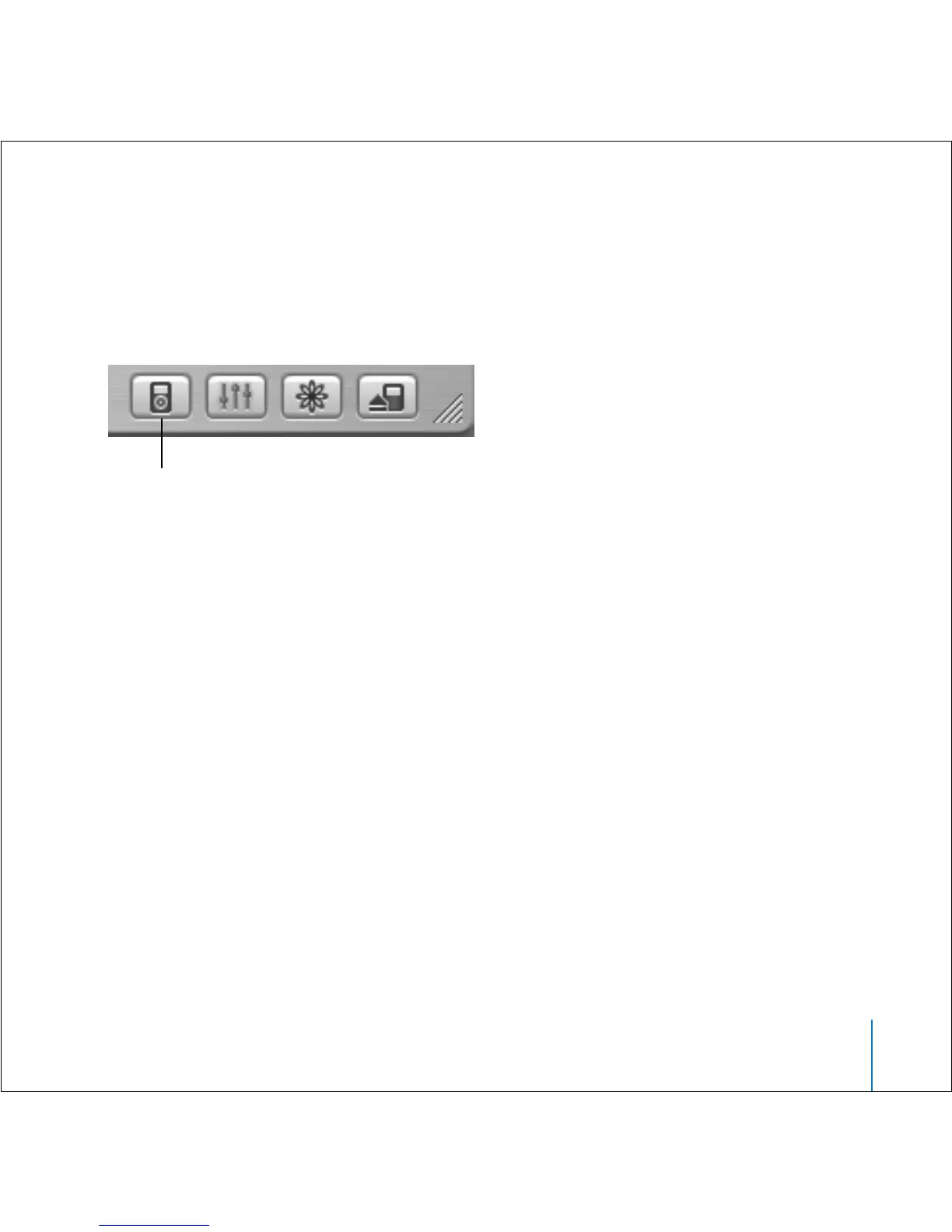
1 In iTunes, select iPod mini in the Source list and click the Options button.
2 Select “Manually manage songs and playlists.”
To transfer a song or playlist to iPod mini manually:
n
In iTunes, drag a song or playlist to iPod mini in the Source list.
Deleting Songs and Playlists From iPod mini Manually
If you have set iPod mini to transfer songs manually (see above), you can delete songs
and playlists from iPod mini individually. Songs deleted from iPod mini manually are
not deleted from the iTunes library.
To delete a song or playlist from iPod mini:
1 Select iPod mini in the iTunes Source list.
2 Select a song or playlist and press the Delete key on the keyboard.
If you delete a playlist, the songs in the playlist remain on iPod mini.
Options button



 To Next Page