8 -
Testing Procedures
iPod mini
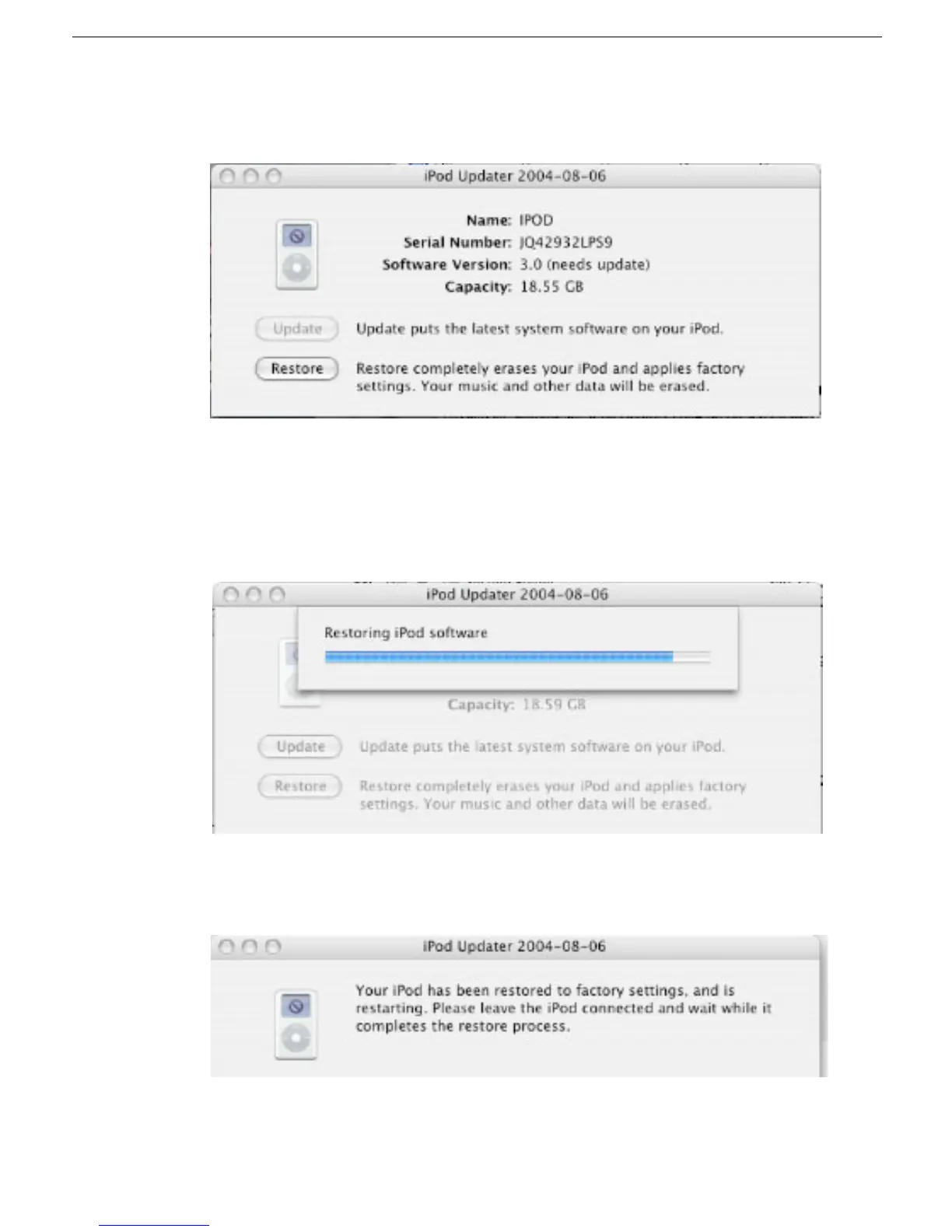
and the iPod Updater window displays the iPod name, serial number, software
version, capacity, and the Restore button is available. Example shown here:
Note:
The approximate Capacity for the 4 GB iPod mini is 3.8 GB.
6. Click Restore. Click Restore again, when it asks you if you are sure.
7. Enter your name and password in the Authenticate screen.
A progress bar appears.
8. When the progress bar completes, the message “Your iPod has been restored..., and
is restarting.” appears.



 To Next Page