Testing Procedures -
9
iPod mini
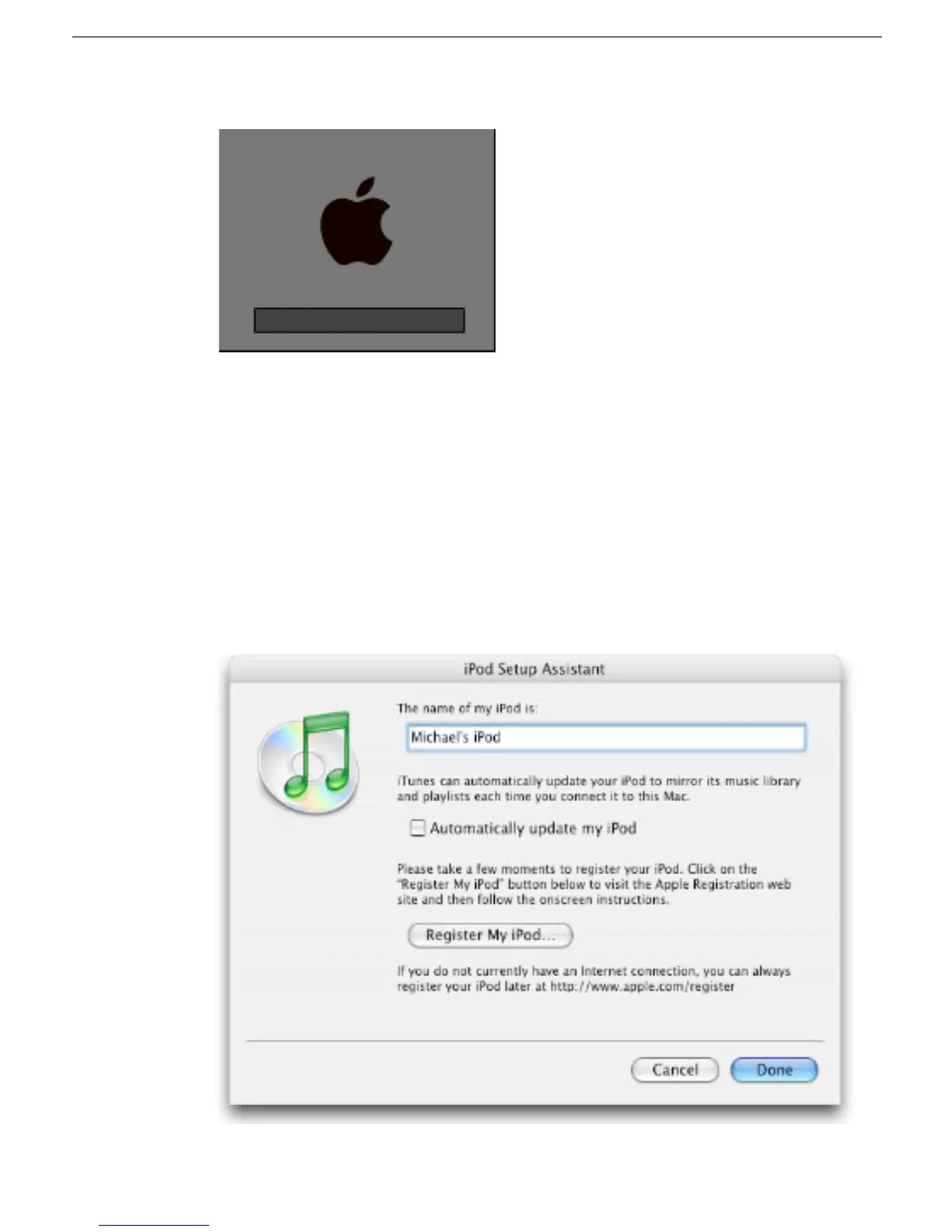
9. The iPod screen will display the Apple and, in a moment, a progress bar will begin.
10. Wait until the iPod Updater window displays the iPod name and serial number screen.
11. Quit the iPod Updater. The iPod has been Restored.
iTunes Synchronization Test
1. Open iTunes if it didn’t launch automatically.
Note:
If iTunes was already open, quit and relaunch it.
2. The iPod Setup Assistant window will be displayed.
3. Uncheck the “Automatically update my iPod” box, then click Done.



 To Next Page