Quick Start 11
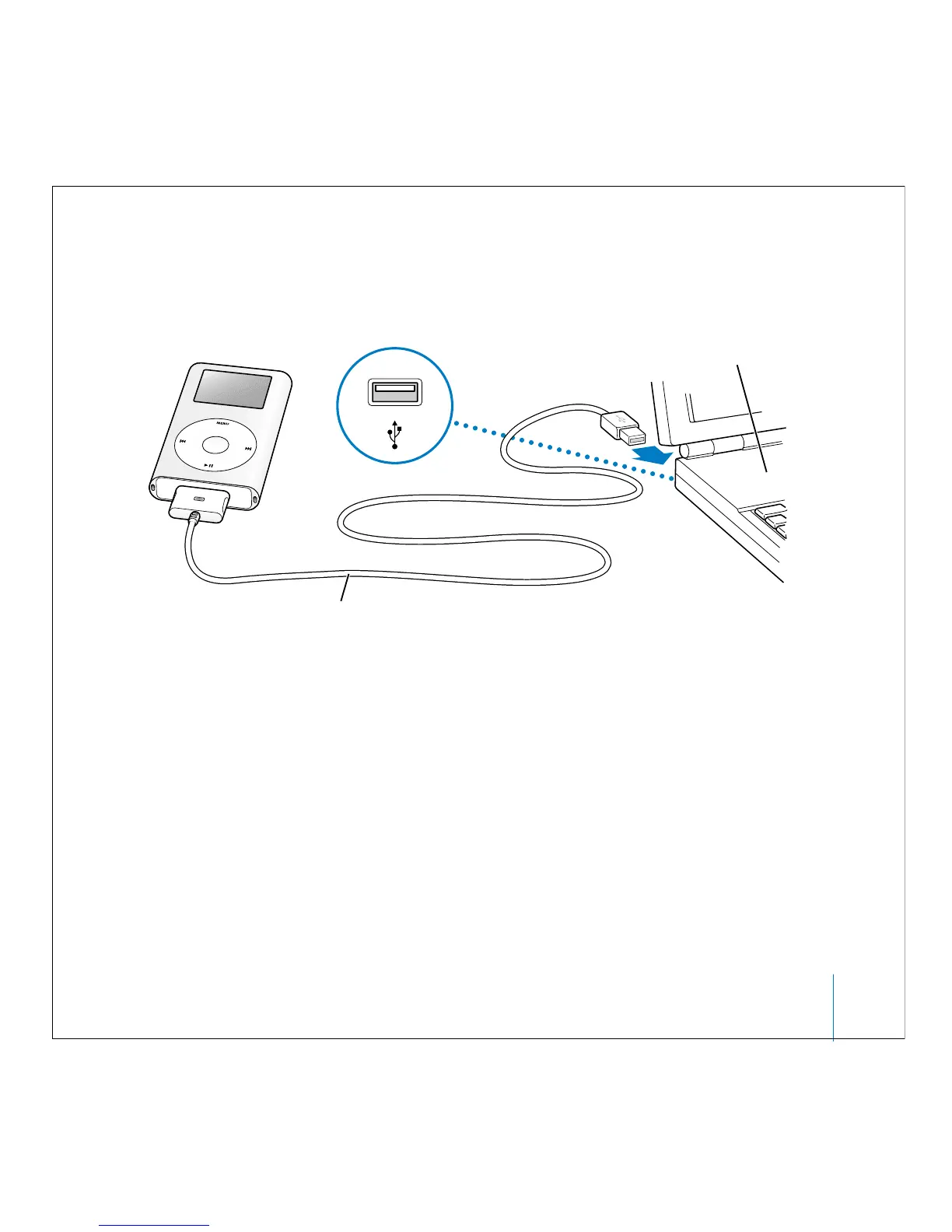
If you have a Windows PC that doesn’t have a FireWire port, but has a high-power USB 2.0
port, use the iPod Dock Connector to USB 2.0 Cable.
Note: Be sure to connect iPod mini to a USB 2.0 port directly on your computer, or to a
powered USB 2.0 hub that’s connected to your computer. iPod mini won’t work if it’s
connected to a low-power USB 2.0 port, such as those sometimes found on keyboards
or other peripherals.
Note: If you’re using a Windows PC laptop computer with a high-power USB 2.0 port,
connect the computer to a power outlet before connecting iPod mini for best results.
When you connect iPod mini to your computer, iTunes opens automatically and
transfers the songs and playlists in your music library to iPod mini.
When the transfer is complete, a message on the iPod mini screen says “OK to
disconnect,” or you see the main menu.
Windows PC
USB 2.0 port
iPod Dock Connector to USB 2.0 Cable



 To Next Page