12 Quick Start
If your Windows PC doesn’t have a FireWire port or a USB 2.0 port, you can purchase a
FireWire card or USB 2.0 card, and install it.
For more information on cables and compatible FireWire and USB cards,
go to www.apple.com/ipod.
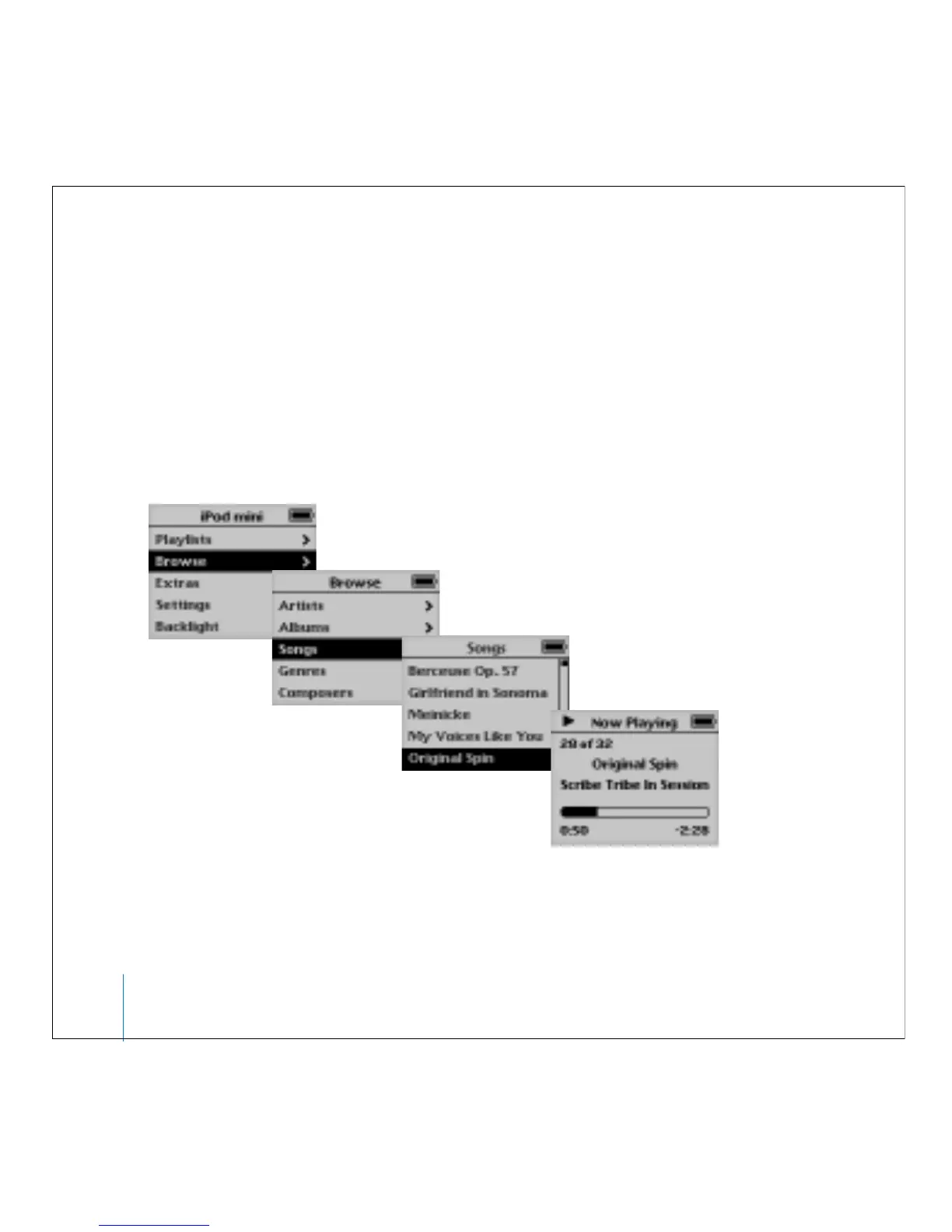
Step 5: Play Music
When the song transfer is complete, disconnect iPod mini from your computer. Use the
Click Wheel and Select button to browse for a song. Then press the Play or Select
button and enjoy!



 To Next Page