12 Chapter 1 Lesson 1: Getting Music Into iTunes
Before You Begin
Before you start, grab some of your favorite audio CDs. Or, if you have an Internet
connection, you can purchase music online.
In some tasks shown in this lesson, you will see instructions for choosing iTunes menu
commands, which look like this:
Choose File > Get Info.
The first term after Choose is the name of a menu in the iTunes menu bar. The next
term is the item you choose from that menu.
Importing Music From Your Audio CDs Into iTunes
Follow these instructions to get music from your CDs into your computer.
To import music from an audio CD into iTunes:
1 Insert a CD into your computer and open iTunes.
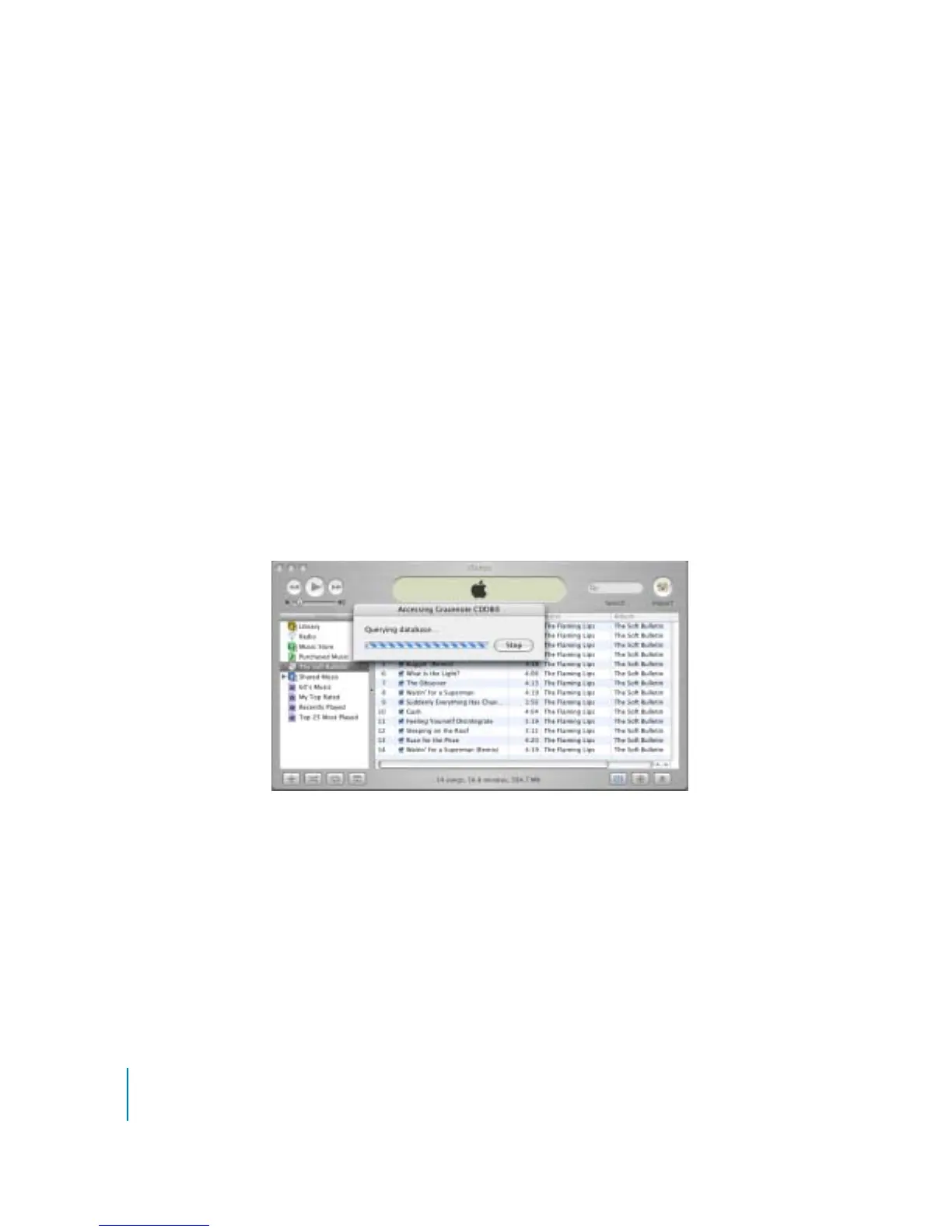
If you have an Internet connection, iTunes gets the names of the songs on the CD from
the Internet and lists them in the window.
If you are connected to the Internet and iTunes doesn’t get the names automatically, choose
Advanced > Get CD Track Names.
If you don’t have an Internet connection, you can enter the names of the songs on the
CD manually. Entering song information (or getting it automatically from the Internet)
allows you to browse for songs in iTunes or on iPod mini by title, artist, album, and
more.



 To Next Page