Chapter 1 Lesson 1: Getting Music Into iTunes 13
To enter CD song titles and other information manually:
a Select the first song on the CD and choose File > Get Info.
b Click Info.
c Enter the song information.
d Click Next to enter information for the next song.
2 Click to remove the checkmark next to any songs you don’t want to import.
3 Click the Import button. The display area at the top of the iTunes window shows how
much time it will take to import each song. By default, iTunes plays songs as they are
imported.
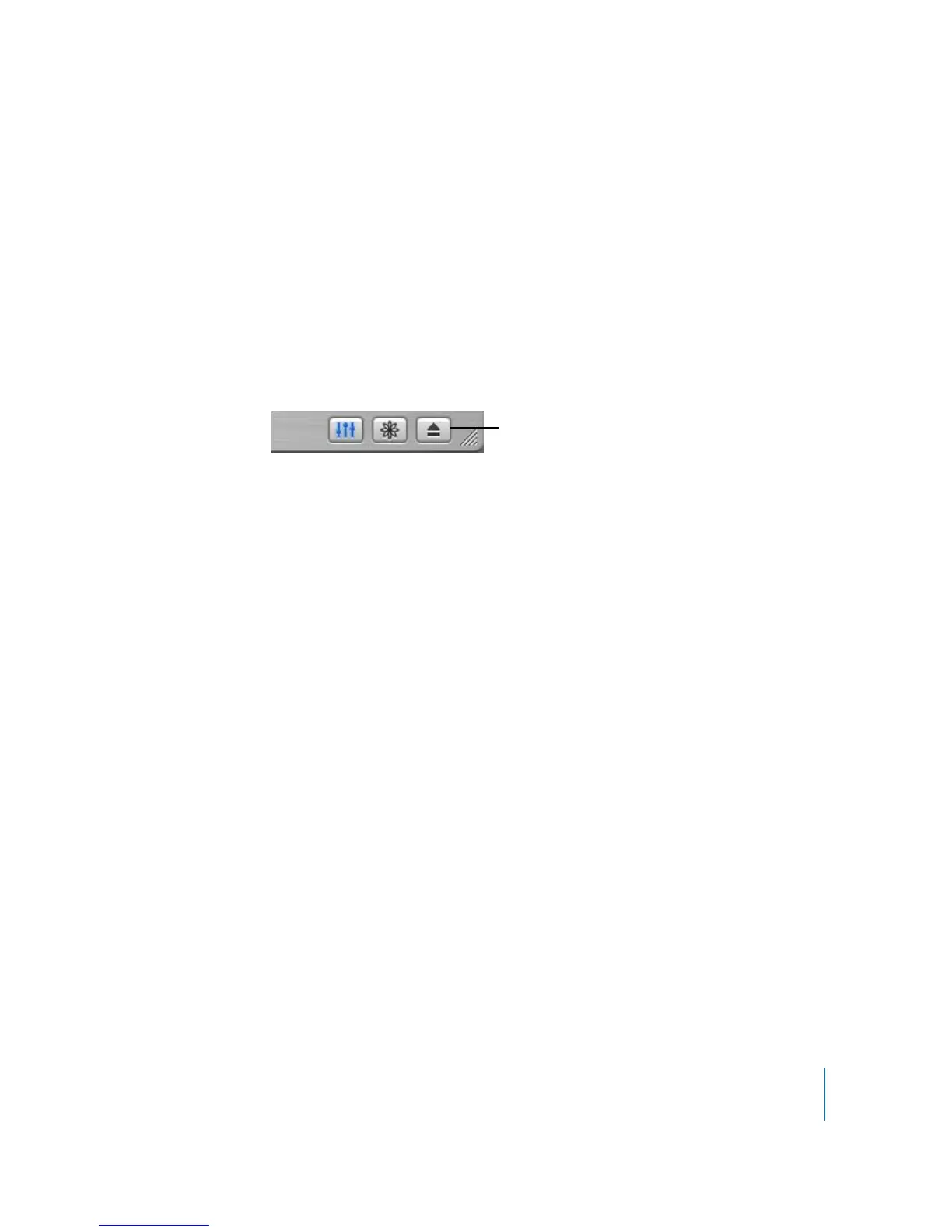
4 To eject the CD, click the Eject button.
5 Repeat these steps for any other CDs with songs you’d like to import.
Buying Songs Online Using the iTunes Music Store
If you have an Internet connection, you can easily purchase and download songs,
albums, and audiobooks online using the iTunes Music Store (currently available only in
the United States).
To purchase music online using the iTunes Music Store, you must set up an Apple
Account in iTunes, find the songs you want, then buy them. If you already have an
Apple Account, or if you have an America Online (AOL) account, you can use that to
sign in to the music store and buy songs.
To sign in to the iTunes Music Store:
1 Open iTunes and click Music Store in the Source list.
2 Click the Account button and follow the onscreen instructions to set up an Apple
Account or enter your existing Apple Account or AOL account information.
To find songs or audiobooks:
You can browse or search the iTunes Music Store to find the album, song, or artist
you’re looking for. Open iTunes and click Music Store in the Source list.
• To browse the Music Store, choose a musical genre from the Choose Genre pop-up
menu on the top-left side of the store, click one of the albums or songs in the center
or right side of the store, or click the Browse button in the top-right corner of the
window.
• To search the Music Store, type the name of an album, song, artist, or composer in the
search field.
Eject button



 To Next Page