18 Chapter 2 Lesson 2: Transferring Music to iPod mini
Transferring Music to iPod mini
By default, iPod mini is set to update automatically with all songs and playlists when
you connect it to your computer. This is the simplest way to transfer music to your
iPod mini. You just connect iPod mini to your computer, let it add songs automatically,
then disconnect it and go.
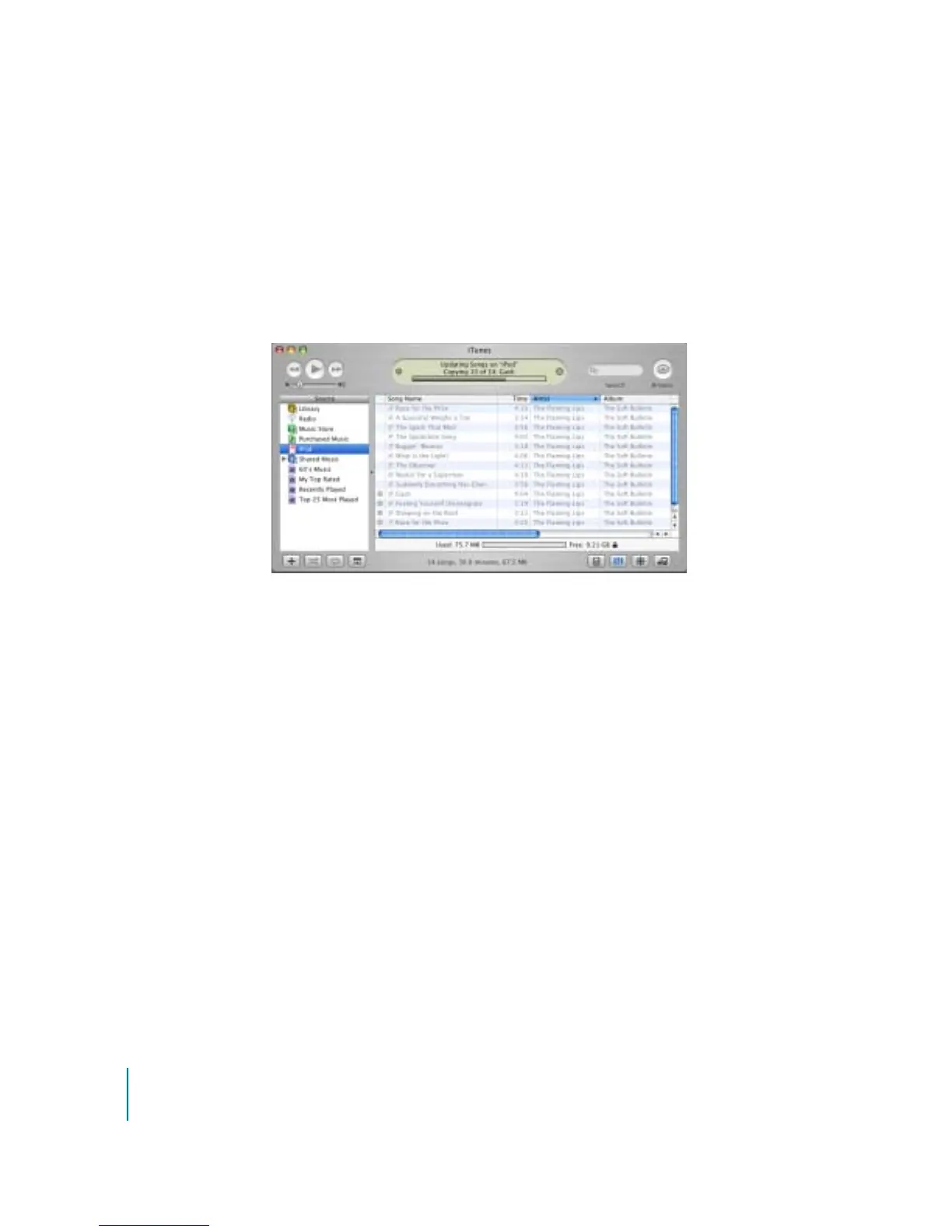
While music is being transferred from your computer to iPod mini, the iTunes status
window shows progress, and the iPod mini icon in iTunes flashes red.
When the transfer is complete, a message in iTunes says “iPod update is complete.”
If there is more music in your iTunes library than can fit on your iPod mini, a dialog
appears asking if you want iTunes to choose which songs to transfer. You can also set
iTunes to let you update iPod mini manually, so you can drag individual songs to
iPod mini and delete individual songs from iPod mini, or you can set iTunes to update
iPod mini automatically with only selected songs or playlists.
To learn these ways of transferring music to iPod mini, see “Lesson 5:
Managing Music on iPod mini” on page 27.



 To Next Page