Chapter 2 Lesson 2: Transferring Music to iPod mini 17
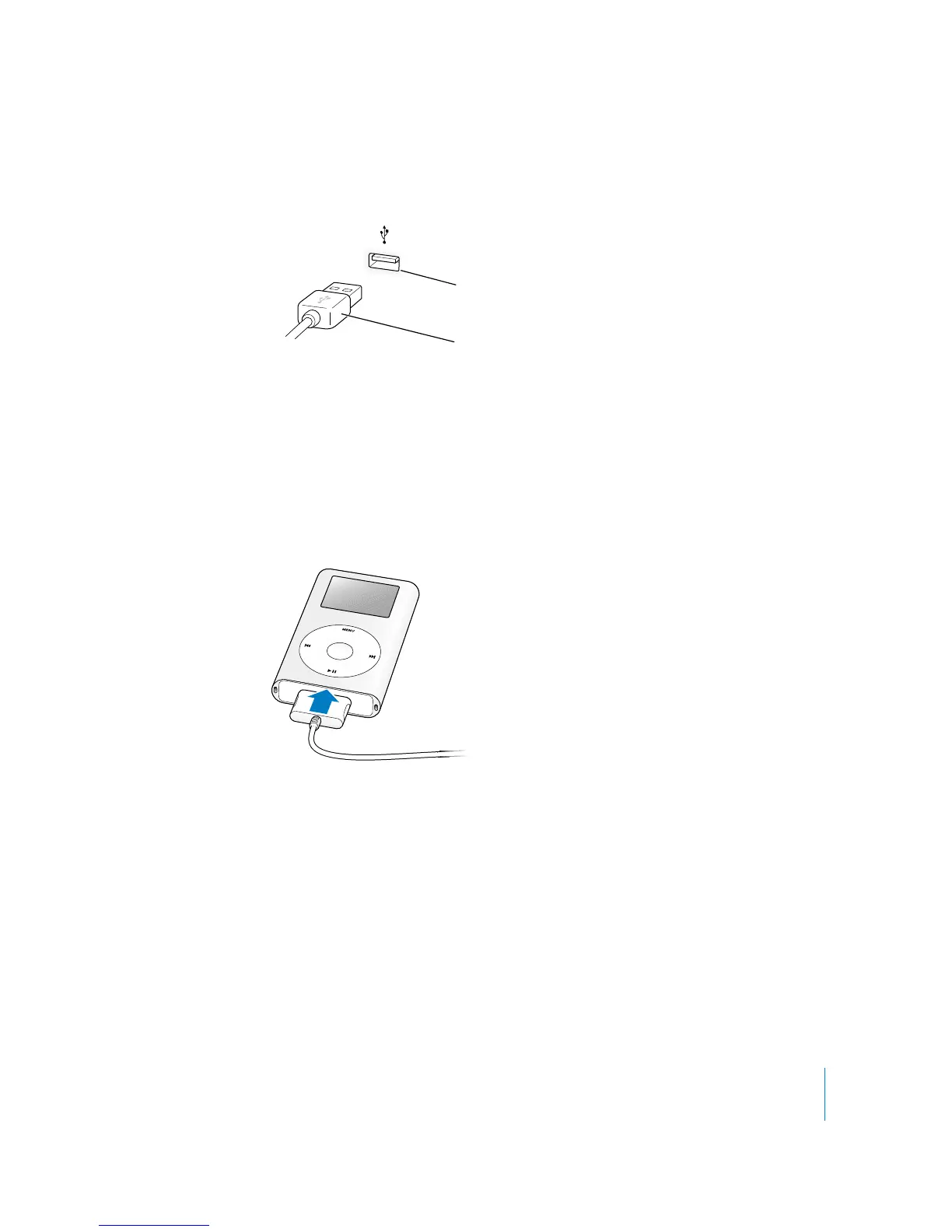
• If you have a Windows PC that doesn’t have a 6-pin FireWire port, but has a
USB 2.0 port:
Note: Be sure to connect iPod mini to a USB 2.0 port directly on your computer, or to
a powered USB 2.0 hub that’s connected to your computer. iPod mini won’t work if
it’s connected to a low-power USB 2.0 port, such as those sometimes found on
keyboards or other peripherals.
Note: If you’re using a Windows PC laptop computer with a high-power USB 2.0 port,
connect the computer to a power outlet before connecting iPod mini for best results.
2 Connect the other end of the cable to iPod mini. Be sure to orient the cable correctly.
It only goes in one way.
3 iTunes may be set to open automatically when you connect iPod mini. If not, open it.
You’ll see the iPod mini icon show up in the iTunes Source list. If iTunes is set to update
your iPod mini automatically (see below), the update begins.
USB 2.0 port
iPod Dock Connector to USB 2.0 Cable



 To Next Page