Chapter 3 Lesson 3: Playing Music on iPod mini 21
Using the iPod mini Menus
To turn on iPod mini, press the Select button (in the center of iPod mini). When you
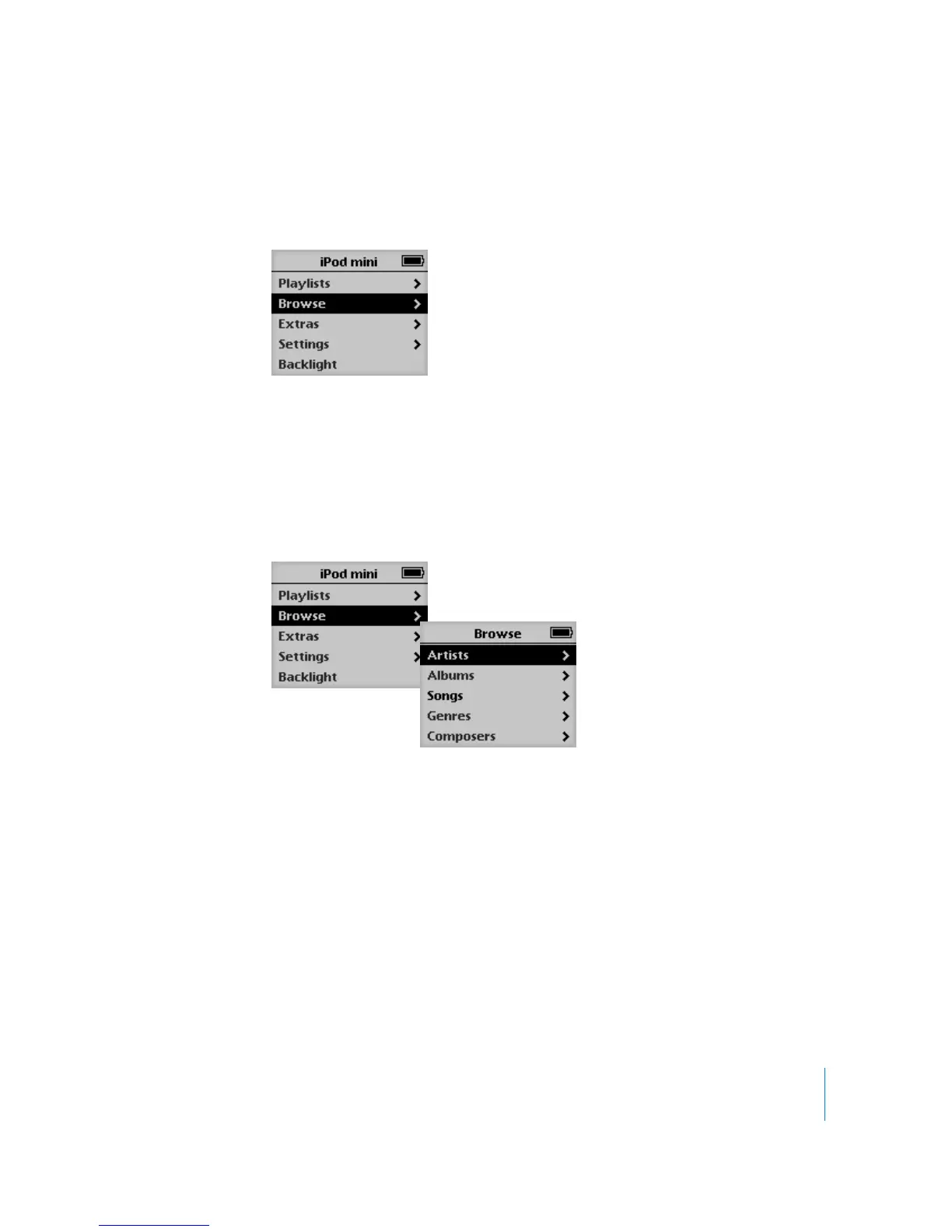
turn on iPod mini, you see the main menu, entitled “iPod mini.”
To select a menu item:
1 Run your finger lightly around the Click Wheel to scroll through menu items.
2 Press the Select button to select the highlighted item.
To go back to the previous menu:
m
Press Menu.
When you select a menu item with an arrow next to it, you move to a new menu.
When you select an item that doesn’t have an arrow next to it, you perform an action
or change a setting.
Playing Songs
To get a feel for working with the iPod mini menus, follow the instructions below to
browse for and play a song.
To browse for and play a song:
1 Connect the earphones to your iPod mini and put them on.
2 Choose Browse > Song.
3 Scroll to a song and press the Play/Pause button or the Select button.



 To Next Page