Chapter 3 Lesson 3: Playing Music on iPod mini 23
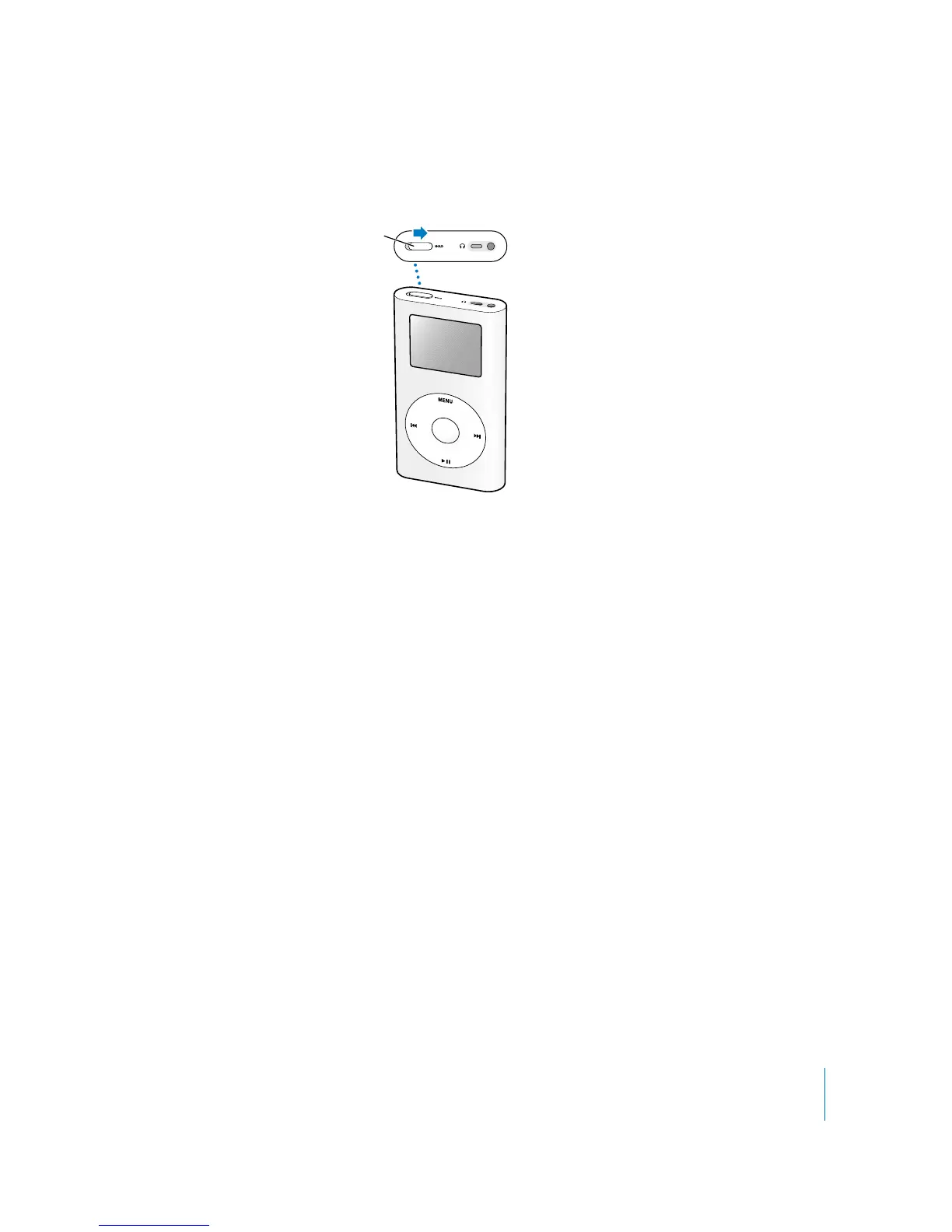
To disable the iPod mini controls:
m
Set the Hold switch to hold.
If the iPod mini controls aren’t responding, the Hold switch may be set to hold. A Lock
icon appears in the top-left corner of the screen.
Turning iPod mini On and Off
To turn iPod mini on:
m
Press the Select button.
To turn iPod mini off:
m
Press and hold Play/Pause.
If no music is playing, iPod mini turns off automatically after a few minutes.
Using the Backlight
iPod mini has a bright backlight, for low-light conditions.
To turn on the backlight:
m
Select Backlight from the main menu, or press and hold Menu for a couple of seconds.
To turn the backlight off:
m
Press and hold Menu again.
Once You Have Learned to Play Music on iPod mini
Once you’ve learned to play music on iPod mini, you may want to learn about some
other features of iPod mini. To learn about using iPod mini as a hard disk, so you can
store files and other data on iPod mini, read Lesson 4. To learn more advanced ways of
transferring and managing music, read Lesson 5.
Slide the switch toward
the center (so you can
see the orange stripe)
to disable the controls.



 To Next Page