4
24 Chapter 4 Lesson 4: Using iPod mini as a Hard Disk
4 Lesson 4:
Using iPod mini as a Hard Disk
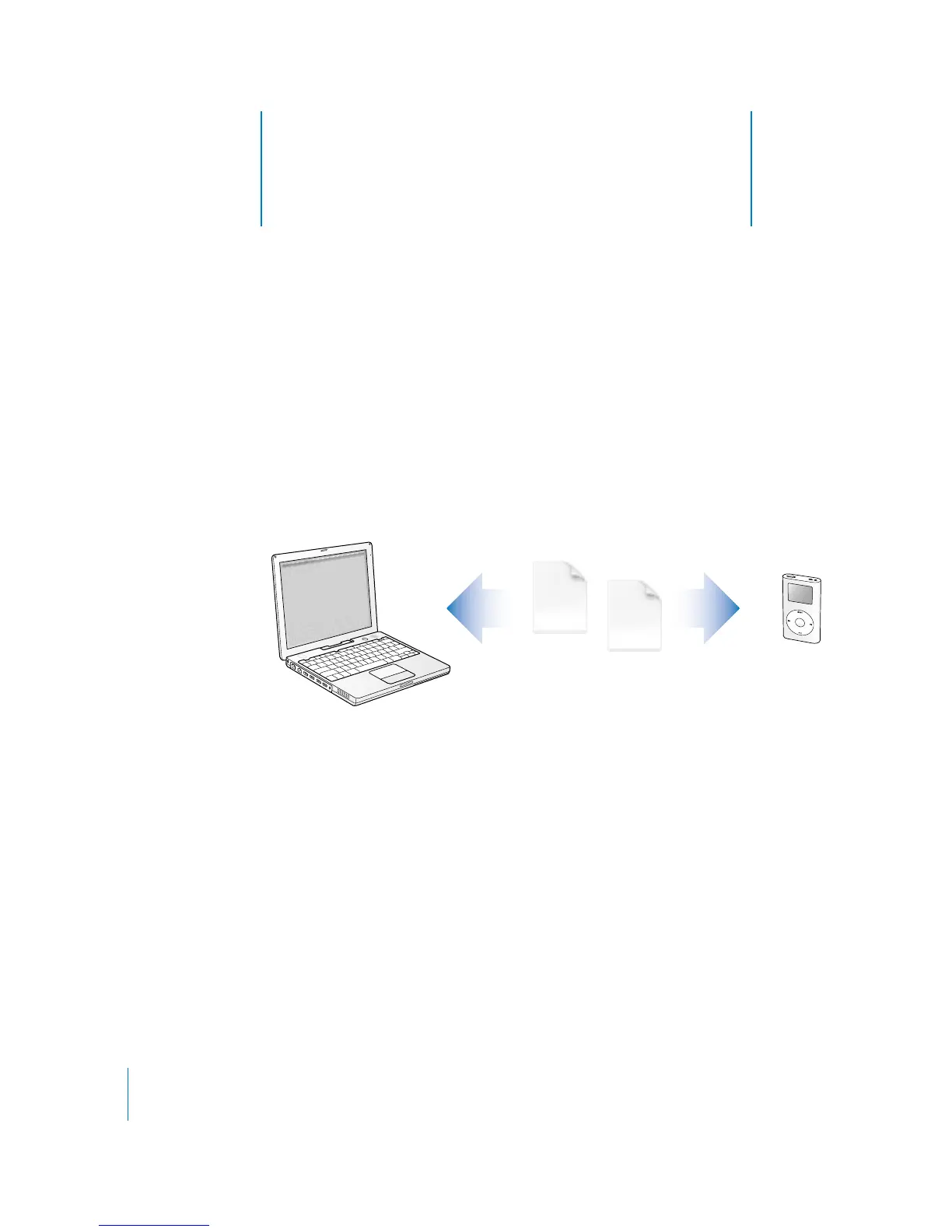
You can use iPod mini as an external hard disk. That
means you can connect it to your computer and copy
files from your computer to your iPod mini, or from your
iPod mini to your computer.
This can be very useful if you want to move documents or other files from one
computer to another, or keep a backup copy of files.
Before You Begin
To complete tasks in this lesson, you’ll connect iPod mini to your computer. To learn
how to connect iPod mini to your computer, follow the instructions in Lesson 2 of
this tutorial.



 To Next Page