11
2
Using the LEFT & RIGHT arrow keys will help you choose the desired music track
while in the MUSIC MODE. Once you see the song of your choice, click the center
PLAY Button to begin playing the song. The same button also acts a STOP / PAUSE
button as well. While the song is playing, you may then choose other options if you
wish. They include:
VOLUME CONTROL – Click the volume button once. It will then give you an option
to increase or decrease the volume using the LEFT and RIGHT arrow keys.
Other MENU Button Sub Menu options
By clicking the MENU button once while a song is playing, the player will allow you to
make adjustments to the following settings.
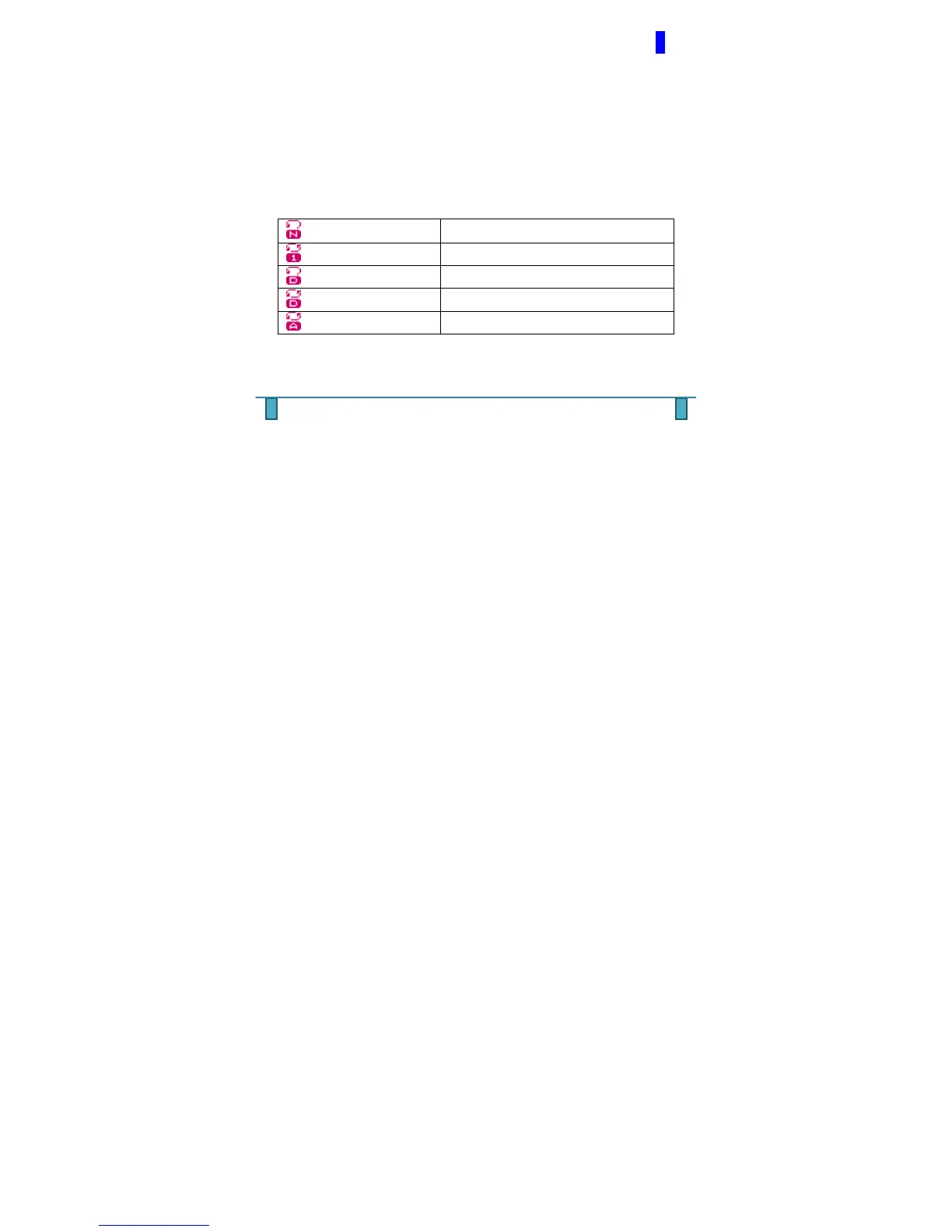
REPEAT - Various Repeat Modes are available
(Normal)
Playing music files in sequence until the end of
the folder
(Repeat One)
Repeat single music file
(Folder)
Play all music files in the folder
(Repeat Folder)
Repeat all music files in the folder
(Repeat All)
Repeat all the music files



 To Next Page