12
2
○SHUFFLE
(Random)
Play music files in the folder randomly
○INTRO
(Intro)
Play 10 seconds of each music file in sequence
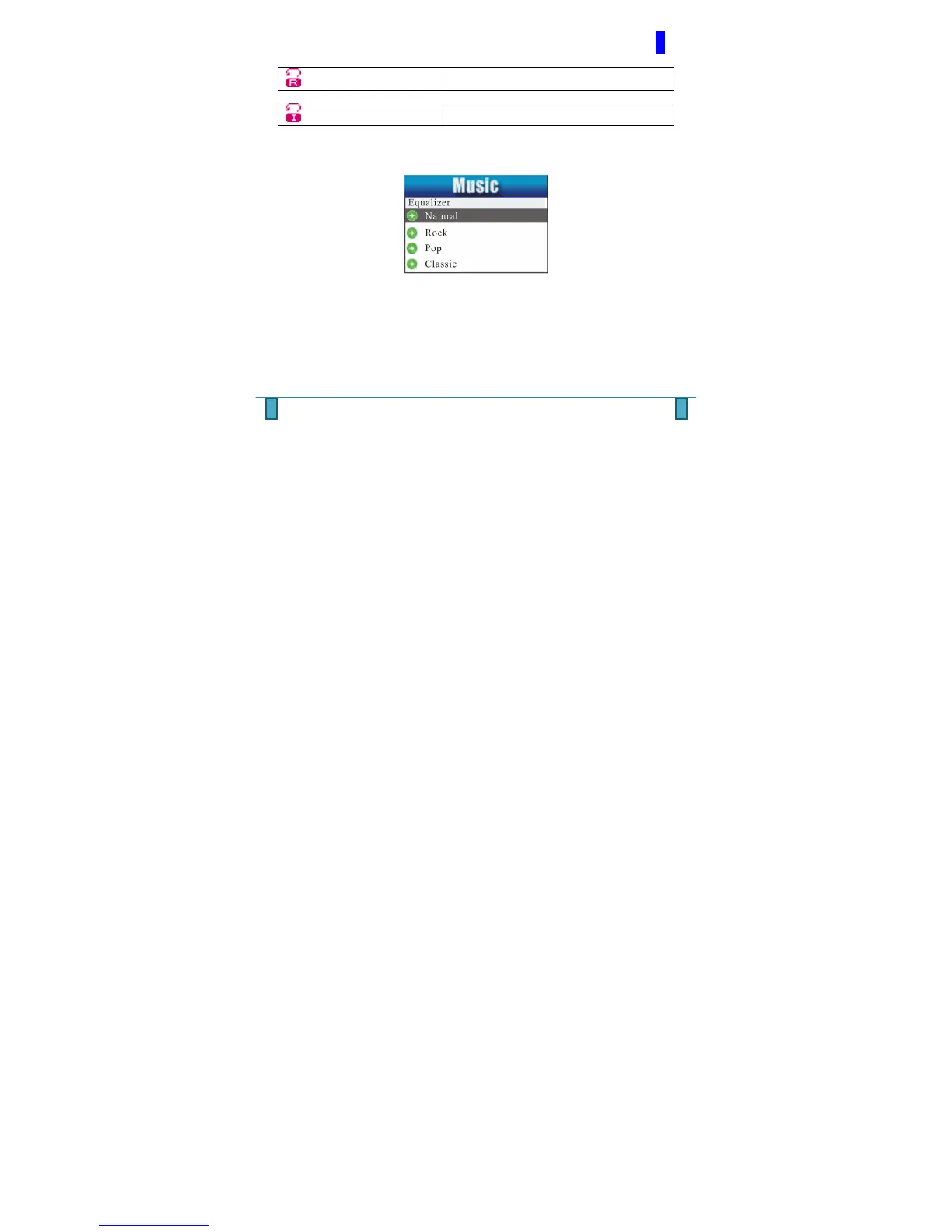
EQUALIZER - Listen to your song in Natural, Rock, Pop, Classic,
Soft, Jazz, DBB
TEMPO RATE - You can altar the speed of a song by increasing
or decreasing the tempo rate. By default the rate is
always set to ZERO. This function is applicable to MP3
files only. It is important to note that the Tempo Play
speed once adjusted will affect all music files.
REPLAY - Using this function you choose to replay a specific
section of a track by choosing the A (starting) & B
(ending) points of the song.



 To Next Page