25
2
SEARCHING FM: MANUAL SEARCH - You can manually choose a
STATIONS station by clicking the LEFT (Previous) or RIGHT (Next
buttons. Each time you click the button it will go to the next
level.
AUTO SEARCH - You can choose the auto search
function by holding down the LEFT (Previous) or RIGHT (Next
button for 2 seconds. It will begin to search the strongest FM
stations. To stop searching press the same button again.
NOTE: 20 channels can be saved each in “General Frequency” and
“Japan Frequency”
SAVING / RECORDING
DELETING / AUTO
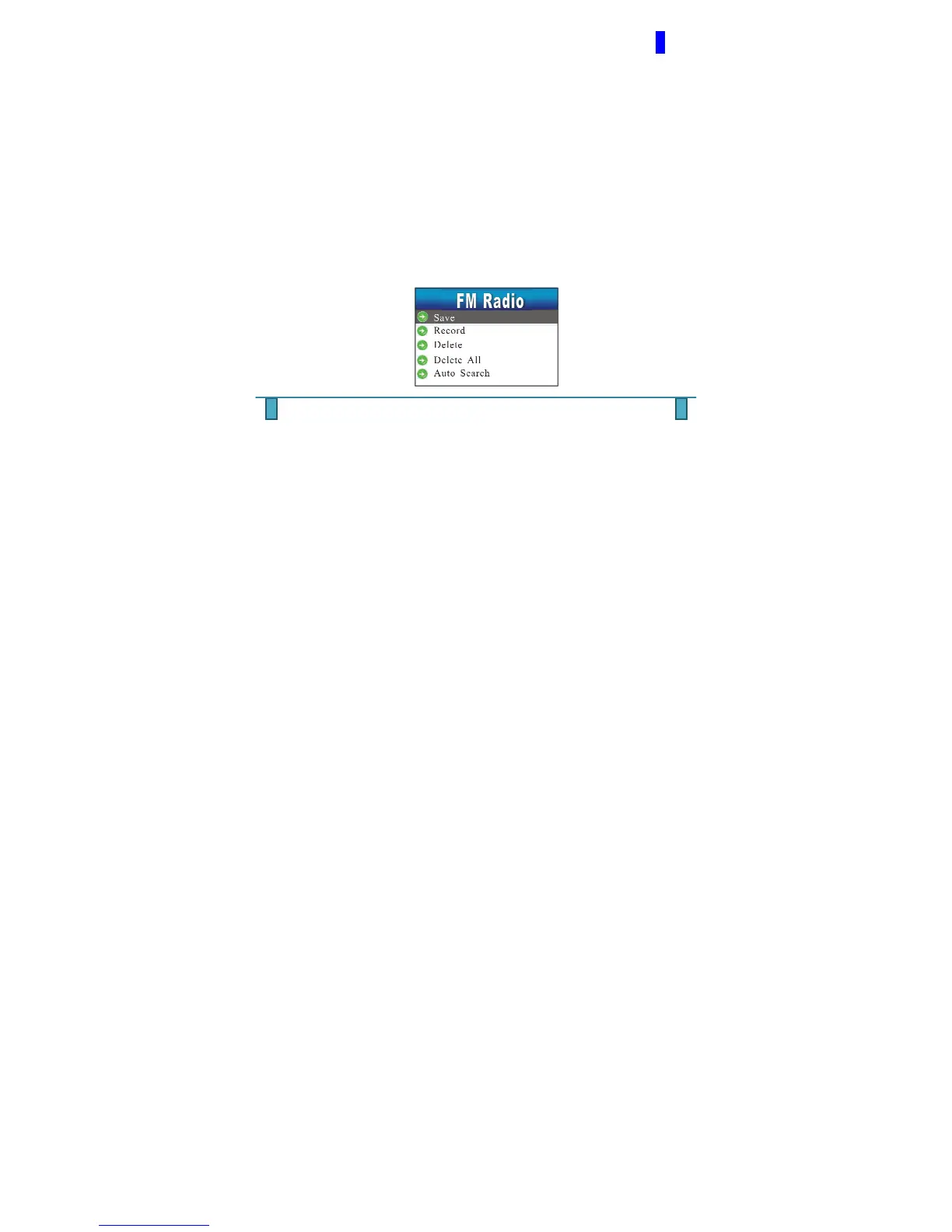
SEARCH STATIONS When you have reached a preferred FM station and wish to
save it, click the MENU button once to open up the below
submenu which will give you SAVE, RECORD, DELETE,
DELETE ALL, AUTO SEARCH, NORMAL BAND, JAPAN
BAND & EXIT options. Use the LEFT & RIGHT arrow key to
select the appropriate feature.



 To Next Page