26
2
Click the MENU button again to SAVE the current FM station.
LISTENING TO To listen to saved FM stations, press the center PLAY
PRESET SAVED button until you reach the saved FM stations.
STATIONS
VOLUME CONTROL Click the volume button once. It will then give you an option to
increase or decrease the volume using the LEFT and RIGHT
arrow keys.
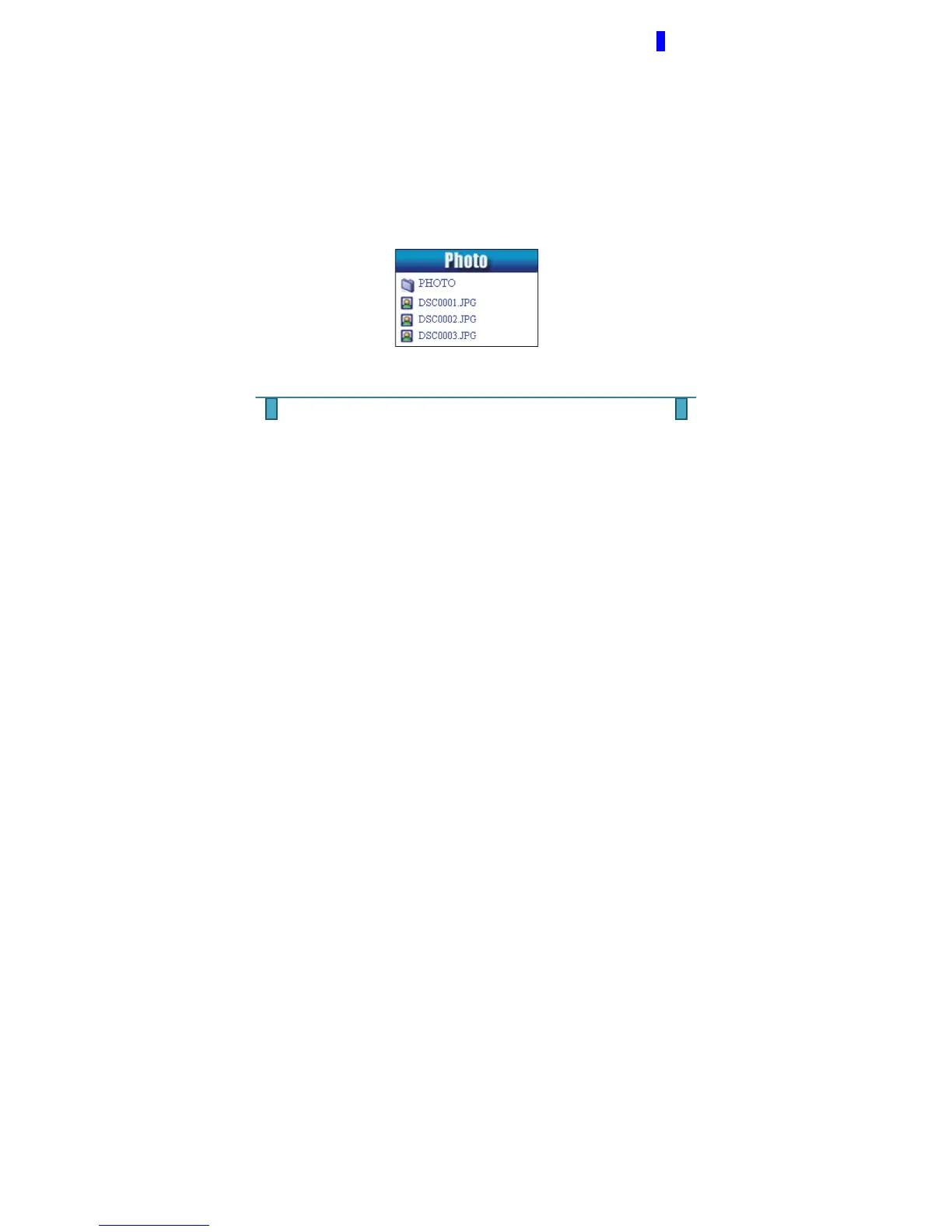
PHOTO MODE
While under the main menu section use the arrow keys and scroll to your desired
mode, then click the MENU button once to enter into chosen Mode. To return to the
MAIN MENU, press and hold the MENU key down for a few seconds.



 To Next Page