Basic Settings
You can change these general settings for iPod nano:
Wallpaper
•
Brightness
•
Language
•
Date & Time
•
Radio Regions (see “
•
Setting Your Radio Region” on page 43).
Live Pause (see “
•
Pausing Live Radio” on page 41).
Accessibility (see “
•
Universal Access Features” on page 60).
To set the background image:
1 On the Home screen, tap Settings, and then tap General.
2 Tap Wallpaper.
3 Tap the pattern you want to use.
4 Tap Set (or Cancel if you want to choose another pattern).
5 Swipe right to return to the Home screen.
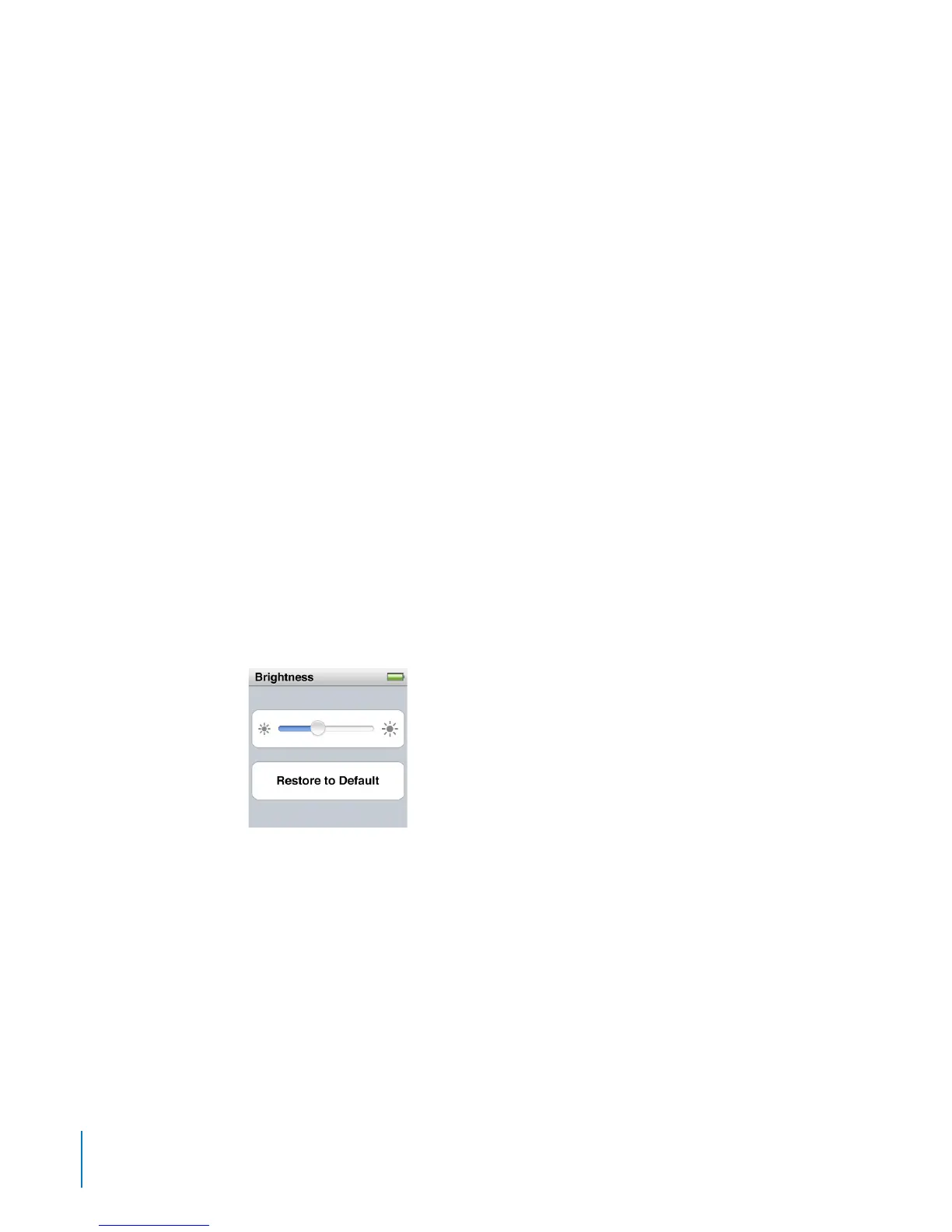
To set the screen brightness:
1 On the Home screen, tap Settings, and then tap General.
2 Tap Brightness.
3 Drag the slider to adjust the screen brightness.
4 If you want to restore the original setting, tap “Restore to Default.”
5 Swipe right to return to the Home screen.
To set the language:
1 On the Home screen, tap Settings, and then tap General.
2 Tap Language, and then tap the language you want to use.
A check appears next to the language you select.
3 Tap Done, and then swipe right to return to the Home screen.
18
Chapter 3 Basics



 To Next Page