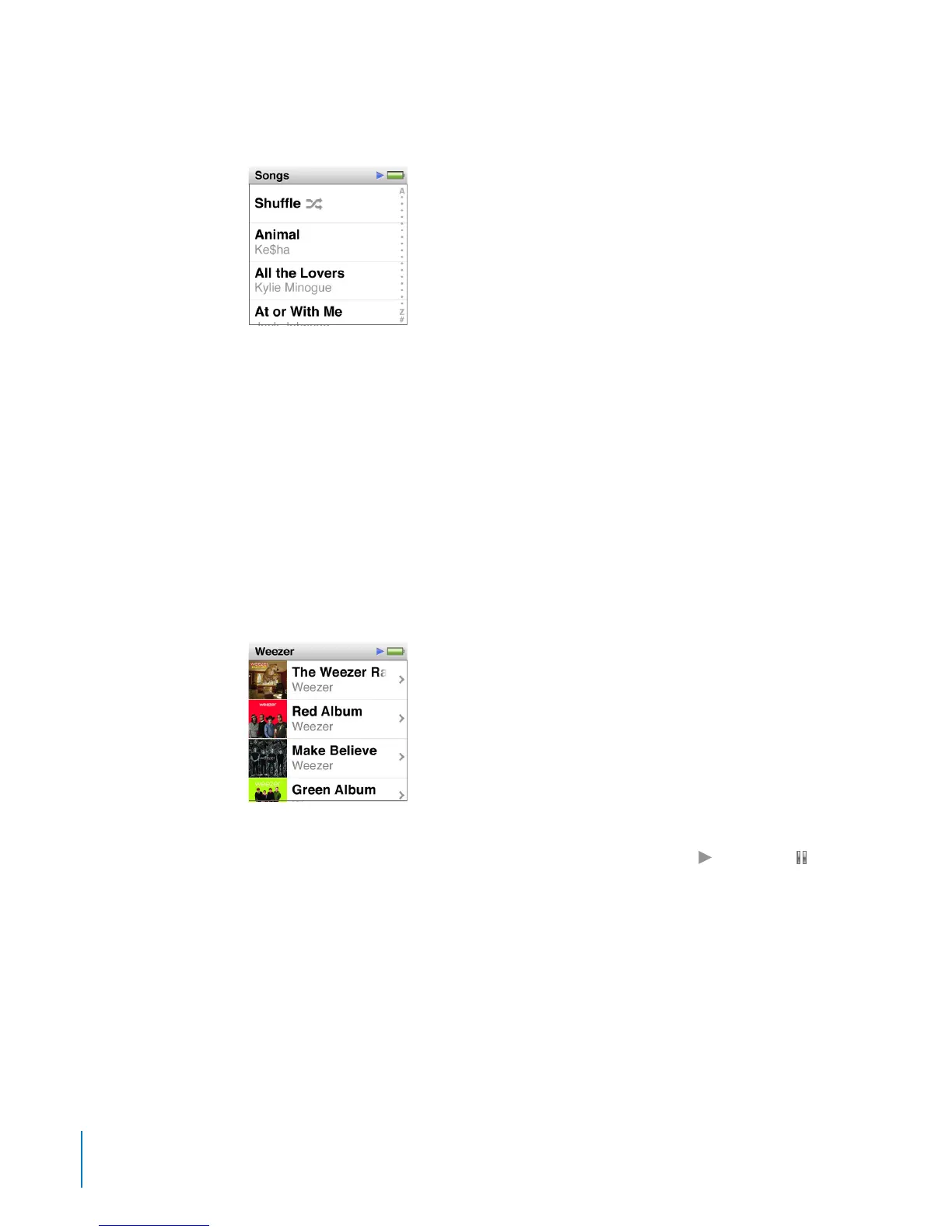
If the list has an index, drag your nger down the index to show a large index letter
superimposed over the list. When you reach the letter you want, lift your nger.
Titles and names that are too long to t in a list are shortened. You can see all of a title
by swiping along the title. The text begins to scroll so you can read all of it.
Playing Songs
While a song plays, its album artwork (if available) is displayed on the Now Playing screen.
To play a song:
1 Tap an icon on the Home screen (Playlists, Artists, Genius Mixes, Songs, Albums, Genres,
or Composers) to open its list.
2 Tap the song to begin playing it. In a long list, ick up or down to see more.
If you tap a group such as Albums or Composers, tap the one you want, and then tap a
song or program to begin playing it.
You can browse music and other content on iPod nano, change settings, and arrange
icons while you listen to music or other audio content. A Play ( ) or Pause ( ) icon
appears in the status bar at the top of other screens. No status icons appear on the
Now Playing screen.
26
Chapter 5 Music and Other Audio



 To Next Page