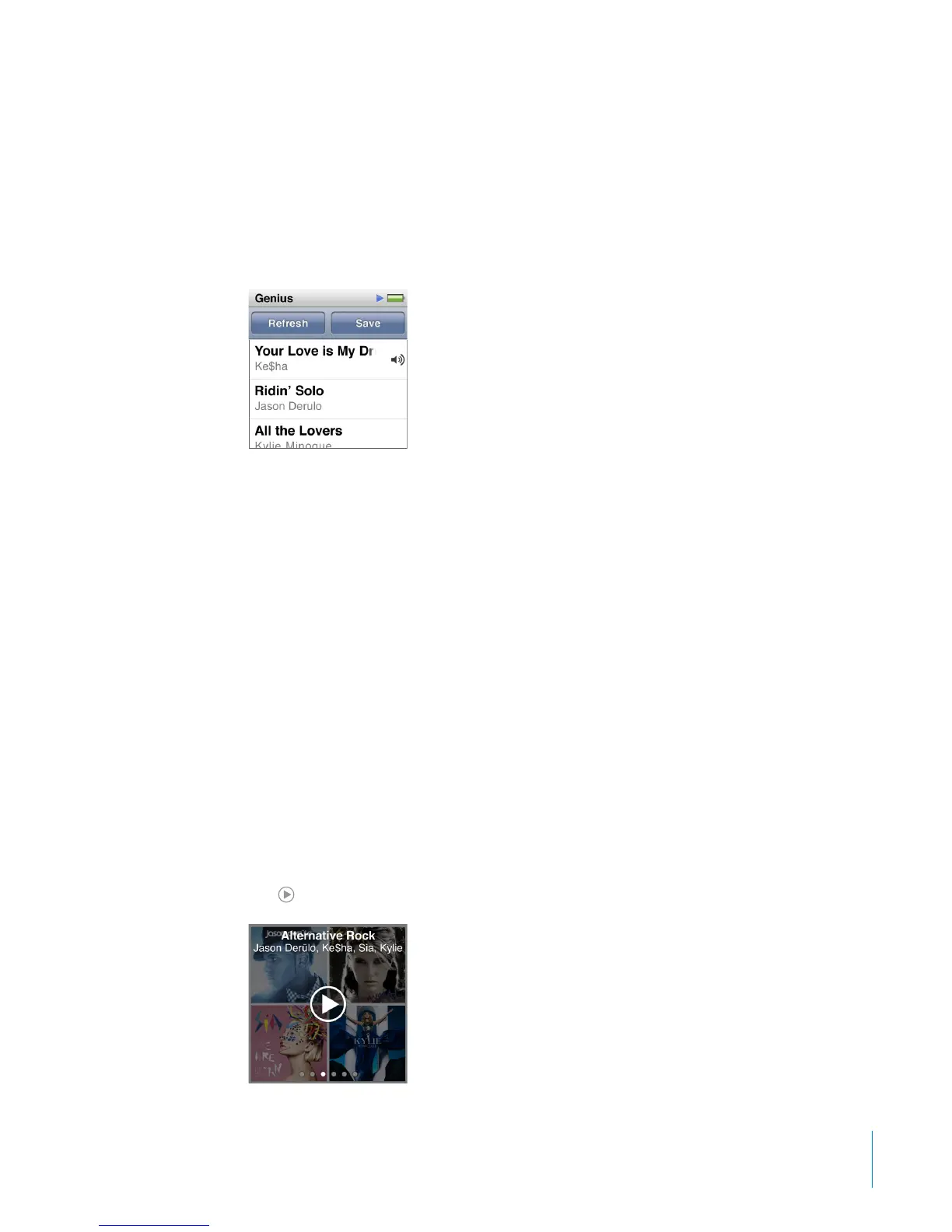
The new playlist appears. You see a message if:
You didn’t turn Genius on in iTunes.
•
Genius doesn’t recognize the song you select.
•
Genius recognizes the song, but there aren’t at least ten similar songs in your library.
•
3 Flick up or down to see the songs in the playlist.
4 Tap Save.
The playlist is saved with the artist name and song title of the song you used to make
the playlist.
To change the playlist to a new one based on the same song, tap Refresh. If you
refresh a saved playlist, the new playlist replaces the previous one, and you can’t
recover the previous playlist.
Genius playlists saved on iPod nano are synced back to iTunes when you connect
iPod nano to your computer.
Playing Genius Mixes
iTunes automatically creates Genius Mixes that contain songs from your library that
go great together. Genius Mixes provide a dierent listening experience each time you
play one.
To play a Genius Mix:
1 Tap Genius Mixes.
2 Swipe left or right to browse the Genius Mixes. The dots at the bottom of the screen
indicate how many Genius Mixes are on iPod nano.
3 Tap
on the Genius Mix you want to play.
35
Chapter 5 Music and Other Audio



 To Next Page