FM Radio
6
Listening to FM Radio
iPod nano uses the earphone or headphone cord as an antenna, so you must connect
earphones or headphones to iPod nano in order to receive a radio signal.
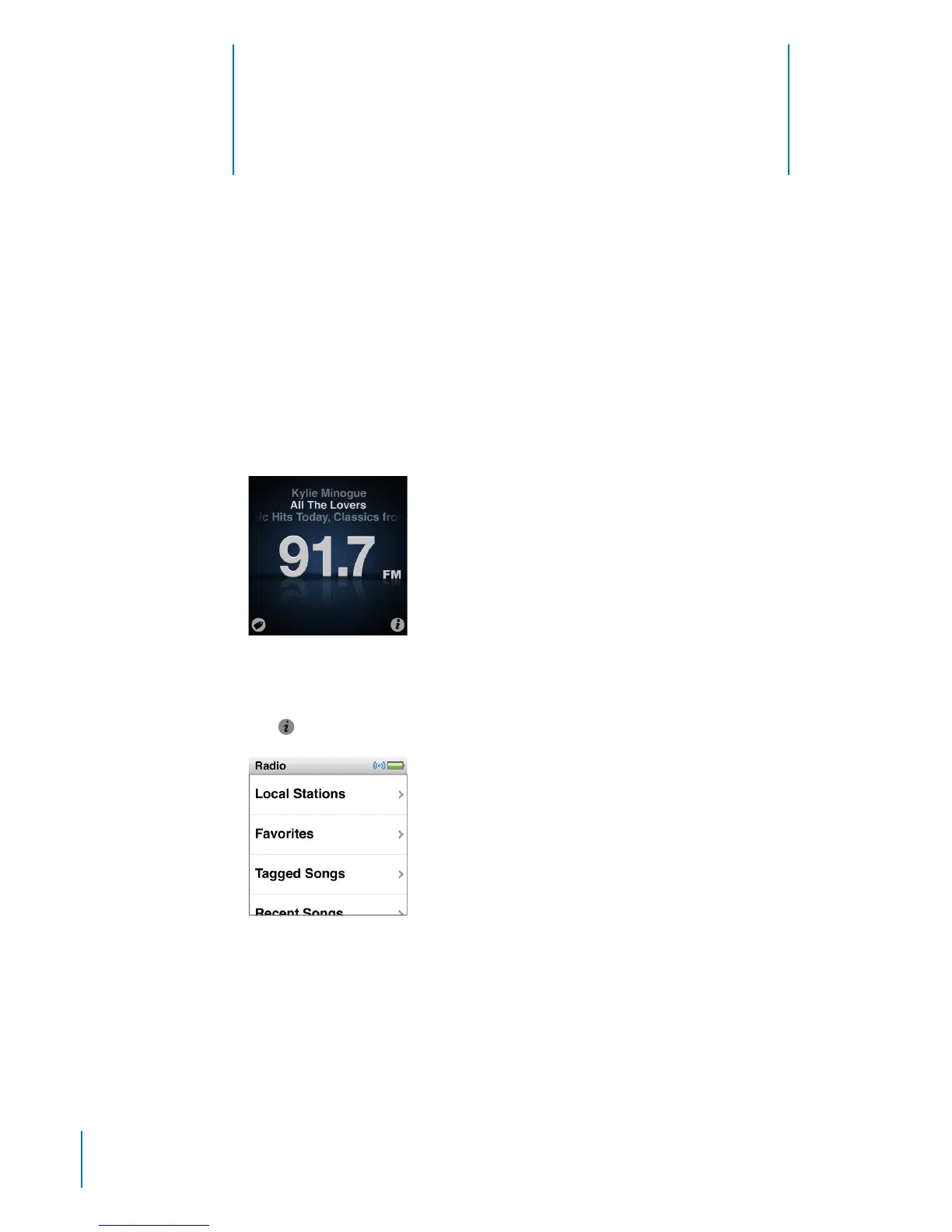
When you tune to a station that supports RDS (Radio Data System), the song title,
artist name, and station information appear in the display.
Important: Radio frequencies shown in this chapter are for illustration purposes only,
and are not available in all areas.
Tap
on any Radio screen to show the Radio menu.
38



 To Next Page