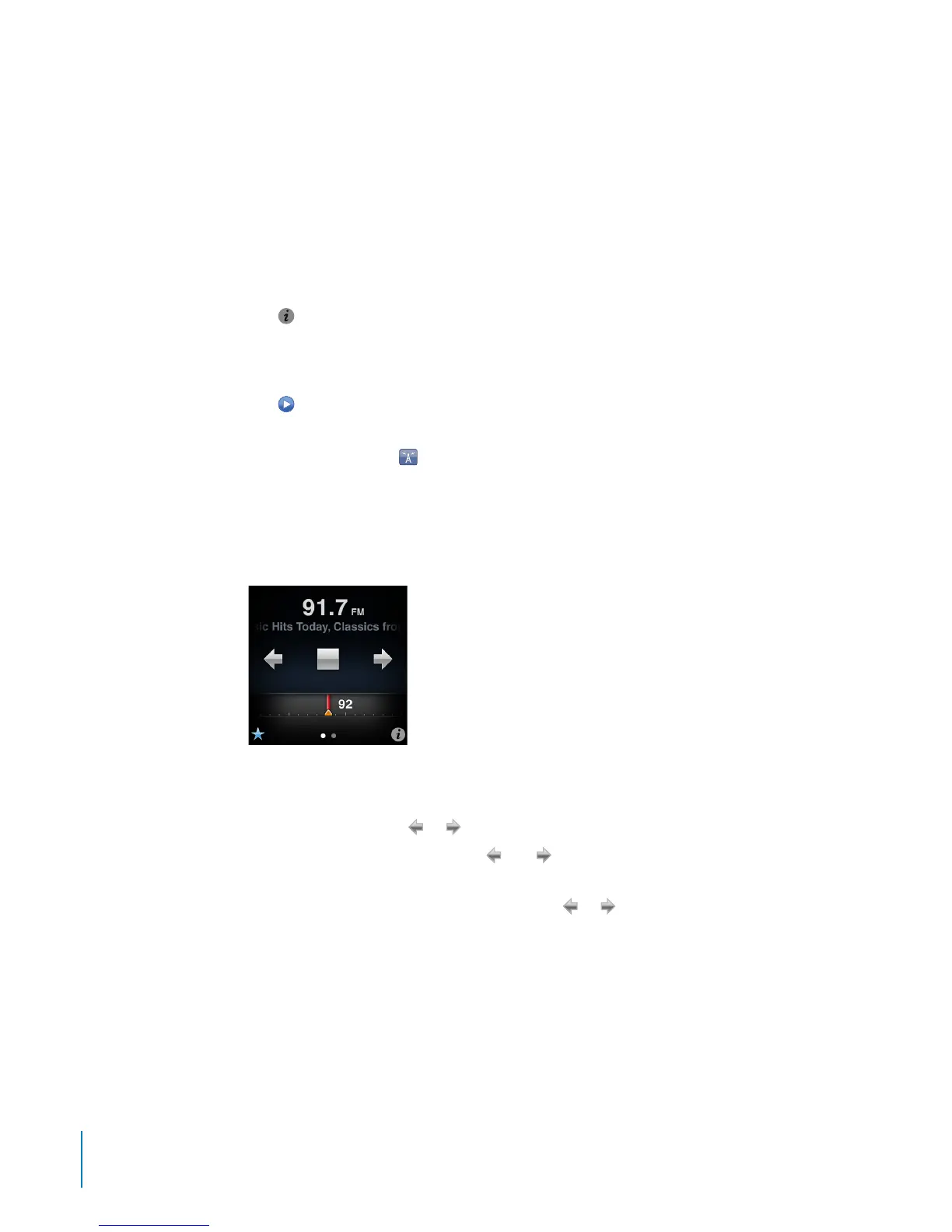
Tuning the FM Radio
You can tune the FM radio by browsing stations, seeking or scanning available stations,
or saving your favorite stations and tuning to them directly. To start, use iPod nano to
nd local stations.
Note: For better reception, make sure the earphone cords aren’t tangled or coiled.
To nd local stations:
1 On the Home screen, tap Radio.
2 Tap
.
3 Tap Local Stations.
iPod nano scans the available frequencies and lists the local stations.
4 Tap
next to a station to listen to the station without leaving the menu, or tap the
station to tune to that station and return to the radio controls.
5 When you nish, tap to return to the radio controls.
If you want to update the list, tap Refresh.
To nd a radio station:
1 On the Home screen, tap Radio, and then swipe left to show the radio tuner.
2 Do any of the following:
•
To browse manually, drag your nger along the radio tuner.
•
To seek stations, tap
or .
If you set any favorite stations,
and recognize just your favorites, not all
available stations.
•
To scan available stations, touch and hold
or until Scanning appears in the
status bar. You hear a ve-second preview of each station before advancing to the
next one.
3 To stop scanning, tap the screen (don’t tap a control).
40
Chapter 6 FM Radio



 To Next Page