Fitness
7
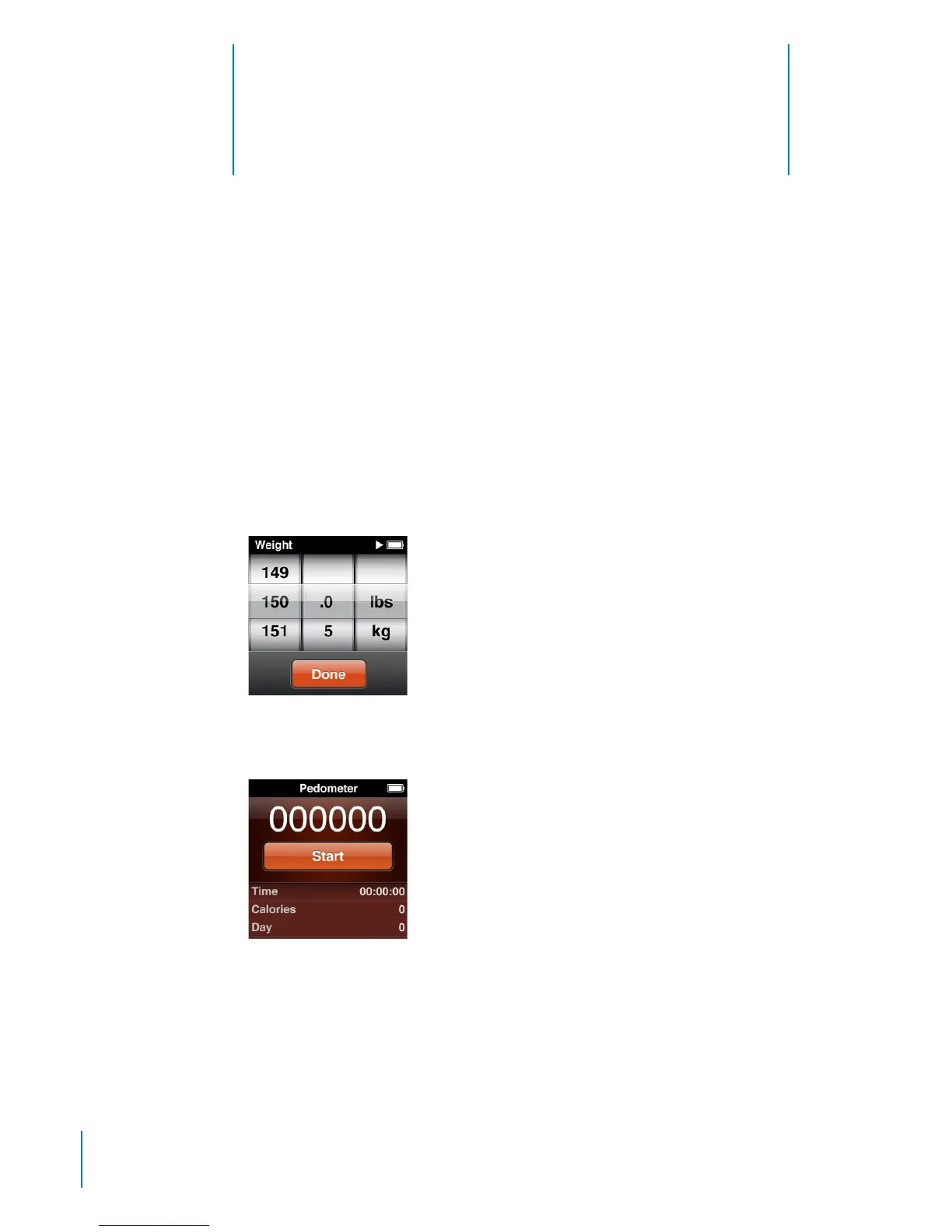
Using iPod nano as a Pedometer
You can use iPod nano as a pedometer to count your steps and calculate calories
burned while you walk or run, and log this information over time.
To use iPod nano as a pedometer:
1 On the Home screen, tap Fitness, and then tap Pedometer.
2 If you’re using the pedometer for the rst time, use the dial to set your weight.
You only need to set your weight once, unless it changes.
3 Tap Done.
4 Tap Start to begin counting steps.
5 Clip iPod nano to your shirt or pocket for more accurate results.
6 At the end of the session, tap Stop.
44



 To Next Page