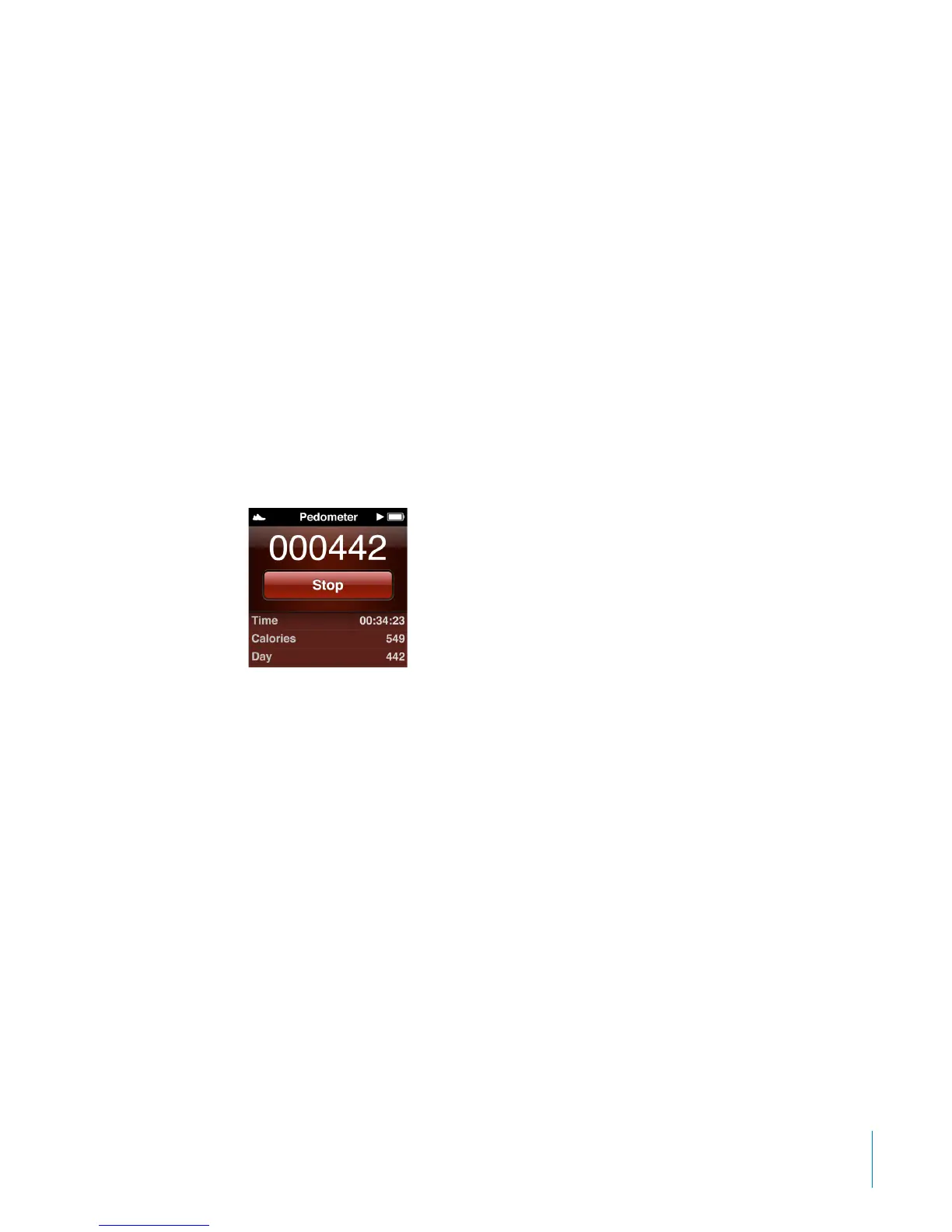
The pedometer runs in the background until you stop it, so you can listen to music
and go about your day while it counts your steps. The pedometer icon appears in
the status bar to indicate that it’s on. Starting at midnight, any steps you take are
automatically tracked for the following day, so you can leave the pedometer on all the
time and get an accurate daily count.
To set a daily step goal:
1 On the Home screen, tap Settings, and then tap Pedometer.
2 Tap Daily Step Goal, and then tap the On/O switch.
3 Use the dial to set the desired number of steps.
4 Tap Done.
Make sure you start the pedometer. Setting a step goal doesn’t start the pedometer if
it’s not already on.
To view your steps for the day:
On the Home screen, tap Fitness, and then tap Pedometer. B
The Pedometer screen shows the total number of steps at the top of the screen. Flick
the list below the Stop button to see these statistics:
Total time the pedometer has been on
•
Calories burned
•
Daily step total
•
Total steps for the week
•
Total steps for the month
•
Overall step total
•
Your daily goal, if you set one
•
45
Chapter 7 Fitness



 To Next Page