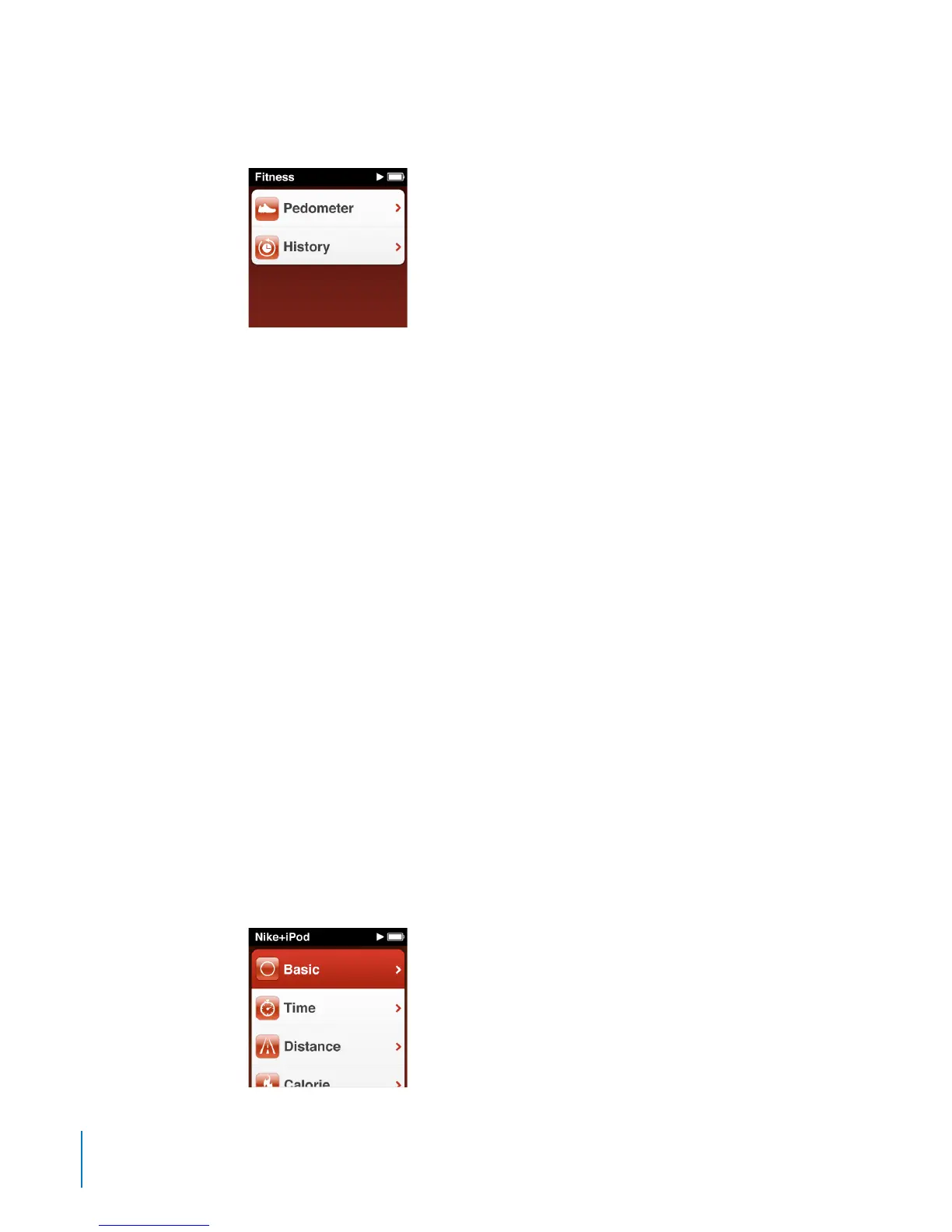
To view your pedometer history:
On the Home screen, tap Fitness, and then tap History.
B
You can choose dierent views of your pedometer history in Workout Totals. Below
that, sessions listed by date show details of start and stop times, calories burned for
each session, and more.
Setting iPod nano with your accurate weight provides more accurate information.
If your weight changes, update iPod nano with your new weight.
To update your weight setting:
1 On the Home screen, tap Settings.
2 Tap Pedometer, and then tap Weight.
3 Set your new weight, and then tap Done.
Using Nike + iPod
With a Nike + iPod Sport Kit (sold separately), you can hear audible feedback for your
speed, distance, time elapsed, and calories burned during a run or walk. You can also
record workout data on iPod nano.
When you connect iPod nano to a Nike + iPod compatible cardio machine, you can
display iPod nano controls on the equipment and save your workout data on iPod nano.
To set up Nike + iPod on iPod nano:
1 Connect a Nike + iPod receiver to the dock connector on iPod nano.
2 On the Home screen, tap Settings.
3 Tap Nike+iPod, and then make appropriate settings.
46
Chapter 7 Fitness



 To Next Page