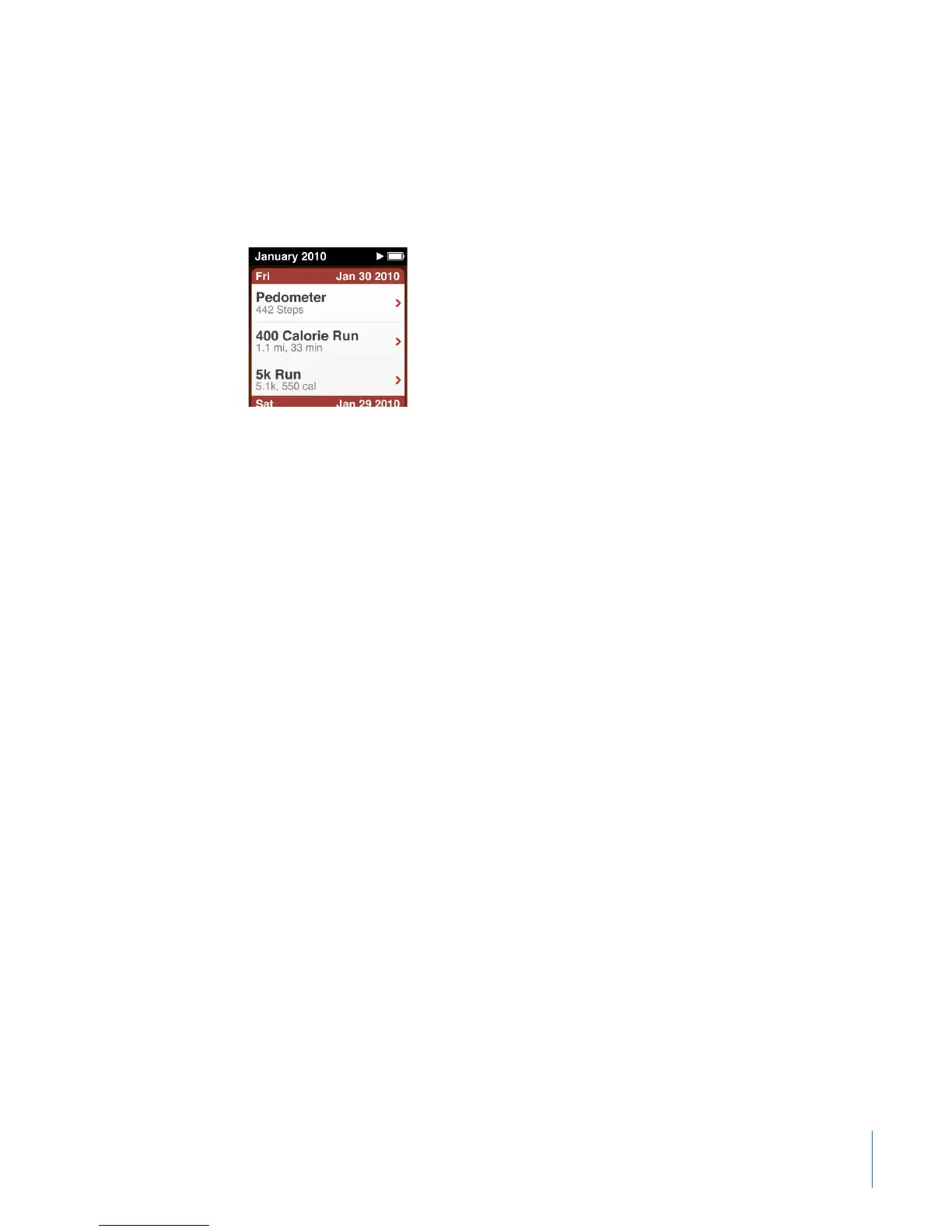
See the Nike + iPod documentation for information about setting up and using
Nike + iPod.
When you upload your pedometer and other workout information to the Nike+ website,
you can track your workout history, compete with friends, and more. You need a Nike+
account, which you can set up when you sync iPod nano with your computer.
To upload your workout information to Nike+:
1 Disconnect the Nike + iPod receiver from iPod nano.
2 Connect iPod nano to your computer and open iTunes.
3 Click Send in the dialog that appears, and then follow the onscreen instructions to set
up your Nike+ account.
Once you set up your account, a Nike + iPod tab appears in the iTunes window.
4 Click the Nike + iPod tab, and then select “Automatically send workout data to Nike+”
if it isn’t selected already.
5 Click Apply.
To view and share your information on the Nike website, click Visit Nike+ in
the Nike + iPod pane when iPod nano is connected to your computer, or go to
www.nike.com and log in to your account.
47
Chapter 7 Fitness



 To Next Page