Viewing Slideshows on iPod nano
You can view a slideshow with transitions on iPod nano. The default slideshow uses
the Ken Burns transition, but you can change the transition eect, set how long each
slide stays on the screen, and make other settings to create a custom slideshow.
To view a slideshow on iPod nano:
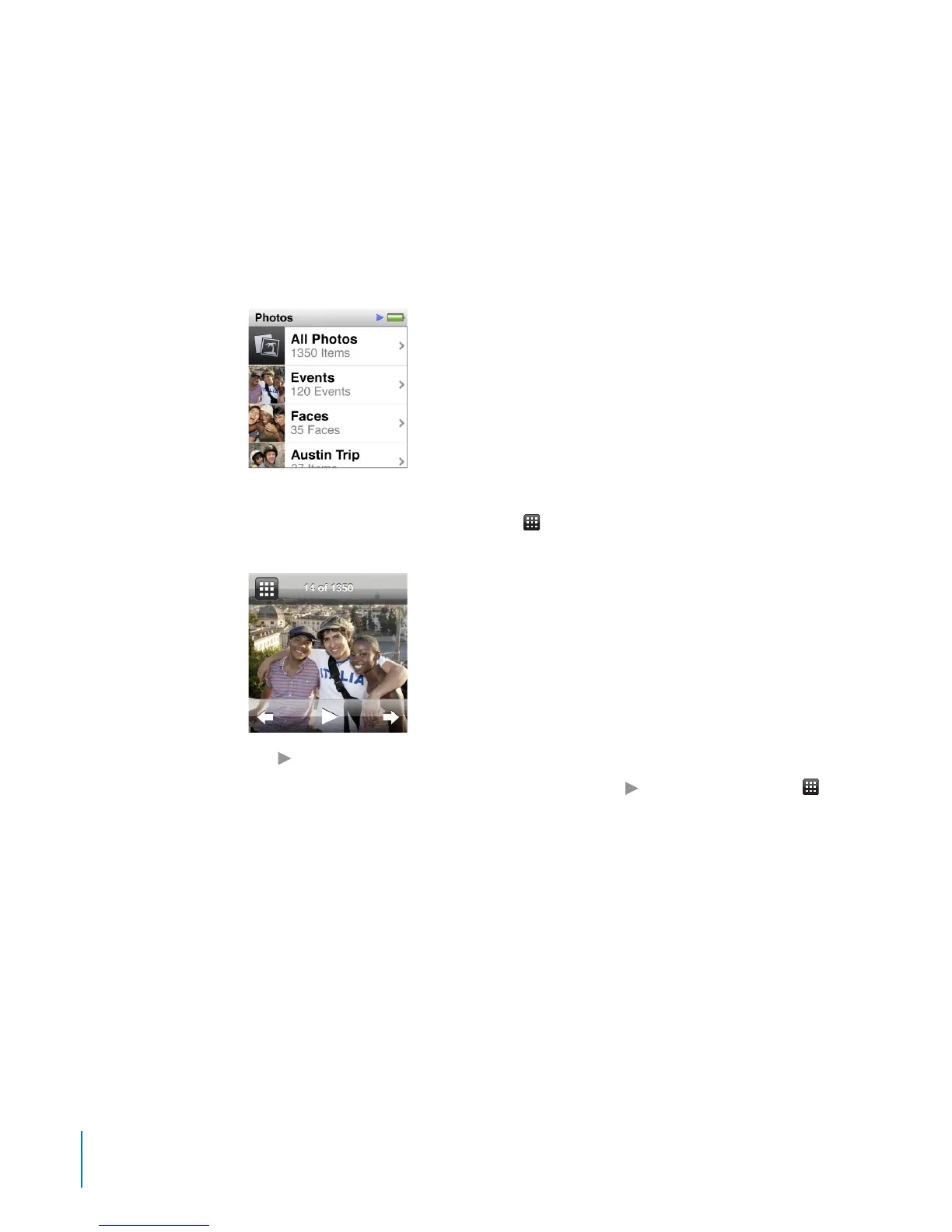
1 On the Home screen, tap Photos.
2 Tap an album, or tap All Photos.
3 Tap the photo you want to begin with, and then tap it again to show the controls.
If you tap a photo you don’t want, tap
to return to the album thumbnail view.
Swiping right takes you back one photo at a time.
4 Tap to start the slideshow.
Tap the screen to pause the slideshow, and then tap
to resume. To exit, tap to
return to the album.
To add a soundtrack, start playing a song or playlist before you start the slideshow.
To change slideshow settings:
1 On the Home screen, tap Settings.
2 Tap Photos, and then tap these settings to make changes:
Time Per Slide
•
Repeat
•
Shue Photos
•
Transitions (can only be viewed on iPod nano, not on a TV)
•
TV Signal
•
52
Chapter 8 Photos



 To Next Page