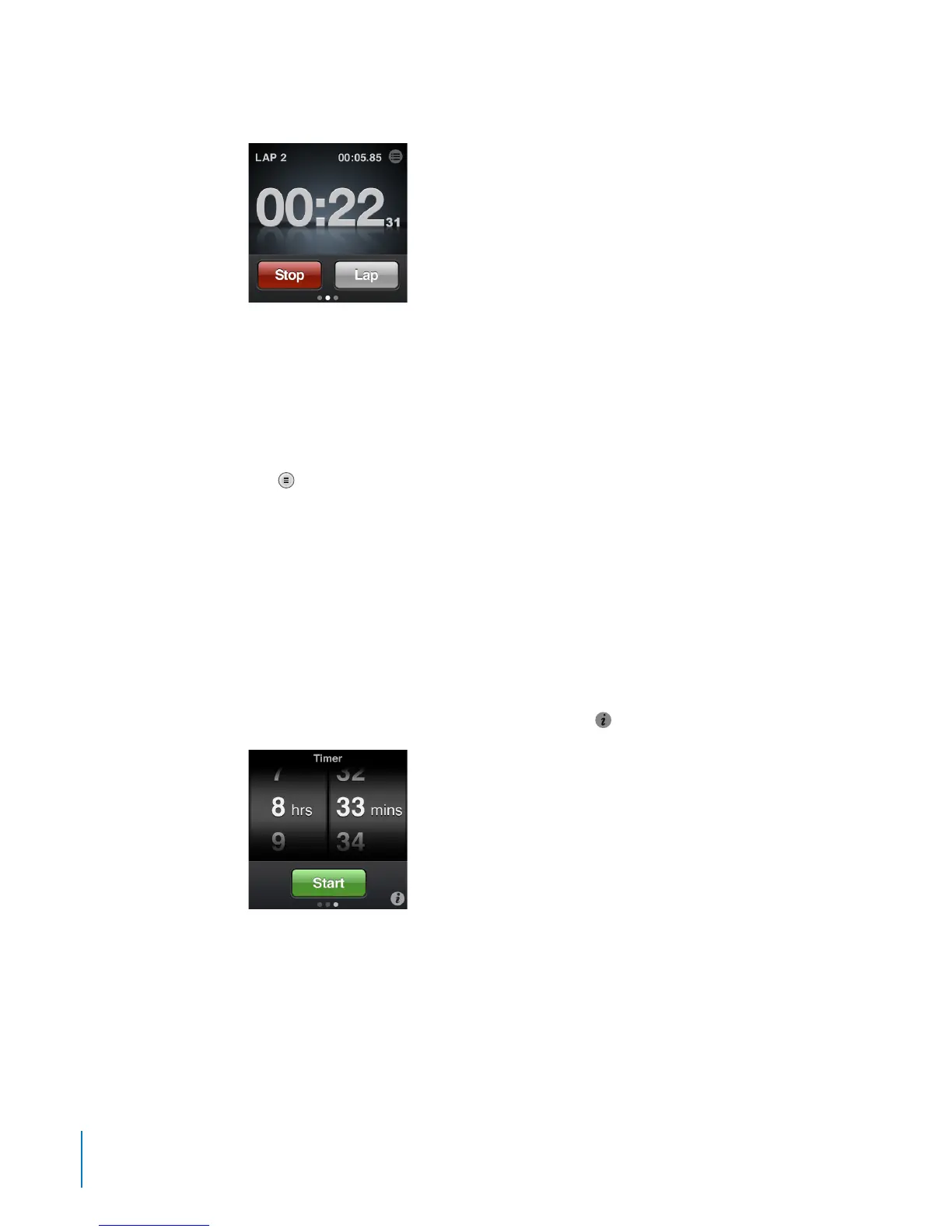
3 Tap Start to start the stopwatch.
•
To record lap times, tap Lap after each lap.
•
To pause the stopwatch, tap Stop. Tap Start to resume.
•
To reset the stopwatch, tap Reset when the stopwatch is paused.
Review lap times before you start a new session. Tapping Reset deletes the information.
To review lap times:
Tap B
next to the time in the status bar.
iPod nano stores the last session’s lap statistics.
Using the Timer
You can use the timer on iPod nano to set an alarm, or to set a sleep timer that turns
o iPod nano automatically.
To use iPod nano as an alarm clock:
1 On the Home screen, tap Clock.
2 Swipe left twice to see the Timer controls.
3 Flick to set the hours and minutes, and then tap
.
4 Tap an alert sound, and then tap Set.
5 Tap Start when you’re ready to start the timer.
58
Chapter 9 Other Features



 To Next Page