To delete an alarm:
1 On the Home screen, tap Clock.
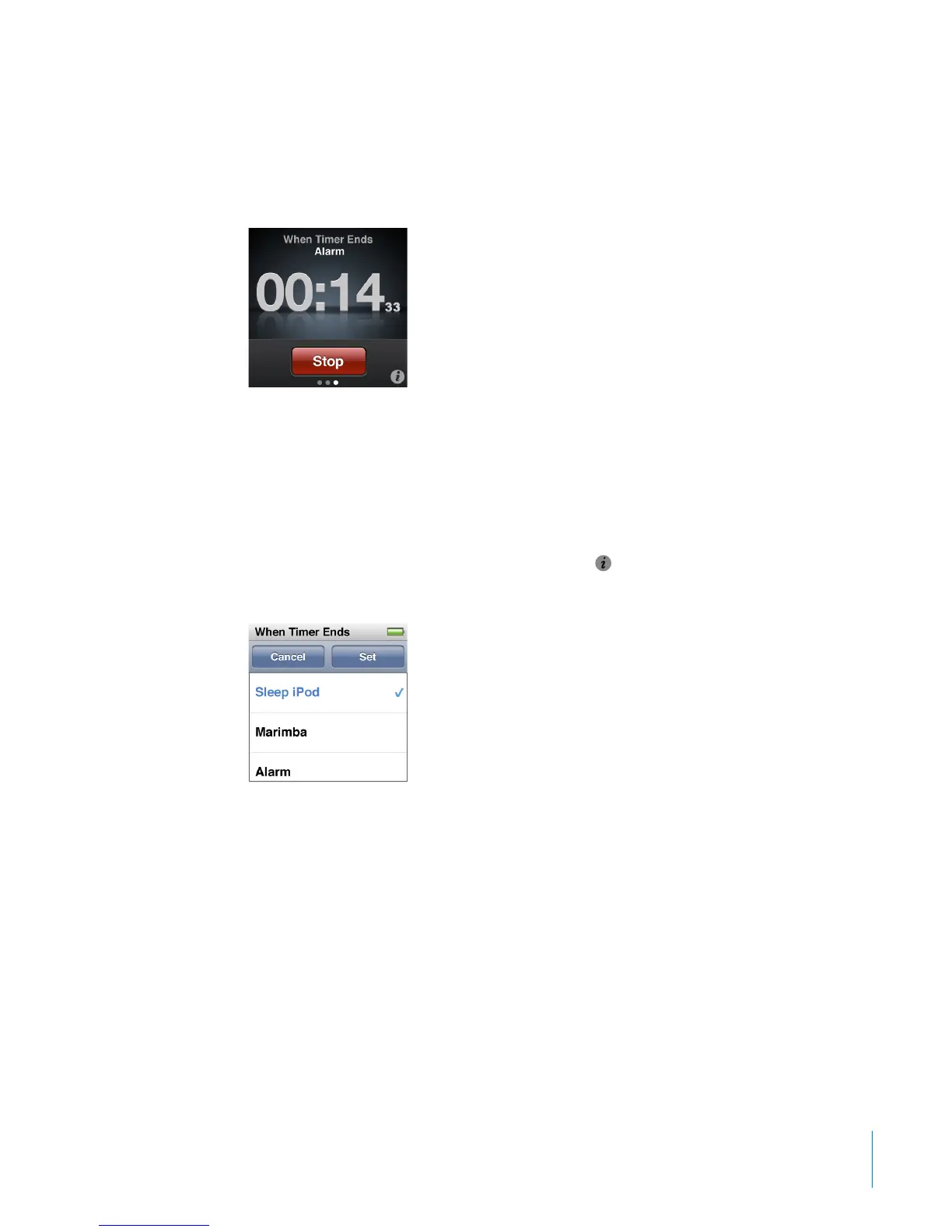
2 Swipe left twice to see the Timer controls.
3 Tap Stop.
You can set a sleep timer to turn o iPod nano automatically after playing music or
other content for a specied period of time.
To set the sleep timer:
1 On the Home screen, tap Clock.
2 Swipe left twice to see the Timer controls.
3 Flick to set the hours and minutes, and then tap
.
4 Tap Sleep iPod, and then tap Set.
5 Tap Start when you’re ready to start the timer.
59
Chapter 9 Other Features



 To Next Page