Swipe
EJ
~mescreen
Till-TOUCh
TngCOnlrOls
~
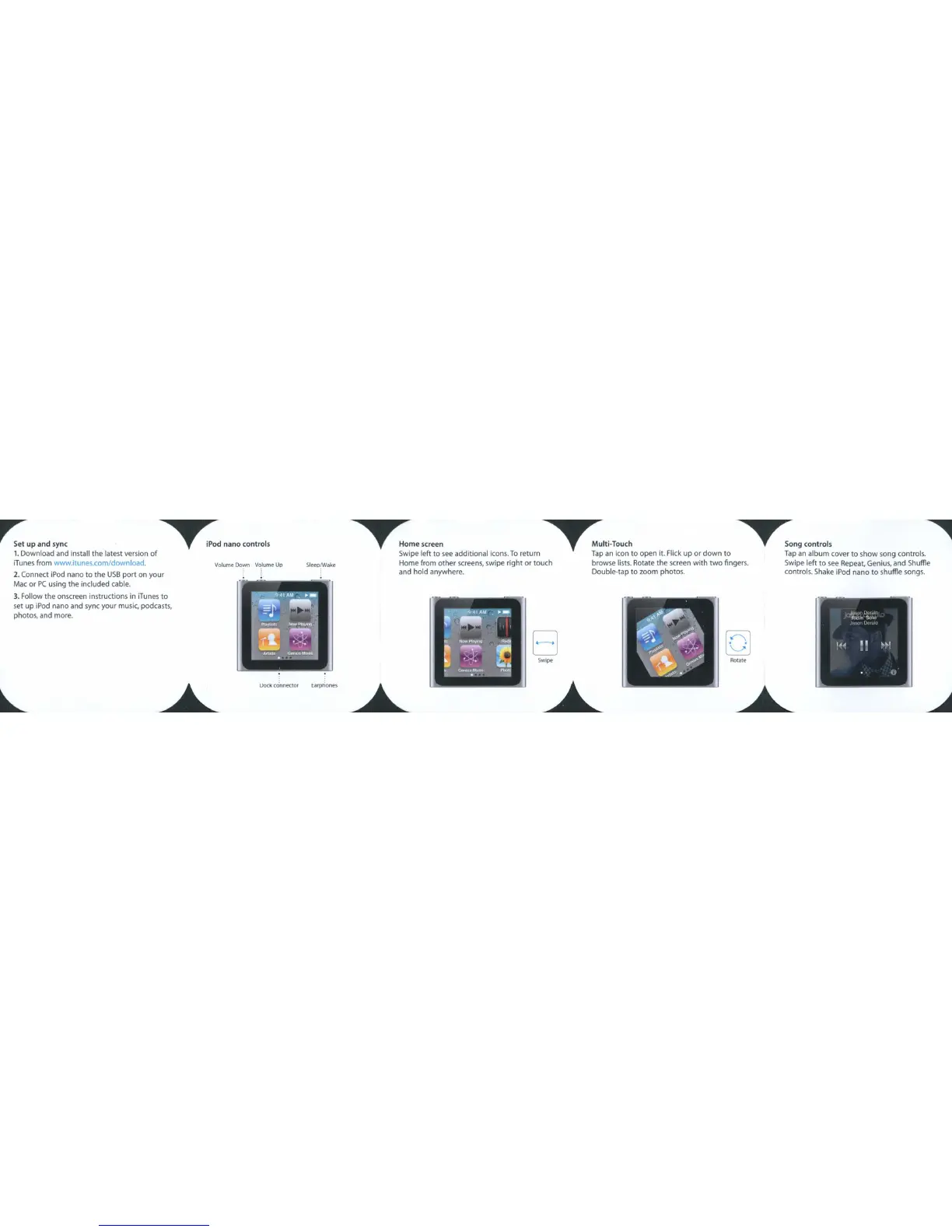
Swipe
left to
see
additional
icons.
To
return
Tap
an
icon to open it. Flick up or down to
Tap
an
album cover to show song controls.
Home from other
screens,
swipe right or touch browse
lists.
Rotate the
screen
with two fingers.
Swipe
left to
see
Repeat,
Genius,
and Shuffle
and hold anywhere. Double-tap to zoom photos. controls.
Shake
iPod
nana to shuffle
songs.
Sleep~ake
Dock
connector
Earphones
Volume Down
Vo.lume
Up
2. Connect iPod nana
to
the
USB
port
on
your
Mac
or
PC
using
the
included cable.
3.
Follow
the
onscreen instructions in iTunes
to
set
up
iPod nana and sync
your
music, podcasts,
photos, and more.
r::
up and sync
~d
nano conlrols
1.
Download and install
the
latest version
of
iTunes from www.itunes.com/download.



 To Next Page