~us
~adjO
~OmHOmeSCreens
~nmore
~
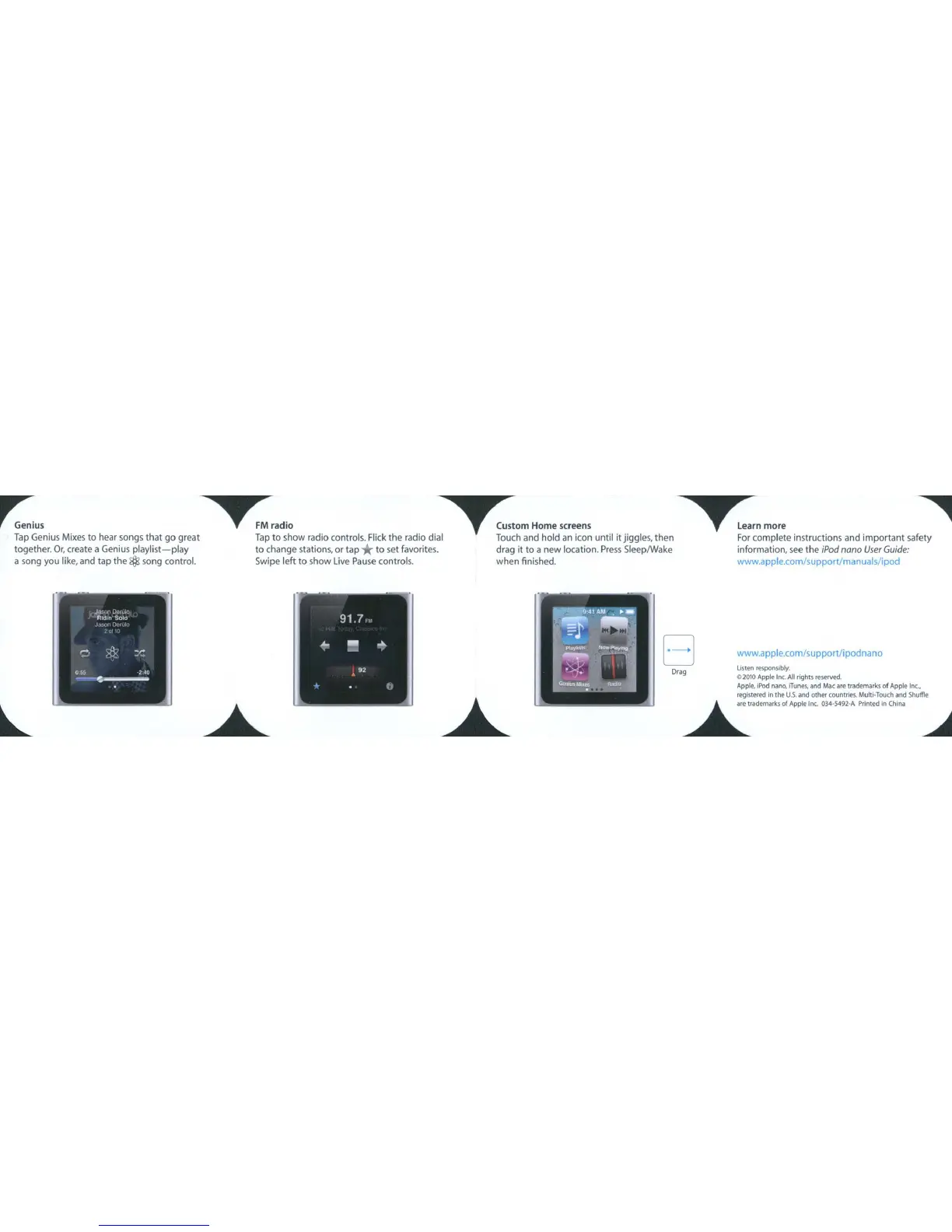
Tap
Genius Mixes to hear songs that
go
great
Tap
to show radio controls. Flick the radio dial Touch and hold
an
icon until it jiggles, then
For
complete instructions and important safety
together.
Or,
create a Genius
playlist-play
to
change
stations, or
tap
*
to
set favorites. drag it
to
a new location. Press SleeplWake information, see
the
iPod
nona
User
Guide:
a song you like,
and
tap the $ song control. Swipe left to show live
Pause
controls. when finished. www.apple.com/supportJmanuals/ipod
www.apple.com/supportlipodnano
listen
responsibly.
02010 Apple
11'1(.
All
rights reserwd.
Apple. iPod nana,
iTunes,
and Mac are trildemarkli
of
Apple In<
..
registered
in
the
U.s.
and
other
coun!ries. MultI-Touch
and
Shuffle
~",.m.""
of
Appl.loc. 034-5492-A
Prim'"
i,
Chi"
~
Drag
EJ



 To Next Page