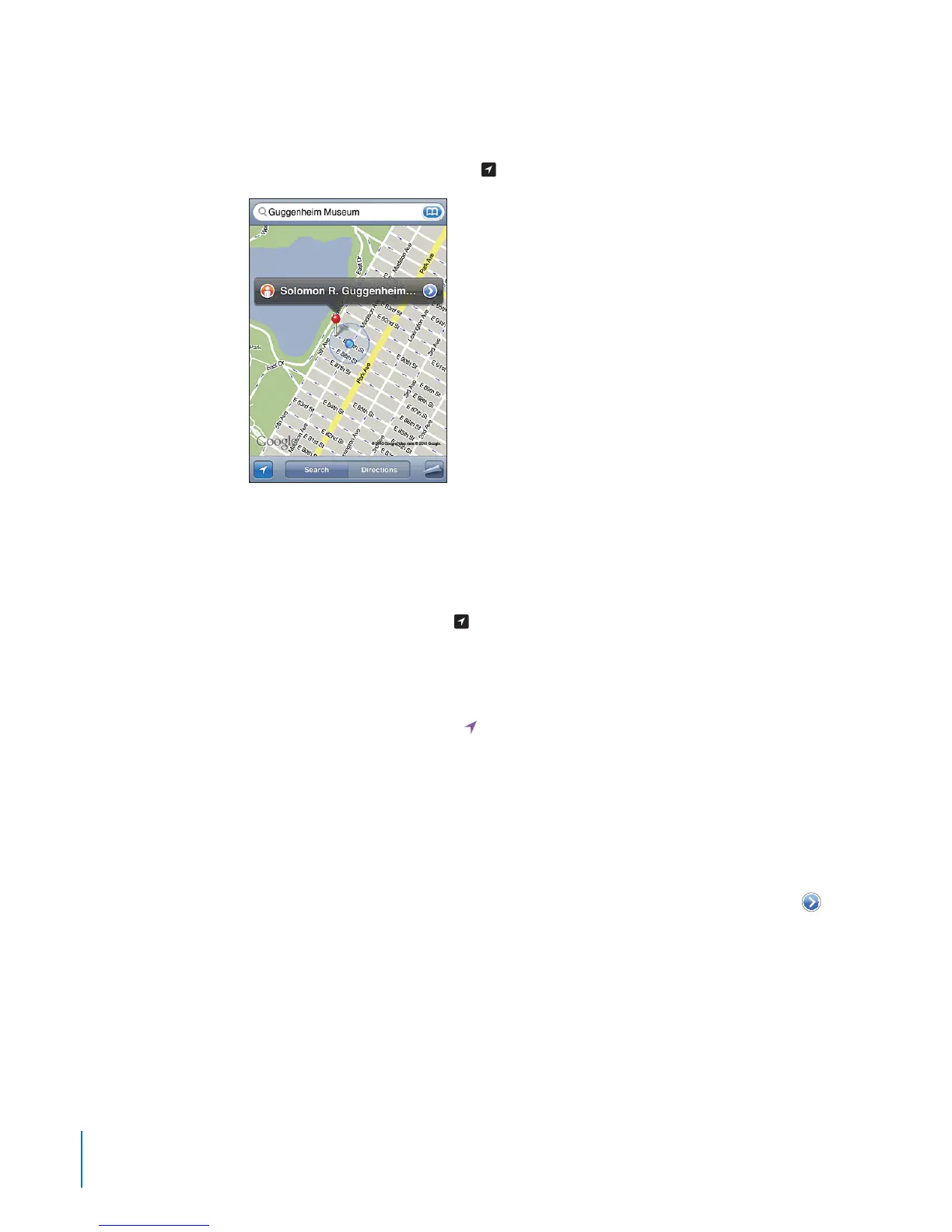
Finding Your Current Location
A quick tap nds your current (approximate) location.
Find your current location: Tap
Your current location is indicated by a blue marker. If your location can’t be
determined precisely, a blue circle also appears around the marker. The size of the
circle depends on how precisely your location can be determined—the smaller the
circle, the greater the precision.
If you drag the map and tap
again, iPod touch centers the map back to your
approximate location.
iPod touch uses location services to determine your location. Location services uses
available information from local Wi-Fi networks (if you have Wi-Fi turned on). When an
app is using location services,
appears in the status bar. Location services may not
be available in all countries or regions.
If location services is turned o, you’ll be prompted to turn it on. You can’t nd your
current location if location services is turned o. See “Location Services” on page 159.
To conserve battery life, turn location services o when you’re not using it. In Settings,
choose General > Location Services.
Get information about your current location: Tap the blue marker, then tap
.
iPod touch displays the address of your current location, if available. You can use this
information to:
Get directions
Add the location to contacts
Send the address via email
Bookmark the location
12 0
Chapter 15 Maps



 To Next Page