Marking a Location with the Drop Pin
The drop pin lets you mark a location by hand.
Mark a location: Touch and hold the location on the map.
The drop pin appears where you’re touching the map.
Move the drop pin: Touch and hold, then drag the pin to a new location, or touch and
hold a new location until a new pin drops, replacing the previous one.
Satellite and Street Views
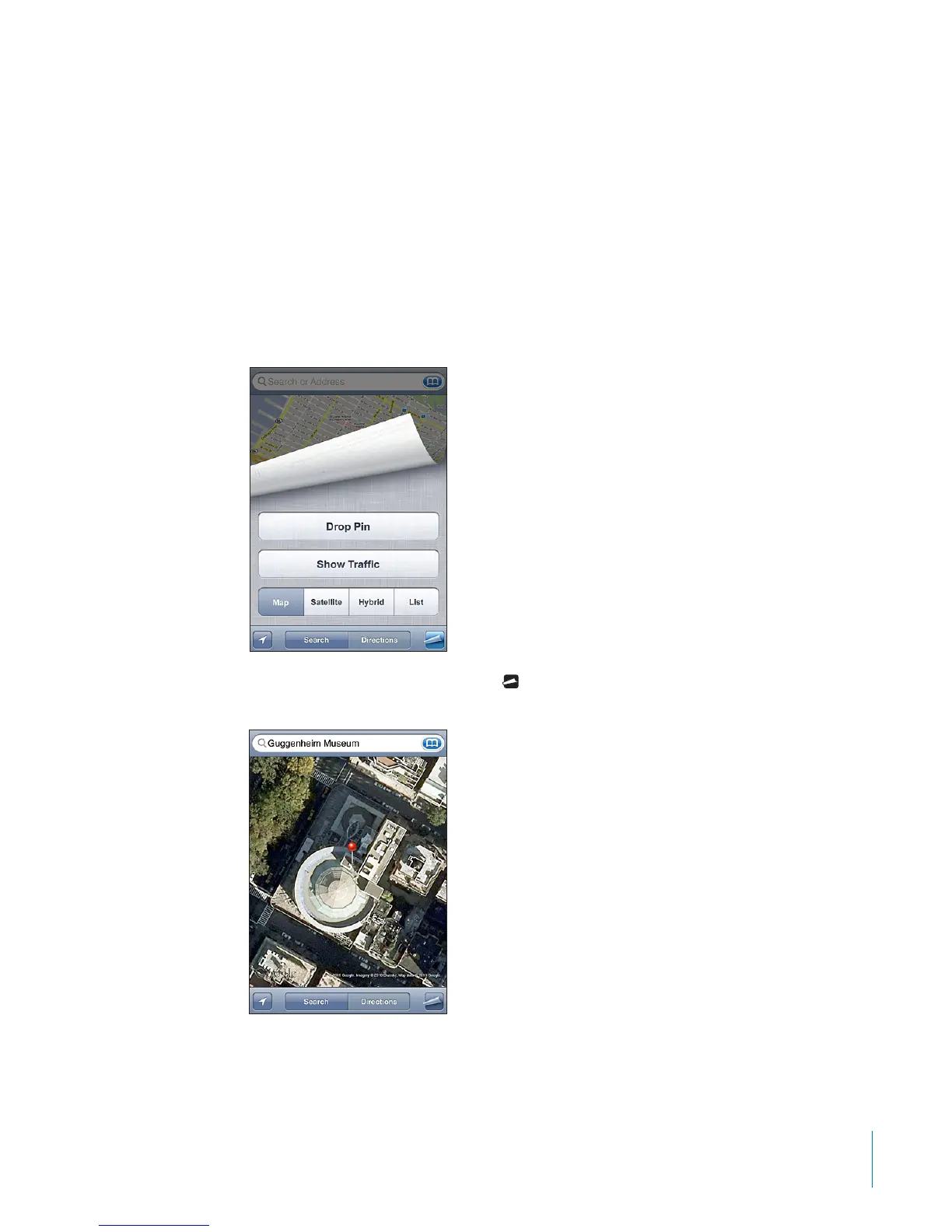
You can see a satellite view of a map, or a combined satellite and street map view. You
can also see a Google Street View of a location.
See a satellite or hybrid view: Tap then tap Satellite or Hybrid to see just a satellite
view or a combined street map and satellite view.
To return to map view, tap Map.
121
Chapter 15 Maps



 To Next Page