Nike + iPod
25
Activating Nike + iPod
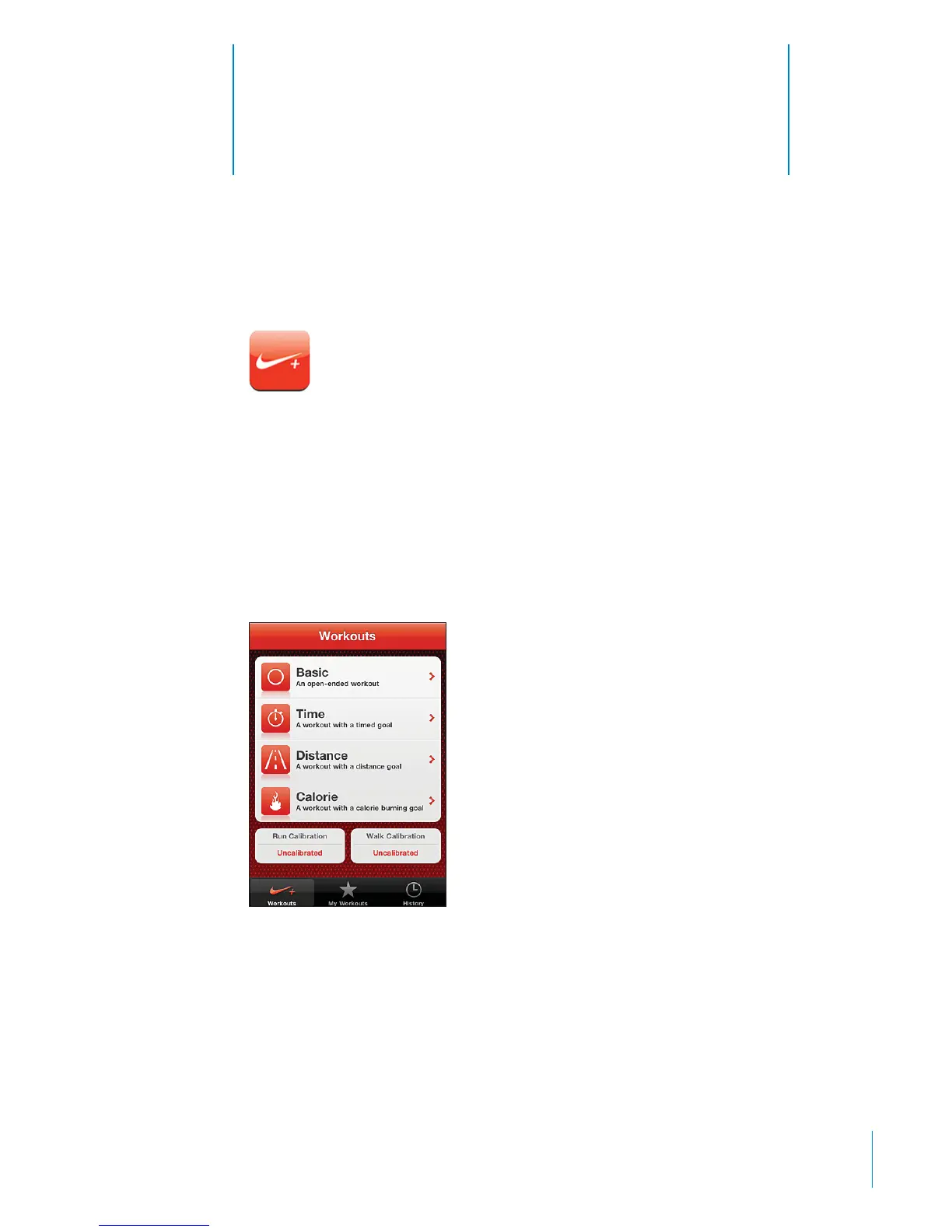
When turned on in Settings, the Nike + iPod app appears on the Home screen
(iPod touch 2nd generation or later). With a Nike + iPod Sensor (sold separately), the
Nike + iPod app provides audible feedback on your speed, distance, time elapsed,
and calories burned during a run or walk. You can send your workout information
to nikeplus.com, where you can track your progress, set goals, and participate
in challenges.
Turn Nike + iPod on or o: In Settings, choose Nike + iPod and turn Nike + iPod on or
o. When Nike + iPod is turned on, its app icon appears on the Home screen.
See the Nike + iPod documentation for information about setting up and using
Nike + iPod.
179



 To Next Page