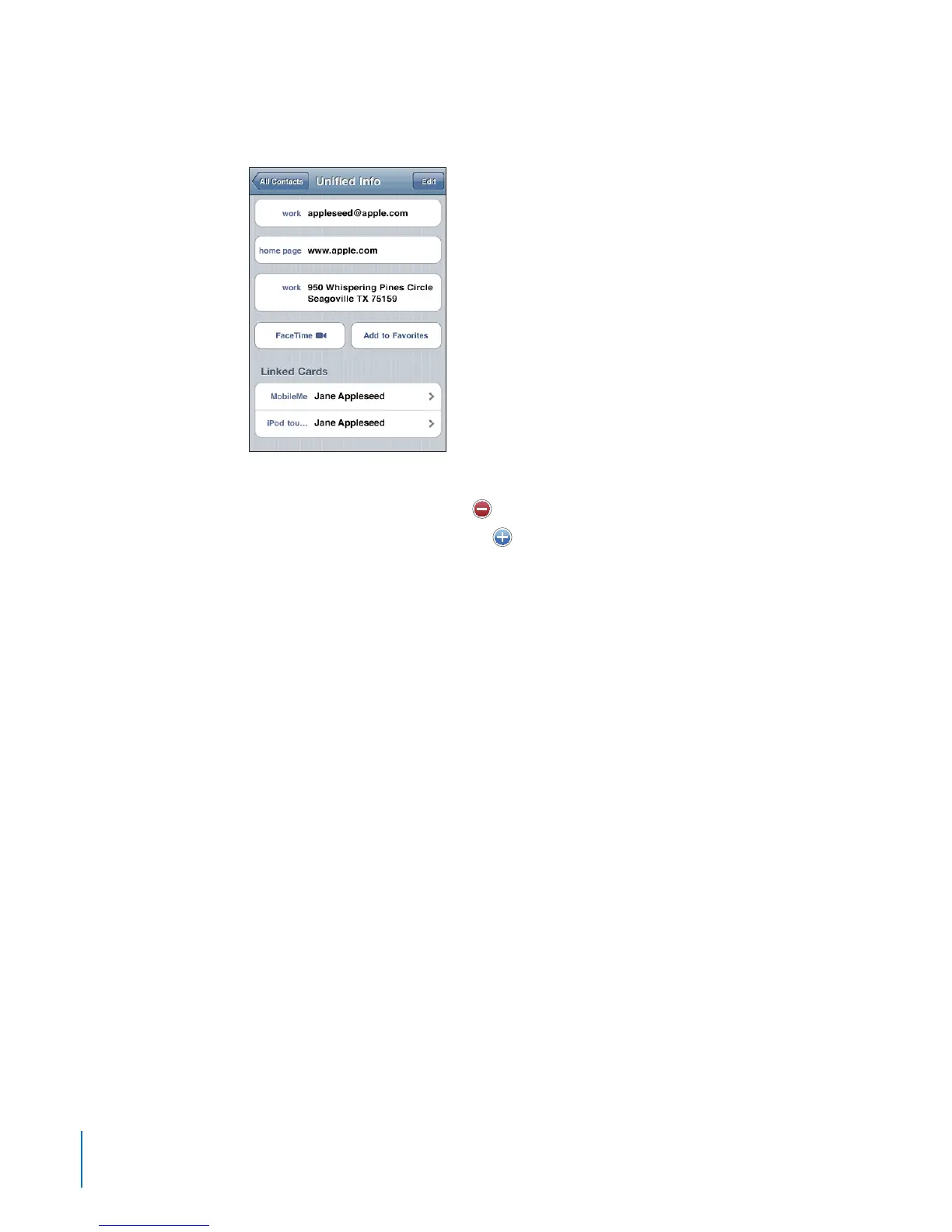
The source accounts of a unied contact appear at the bottom of the screen, under
Linked Cards.
View contact information for a source account: Tap one of the source accounts.
Unlink a contact: Tap Edit, tap
, then tap Unlink.
Link a contact: Tap Edit, then tap
and choose a contact.
If you link a new contact to a unied contact with a dierent rst or last name, the new
name is added to the name eld after a comma. For example, if you link an additional
contact named Elizabeth to a unied contact for Betty, the rst name eld shows
“Betty, Elizabeth.”
Linked contacts are not merged. Unless you edit a unied contact, the separate
contacts in the source accounts remain separate and unchanged. If you change
information in a unied contact, the changes are copied to each source account in
which that information already exists. If you add information to a unied contact, that
information is added to every source account.
Linked contact information also appears at the bottom of an individual contact’s Info
screen when it’s viewed from a specic account (as opposed to the All Contacts list),
which lets you see the Unied Info screen and each of the other linked contacts.
178
Chapter 24 Contacts



 To Next Page