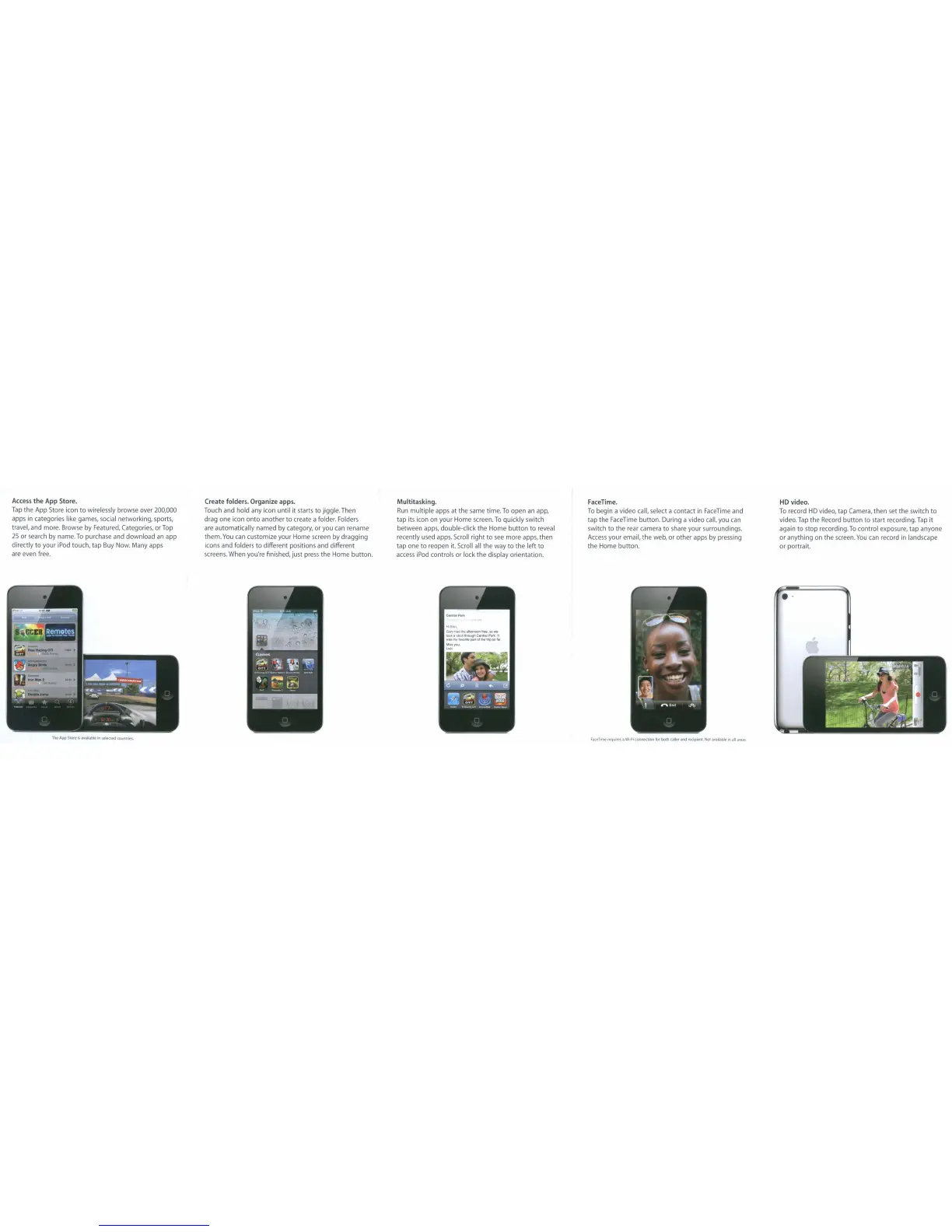
Access
the
App
Store.
Tap
the
App
Store icon
to
wirelessly browse over 200,000
apps in categories like games, social
networking,
sports,
travel,
and
more. Browse
by
Featured, Categories,
or
Top
25
or
search
by
name.
To
purchase and
download
an
app
directly
to
your
IPod
touch,
tap
Buy Now.
Many
apps
are even free.
TheAppStorrlsavailabk!lnselectedcountrles
Create
folders.
Organize
apps.
Touch
and
hold
any Icon
until
it
starts
to
jiggle. Then
drag
one
icon
onto
another
to
create a folder. Folders
are
automatically
named
by
category,
or
you can rename
them.
You
can customize
your
Home
screen
by
dragging
icons
and
folders
to
different positions and
different
screens. When you're finished,
just
press
the
Home
button.
Multitasking.
Run
multiple
apps
at
the
same time.
To
open
an app,
tap
its icon on
your
Home
screen.
To
quickly
switch
between
apps, double-click
the
Home
button
to
reveal
recently used apps. Scroll
right
to
see
more
apps,
then
tap
one
to
reopen it. Scroll all
the
way
to
the
left
to
access iPod controls
or
lock
the
display
orientation.
FaceTime.
To
begin
a
video
call, select a
contact
in FaceTime and
tap the
FaceTime
button.
During
a
video
call, you can
switch
to
the
rear camera
to
share
your
surroundings.
Access
your
email,
the
web,
or
other
apps
by
pressing
the
Home
button.
FKenme
requifl"lo
a Wl-fl connK'l1on for
both
ulk'r
arid ,eclplf'nt. Not ,vllllable
In
all
ilrea~
HD
video.
To record HD video, tap Camera,
then
set
the
switch
to
video.
Tap
the
Record
button
to
start recording. Tap
it
again
to
stop
recording.
To
control
exposure,
tap
anyone
or
anything
on
the
screen.
You
can record in landscape
or
portrait.
..



 To Next Page