Xserve Logic Board -
5
Dual-Slot Riser
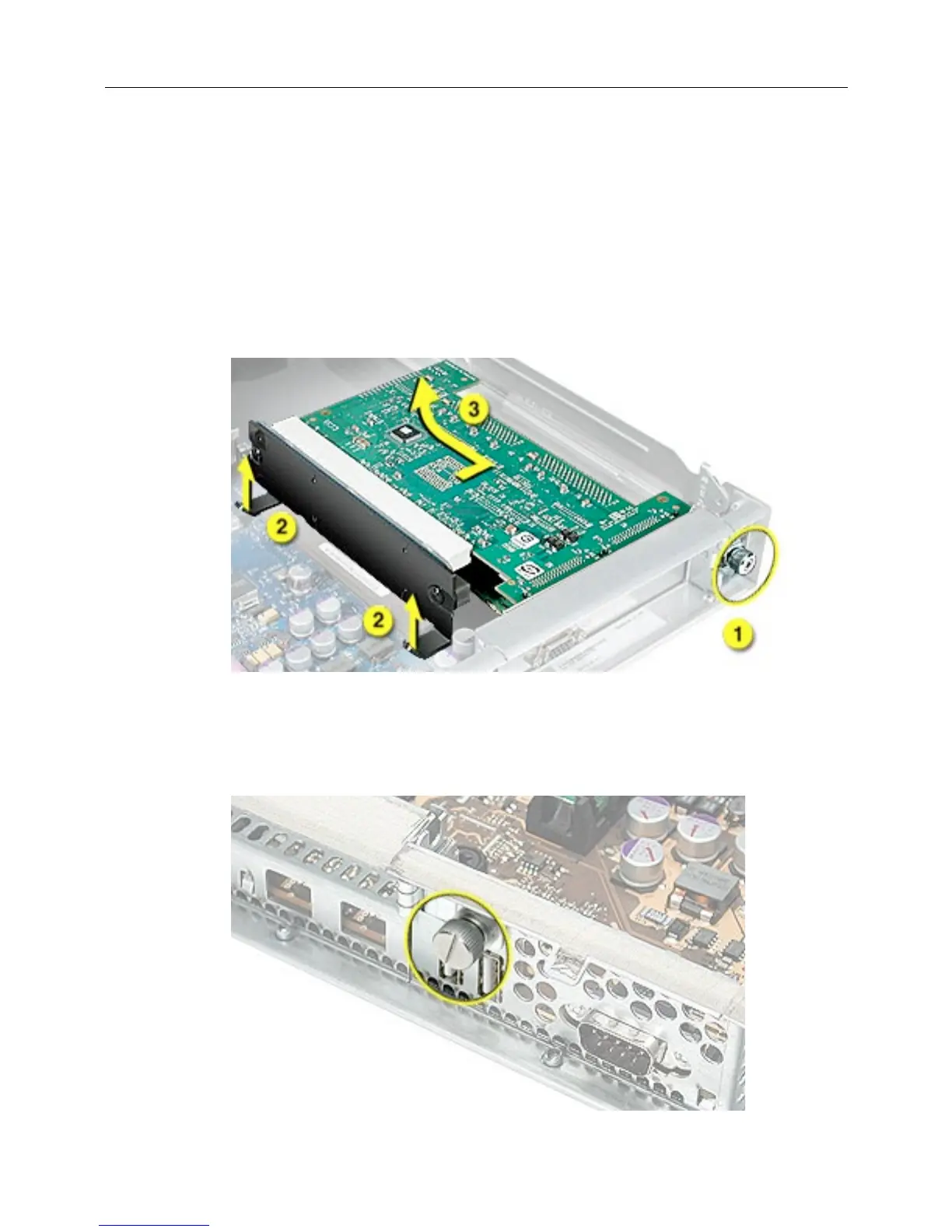
1. Release the thumb screw that secures the riser’s cards to the server.
(Figure 4)
2. If there are latches on either side of the riser, lift them slightly to release the riser from
the logic board.
3. Pull the riser a short distance to the side to disconnect it, and then tilt the riser and
attached cards up so that the card ports clear the enclosure. Remove the riser and
cards from the server.
Figure 4
Single-Slot Riser
1. Release the thumb screw that secures the card to the back of the server.
(Figure 5)
Figure 5



 To Next Page