Chapter 2 Getting to Know Your Mac mini 27
Getting Answers Using Mac Help
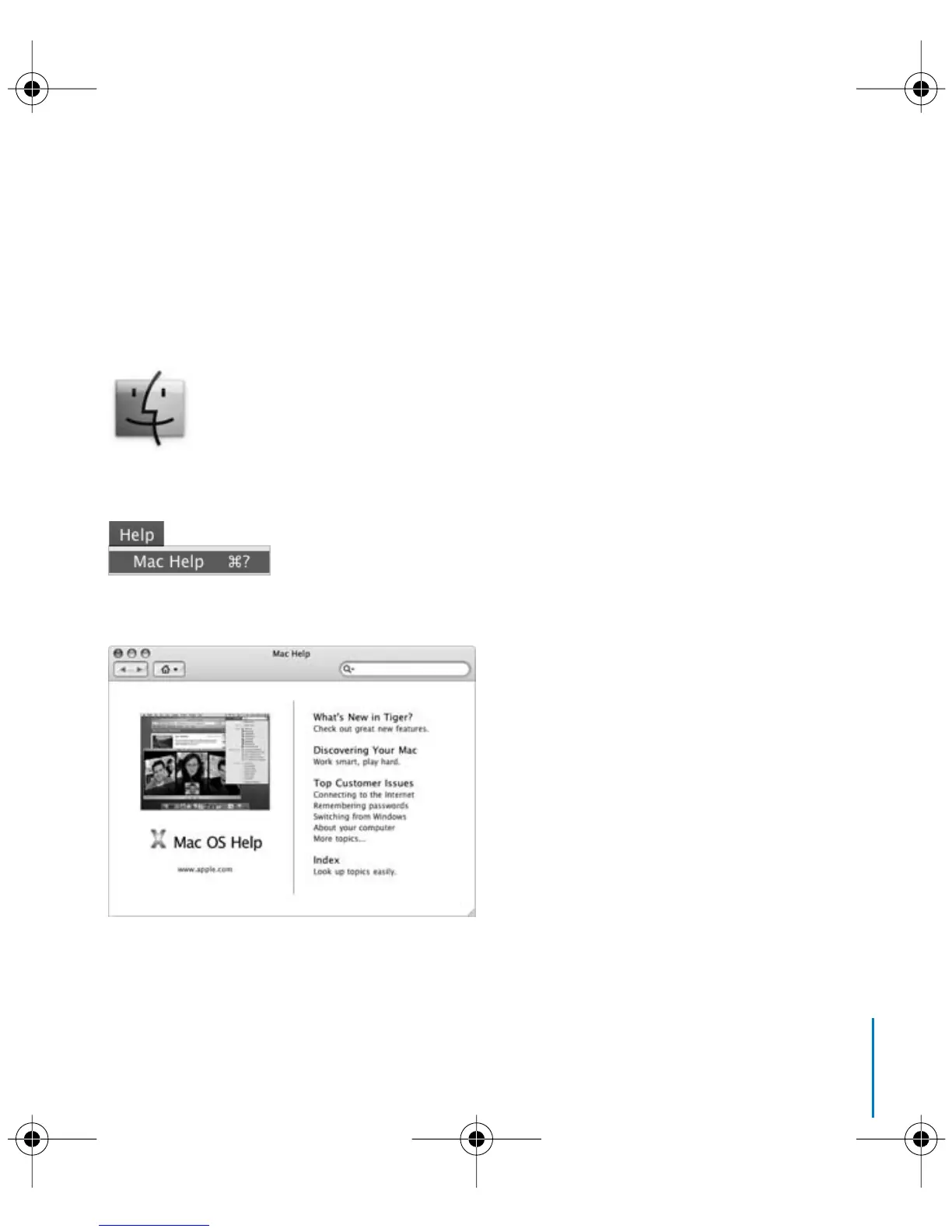
Most of the information about using your Mac is available in Mac Help.
To open Mac Help:
1 Click the Finder icon in the Dock (the group of icons along the edge of the screen).
2 Choose Help > Mac Help (click the Help menu in the menu bar and choose Mac Help).
3 Click in the search field, type a question, and press Return on your keyboard.
LL3734M40.book Page 27 Thursday, July 6, 2006 3:45 PM



 To Next Page