30 Chapter 2 Getting to Know Your Mac mini
Keeping Your Software Up to Date
You can connect to the Internet and automatically download and install the latest free
software versions, drivers, and other enhancements from Apple.
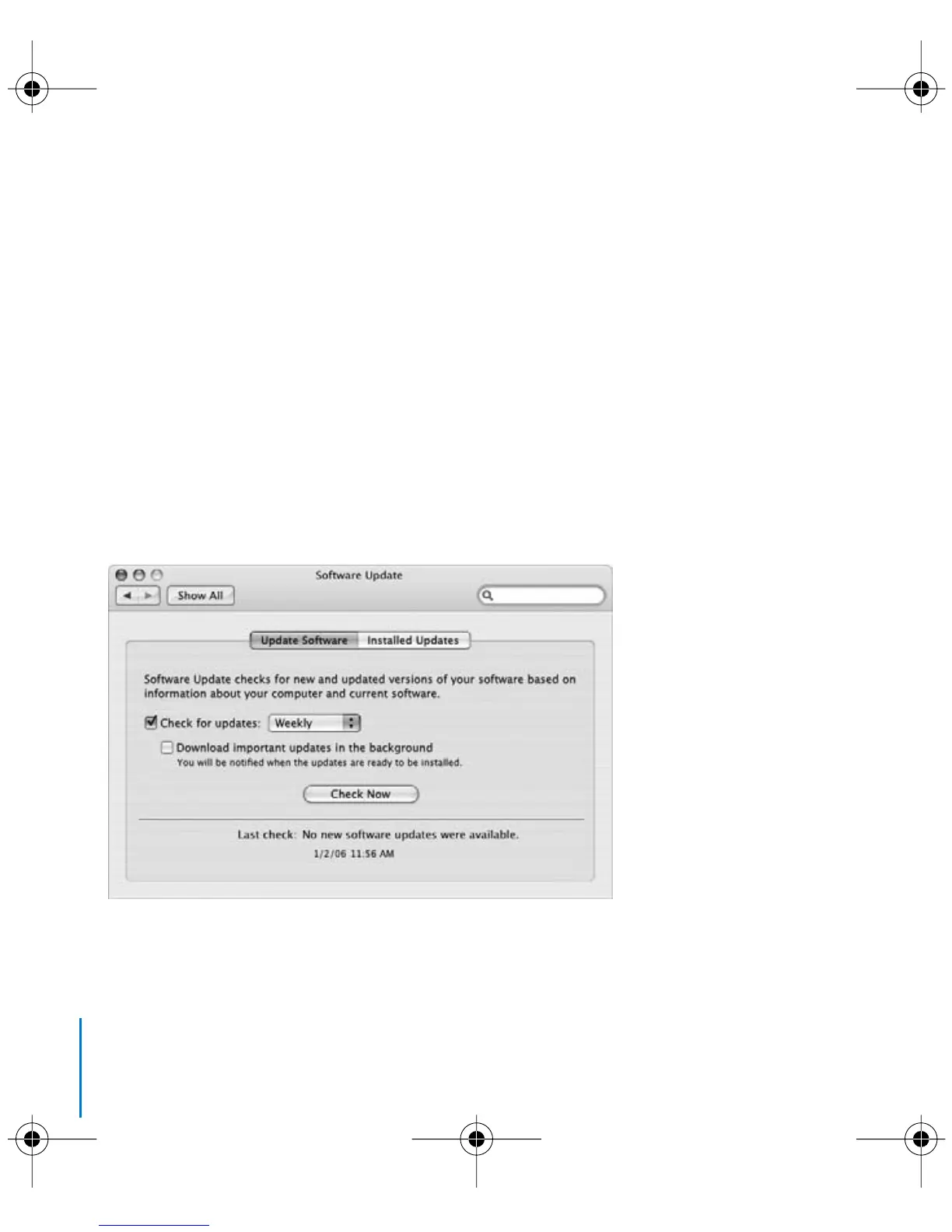
When you are connected to the Internet, Software Update checks Apple’s Internet
servers to see if any updates are available for your computer. Your Mac mini is set to
automatically check once a week but you can set it to check daily or monthly. You can
also check for updates yourself, at any time.
To check for updated software:
1 Open System Preferences.
2 Click the Software Update icon and follow the directions on the screen.
LL3734M40.book Page 30 Thursday, July 6, 2006 3:45 PM



 To Next Page