Chapter 2 Getting to Know Your Mac mini 33
Using Applications
Your Mac mini comes with iLife and other applications for sending email, surfing the
Internet, chatting online, organizing music and photos, making movies, and more.
For information, open an application and then open Mac Help for the application.
When an Application Doesn’t Respond
On rare occasions, an application may “freeze” on the screen. Mac OS X provides a way
to quit an application that’s not responding, without restarting your Mac mini. Quitting
a frozen application may allow you to save your work in other open applications.
To force an application to quit:
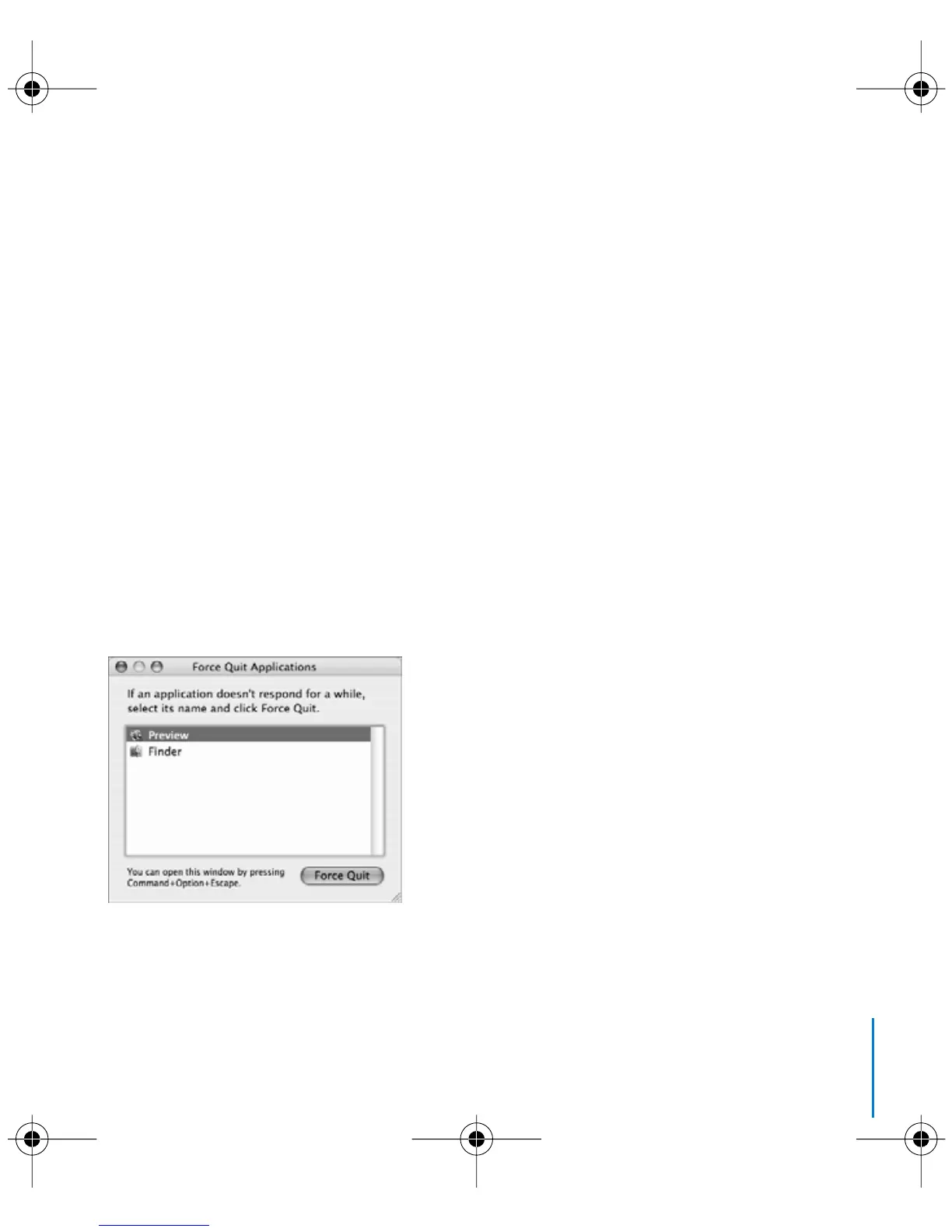
1 Choose Apple () > Force Quit or press Command (x)-Option-Esc on an
Apple keyboard.
The Force Quit Applications dialog appears with the application selected.
2 Click Force Quit.
The application quits, leaving all other applications open.
LL3734M40.book Page 33 Thursday, July 6, 2006 3:45 PM



 To Next Page